



 ACG
ACG
 Action
 Adventure
 Arcade
 BeautifulGirl
 Board
Board
 Card
Card
 Casual
 Chess
Chess
 Educational
 Horror
 Multiplayer
 Music
Music
 NSFW
NSFW
 Puzzle
 Racing
 Sports
 Strategy
 Survival
 Business
 Communication
 Education
 Entertainment
 Family
 News
News
 Photography
 Social
 SportsLive
 Tools
Tools
 Traffic
 Video&Music
 Weather




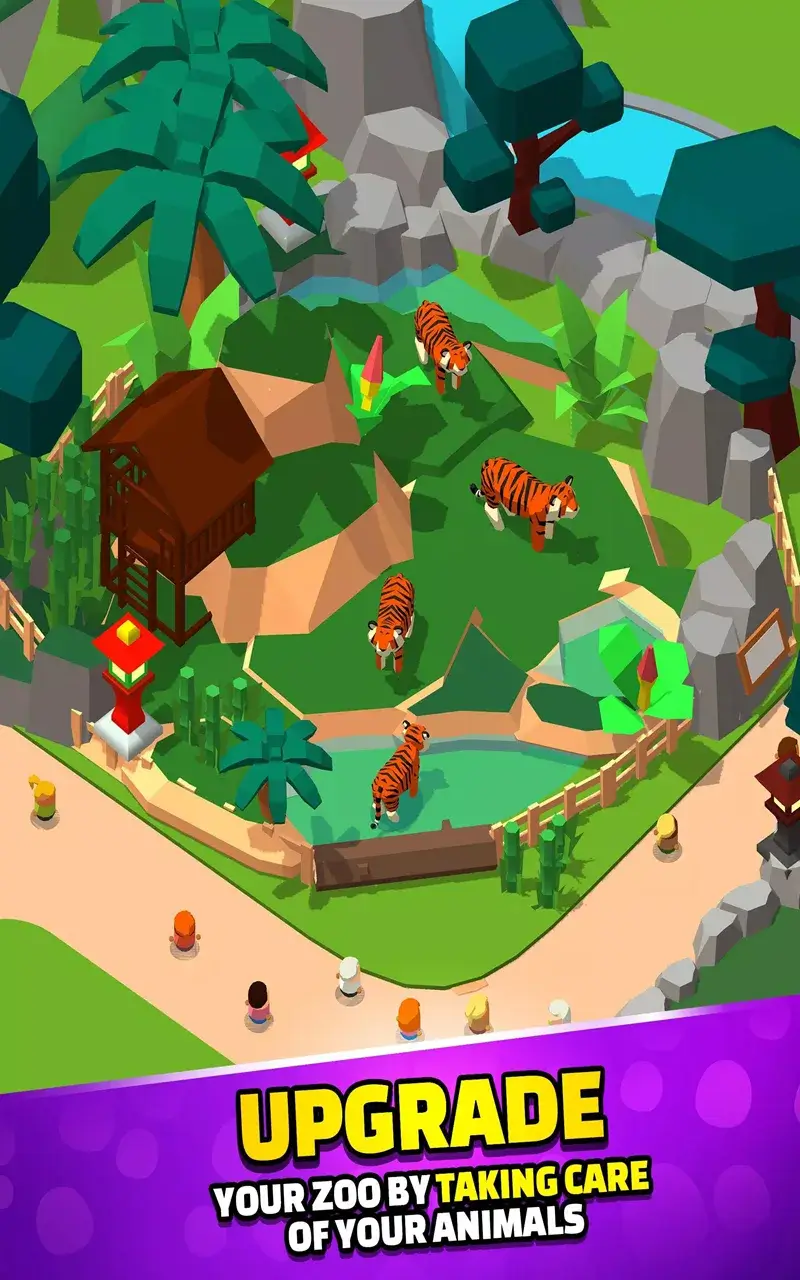
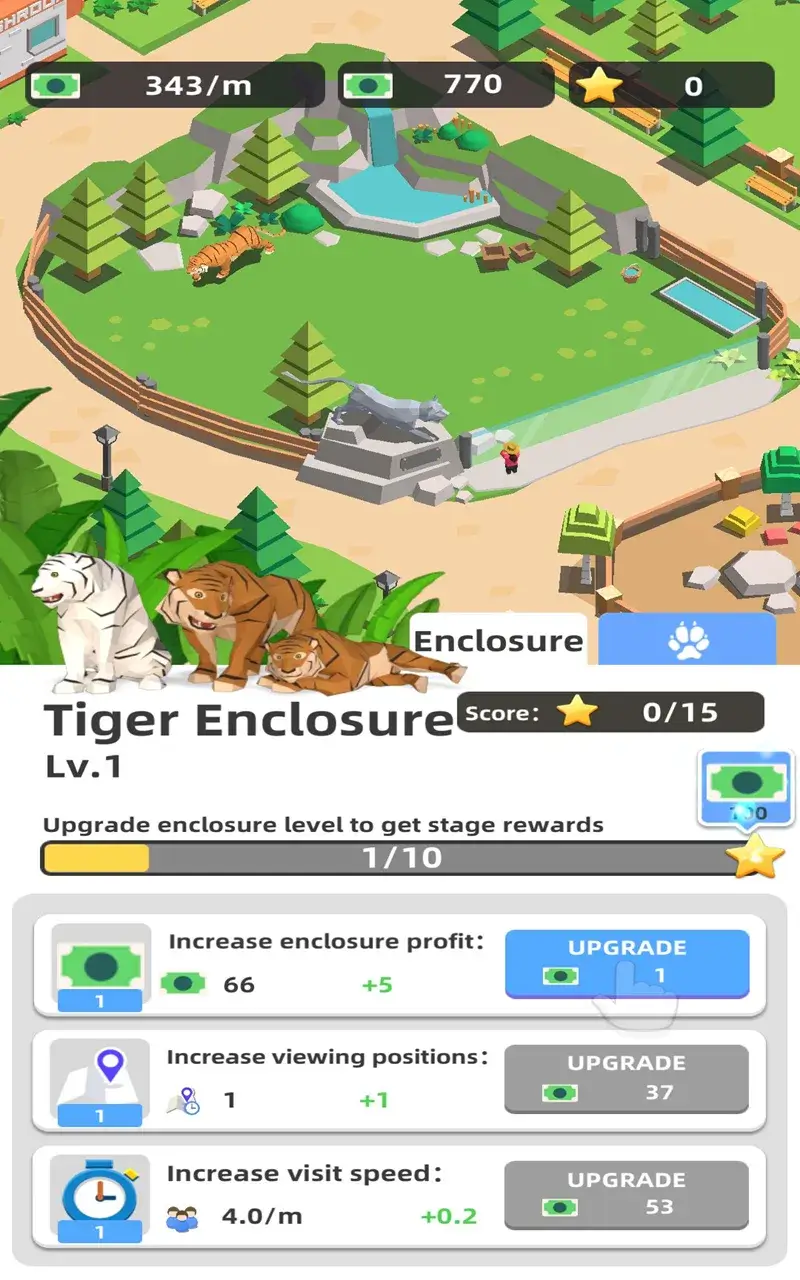
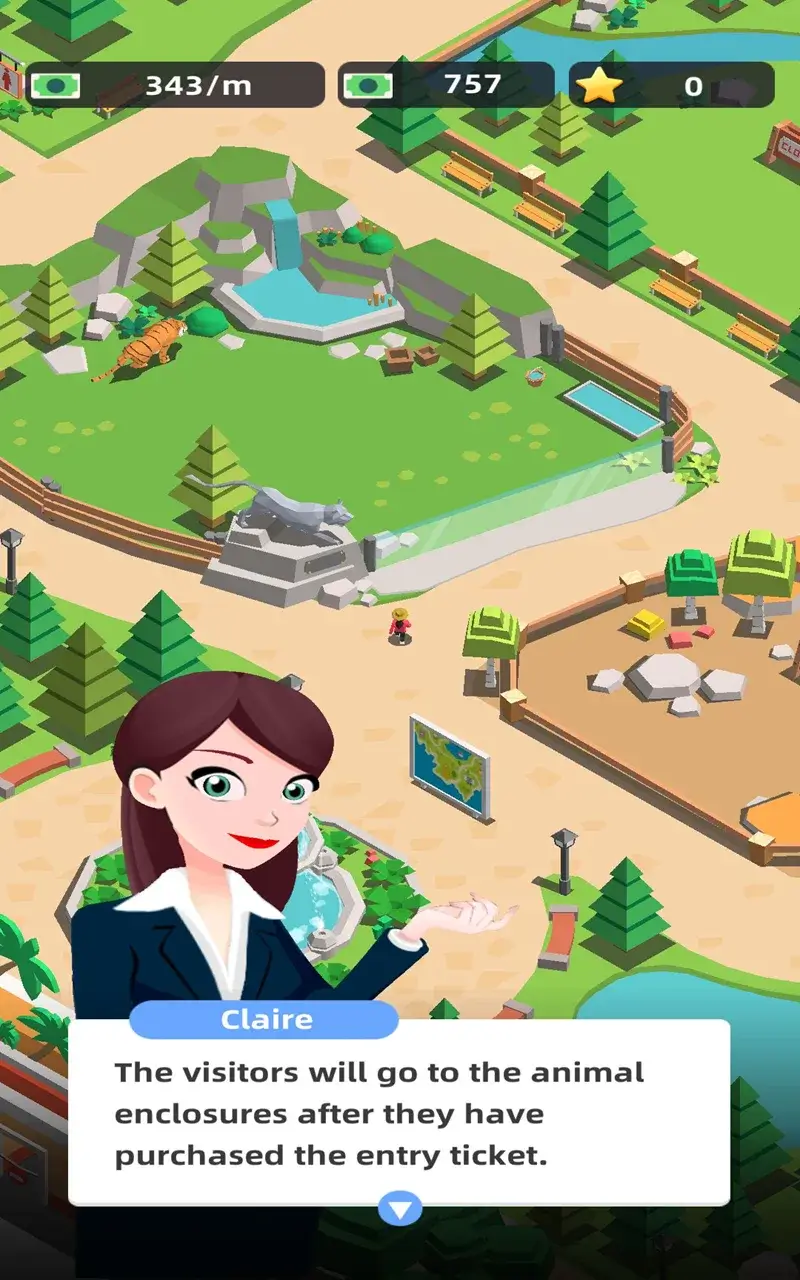
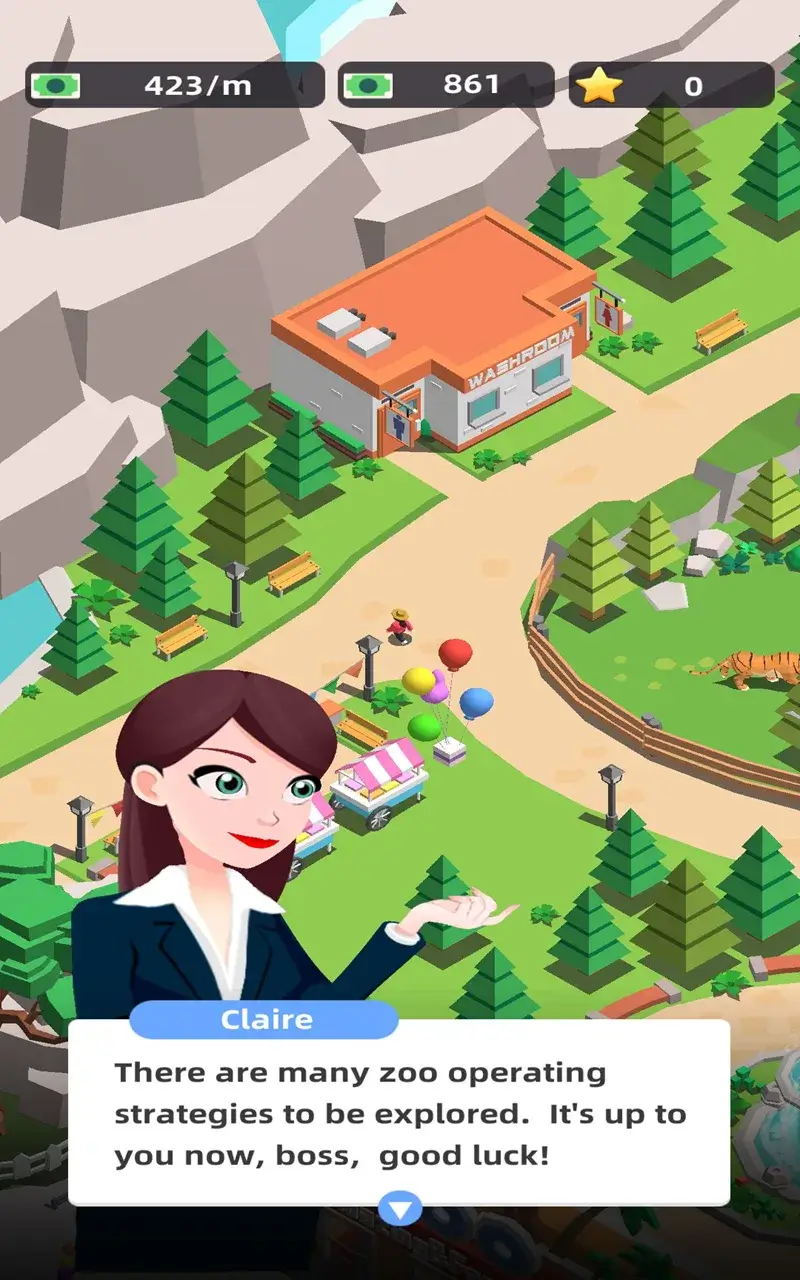
Zoo Quest Mod is a zoo management simulation game developed by Kabooshe Games. The player assumes the role of a zoo manager, responsible for animal care, staff management, facility development, and visitor satisfaction. The game presents a progression system where resources like money and stars are required to expand habitats, acquire new animals, and upgrade infrastructure. The mod APK version alters this core economic loop.
What This Mod Unlocks
- Mod Menu: An overlay interface accessible from within the game.
- Add Money: A function within the mod menu that instantly increases the player's in-game currency.
- Add Stars: A function within the mod menu that instantly increases the premium currency used for specific unlocks and speed-ups.
The primary modification is the injection of a floating mod menu. This menu contains two buttons: one to add a large quantity of standard currency and another to add premium stars. The standard Zoo Quest Mod gameplay involves grinding daily tasks and managing finances to grow the zoo. The mod removes this constraint entirely.
Activation of the mod features is straightforward. Upon launching Zoo Quest Mod, a semi-transparent button or icon appears on the screen, typically in a corner. Tapping this button opens the mod menu panel. From there, tapping 'Add Money' or 'Add Stars' will immediately credit the respective resource to the player's account. The increments are usually substantial, effectively rendering these resources infinite.
The APK requires Android 5.1 or higher. The installation file is approximately 73 MB, with additional data downloads likely upon first run. Root access is not required. The mod functions by patching the game's client-side resource validation, allowing local manipulation of values that would normally be server-verified in an online title. Zoo Quest Mod appears to be primarily a single-player experience, which facilitates this approach.
Installation follows the standard sideload process for modified APKs. First, enable 'Install from Unknown Sources' in the device's security settings. Second, download the Zoo Quest Mod mod APK file. Third, locate the downloaded file using a file manager and tap to install. Fourth, launch the game and confirm the mod menu is present.
Several edge cases exist. If the game receives a major update from the official store, the mod may become incompatible until it is updated. Clearing the app data for Zoo Quest Mod will reset all progression, including mod-granted resources, requiring the mod menu to be used again. As Zoo Quest Mod is an offline simulation, the risk of account ban is minimal compared to online multiplayer games. However, any future introduction of cloud save or online verification could break the mod's functionality or lead to detection.

