



 ACG
ACG
 Action
 Adventure
 Arcade
 BeautifulGirl
 Board
Board
 Card
Card
 Casual
 Chess
Chess
 Educational
 Horror
 Multiplayer
 Music
Music
 NSFW
NSFW
 Puzzle
 Racing
 Sports
 Strategy
 Survival
 Business
 Communication
 Education
 Entertainment
 Family
 News
News
 Photography
 Social
 SportsLive
 Tools
Tools
 Traffic
 Video&Music
 Weather


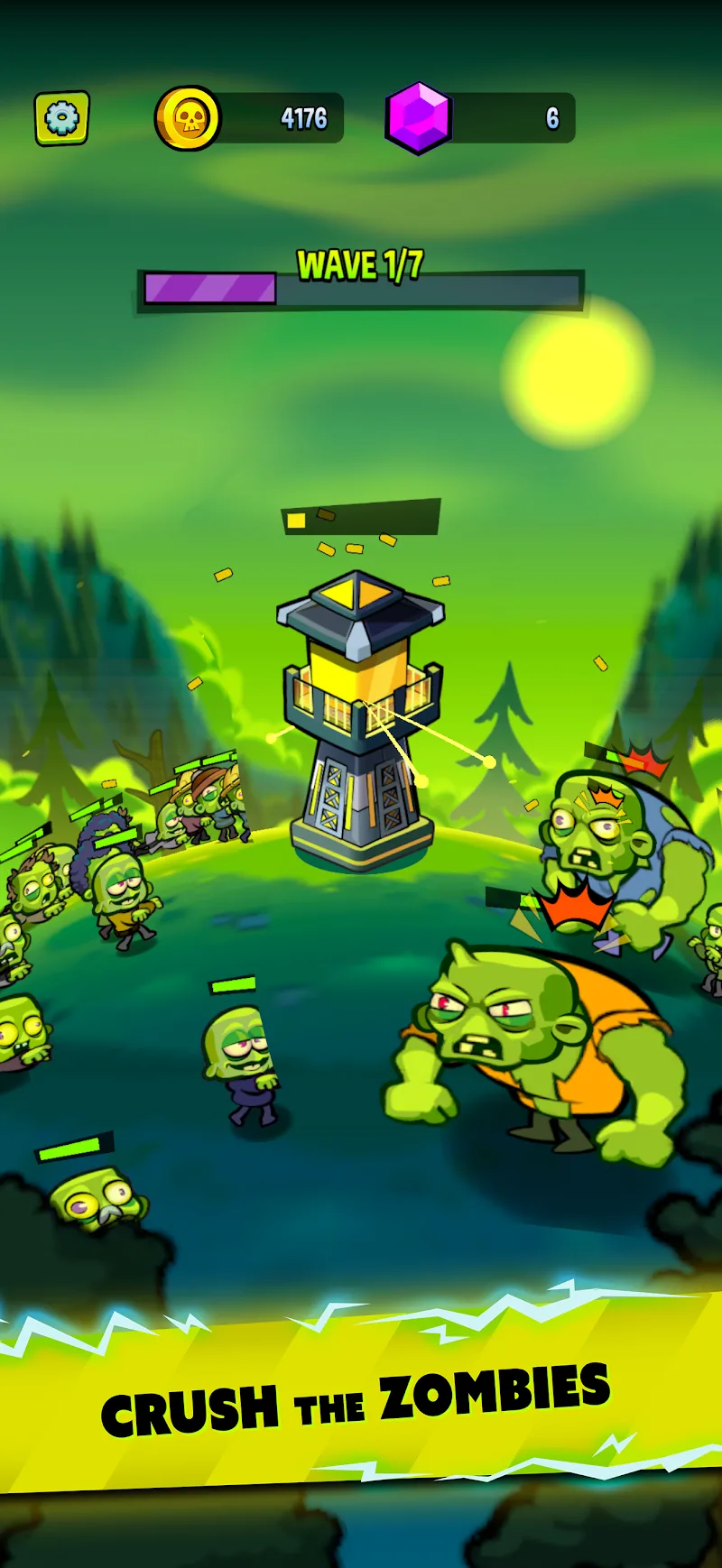
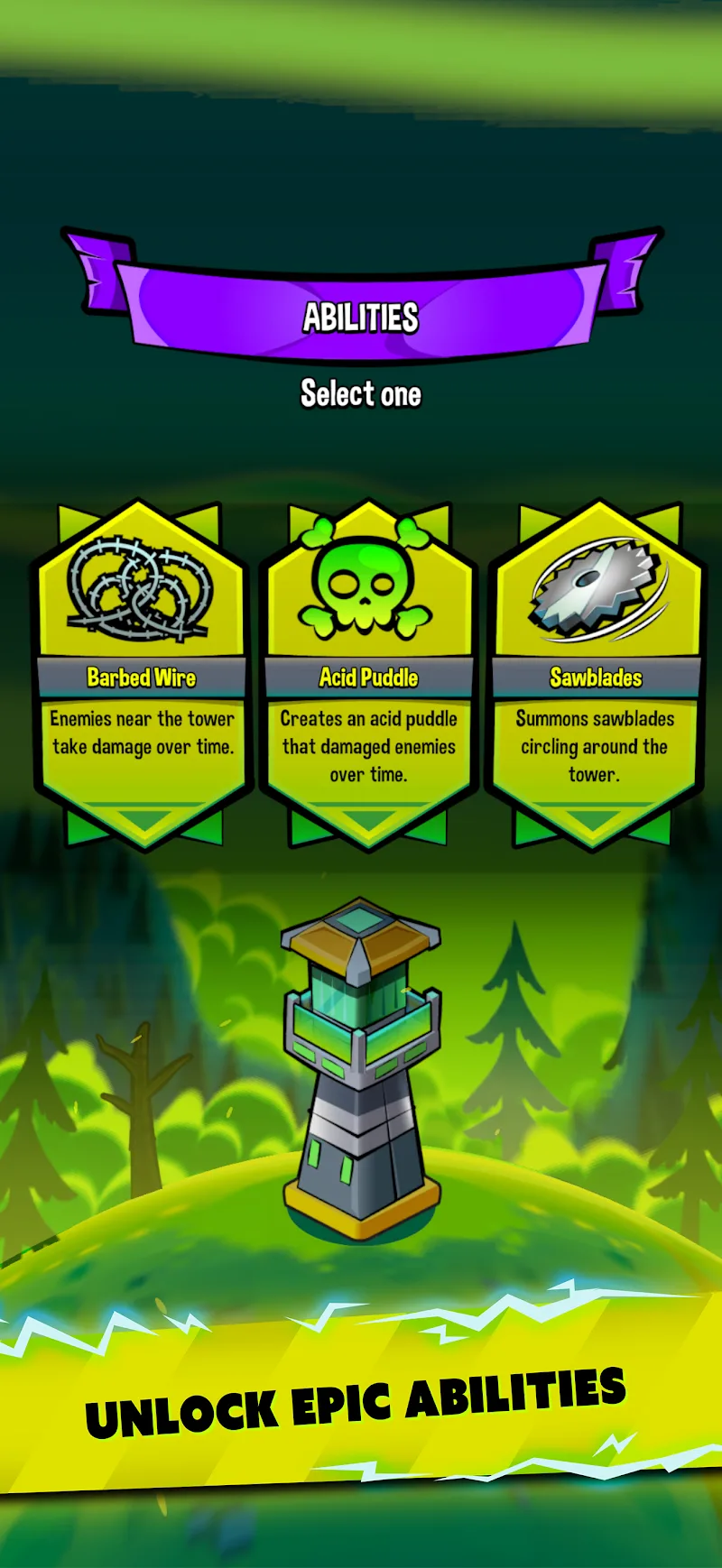
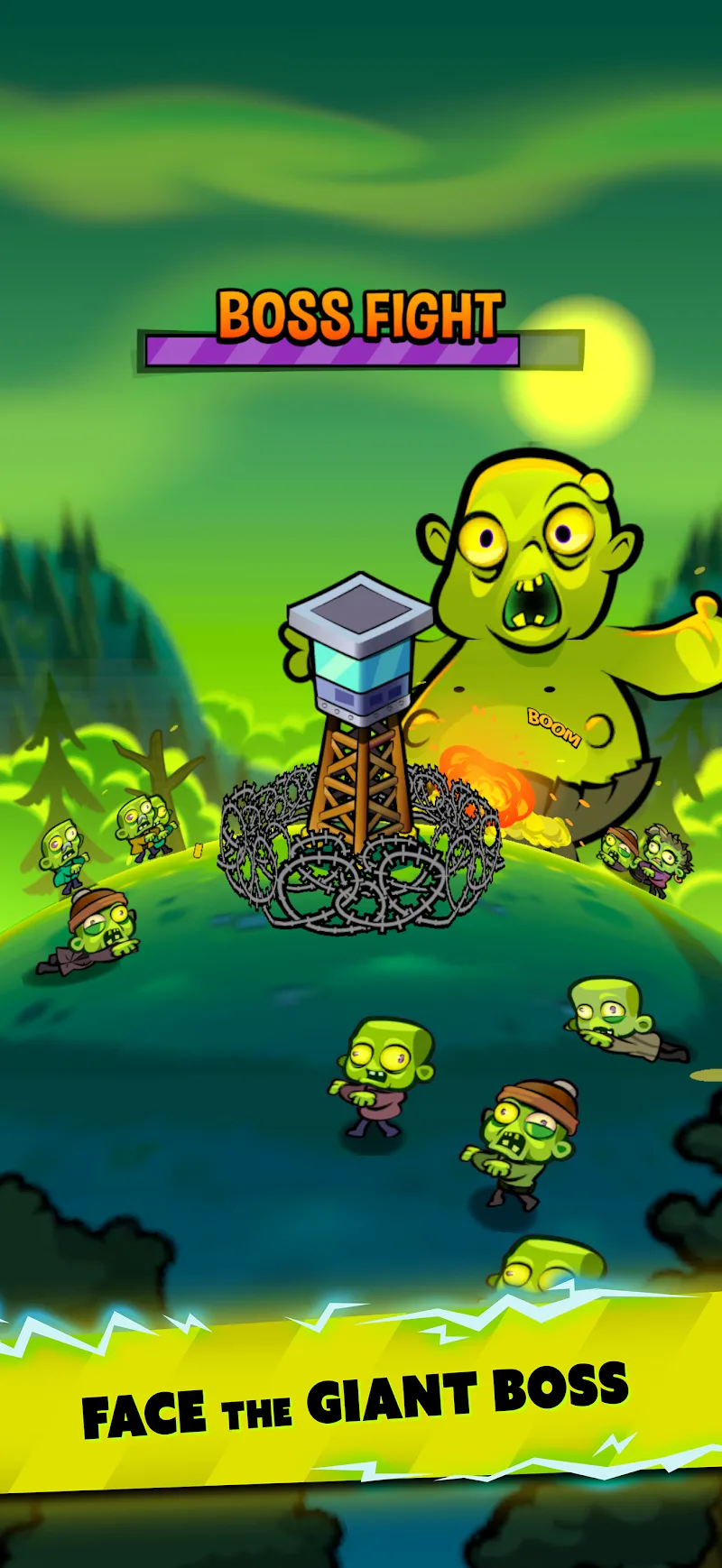
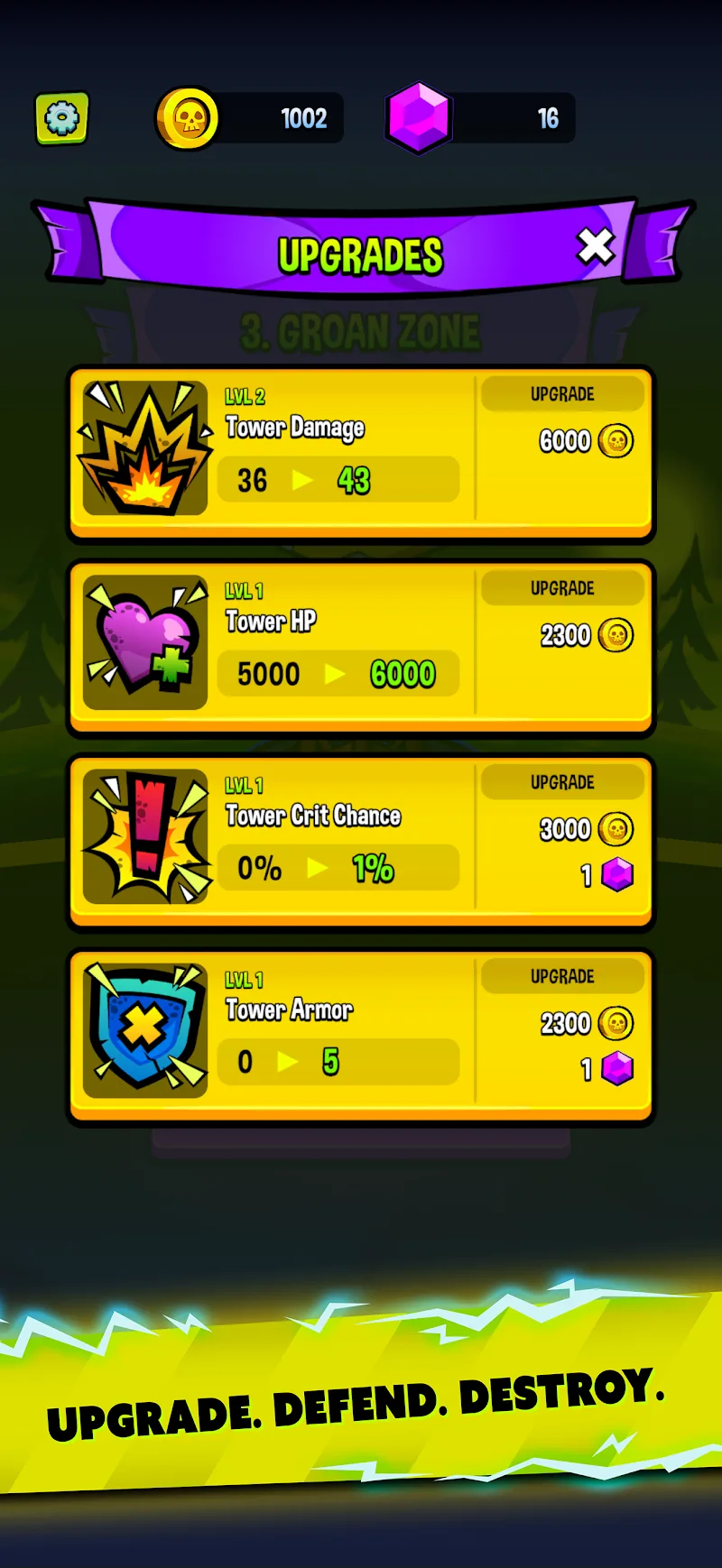
Zombie Zero Mod is a single-player survival tower defense game where the player defends an isolated watchtower from waves of advancing zombies. The core loop involves upgrading turret damage, attack speed, and defensive durability between waves, while manually deploying tactical support like barbed wire and airstrikes during combat. The game targets players who enjoy incremental defense upgrades and wave-based survival challenges within a minimalist, atmospheric setting.
What This Mod Unlocks
- Mod Menu: A toggle interface providing granular control over modded resources.
- Gold Multiplier: Gold currency increments are significantly increased, allowing for rapid tower and upgrade purchases.
- Gems Multiplier: Premium gem currency is amplified identically to gold, unlocking all gem-based upgrades instantly.
- All In-App Purchases Free: Any transaction requiring real-world currency is bypassed and granted without cost.
- Ads Disabled: All interstitial and reward video advertisements are removed from the game flow.
The mod menu is accessed via a semi-transparent button overlay on the game's main interface, typically in the top-left or top-right corner of the screen. Tapping this button reveals the toggle switches for gold, gems, and ad removal. The resources are applied in real-time upon toggling the switches; no app restart is required.
Zombie Zero Mod requires Android 4.4 or higher. The installation occupies approximately 85 MB of storage after decompression. Root access is not required for any mod functionality. The mod operates entirely within the app's sandbox.
Installation Steps
- Download the Zombie Zero Mod APK file from the provided source.
- Enable "Install from Unknown Sources" for your file manager or browser in Android Settings.
- Navigate to the downloaded file using a file manager app and tap to install.
- If Google Play Protect blocks installation, tap "More details" and then "Install anyway" (the label may vary by Android version).
- Launch Zombie Zero Mod and locate the mod menu overlay on the main screen.
Known Edge Cases
- The mod menu overlay may fail to render on some devices with aggressive screen overlays or accessibility services enabled; disabling these services temporarily can resolve the issue.
- Progress and unlocked upgrades are saved locally. Clearing the app data or uninstalling will reset all progression, including mod-aided upgrades.
- While Zombie Zero Mod is a single-player game, any future update introducing server-side validation for currency could break the mod's resource features.
- On Android 14 and above, the installation may require explicit user confirmation through a new security prompt; this is a standard OS feature, not an error.

