



 ACG
ACG
 Action
 Adventure
 Arcade
 BeautifulGirl
 Board
Board
 Card
Card
 Casual
 Chess
Chess
 Educational
 Horror
 Multiplayer
 Music
Music
 NSFW
NSFW
 Puzzle
 Racing
 Sports
 Strategy
 Survival
 Business
 Communication
 Education
 Entertainment
 Family
 News
News
 Photography
 Social
 SportsLive
 Tools
Tools
 Traffic
 Video&Music
 Weather



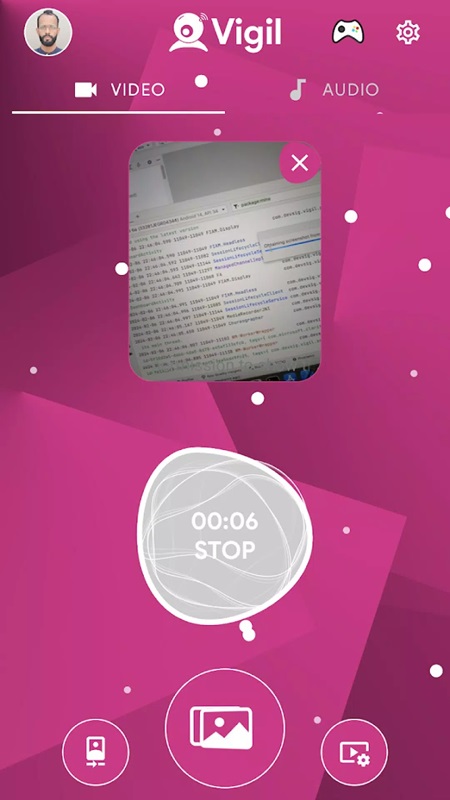
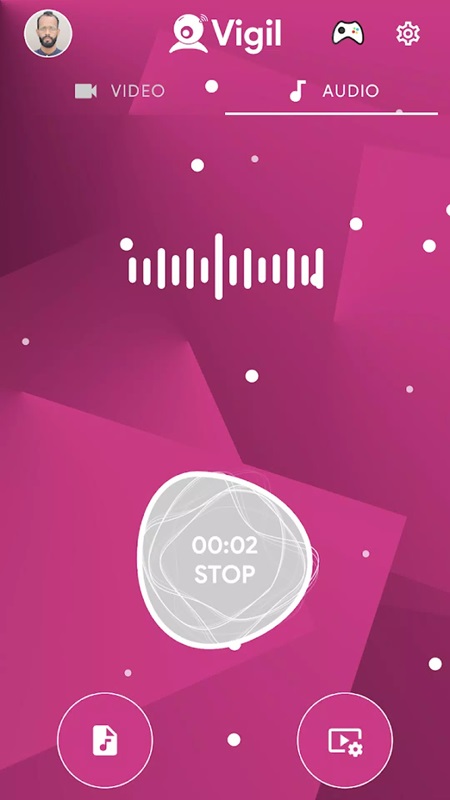
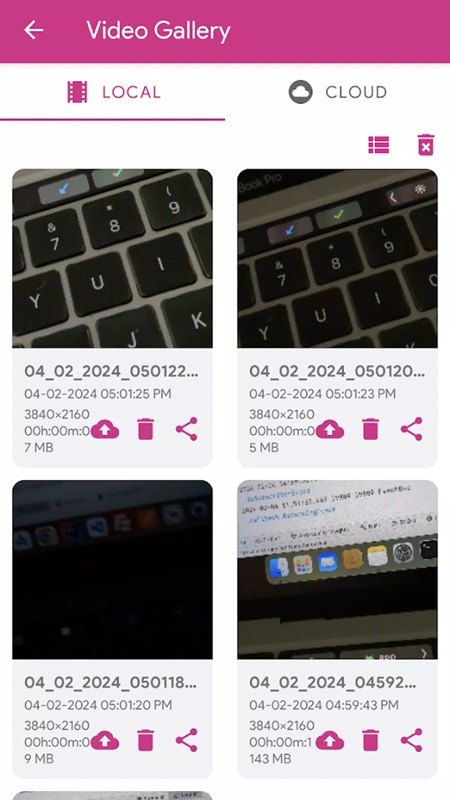
Vigil Mod is a utility application designed for discreet background video and audio recording on Android devices. It functions as a hidden camera tool, allowing capture to continue with the screen off or while other apps are in use. The target user is someone requiring unobtrusive recording for personal documentation, security, or note-taking purposes, without the visual or auditory indicators typical of standard camera apps. The Pro version adds configuration and storage features.
What This Mod Unlocks
- Pro version license unlocked, removing the paywall for premium features.
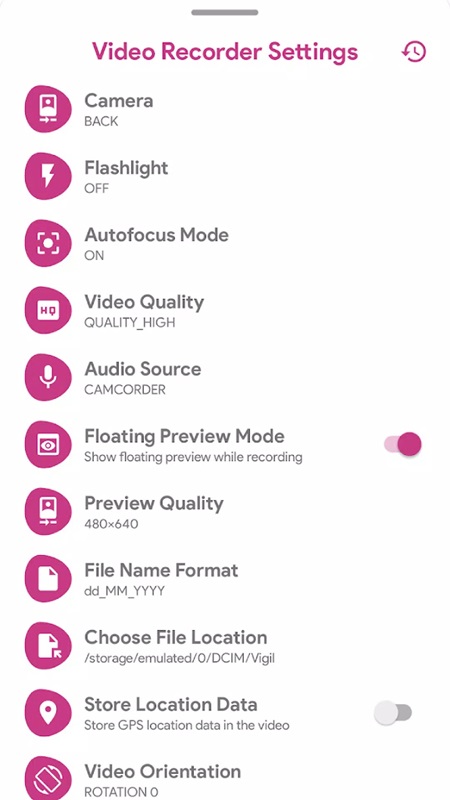
- All video resolution options (480p, 720p, 1080p, 2K/4K) are available without restriction.
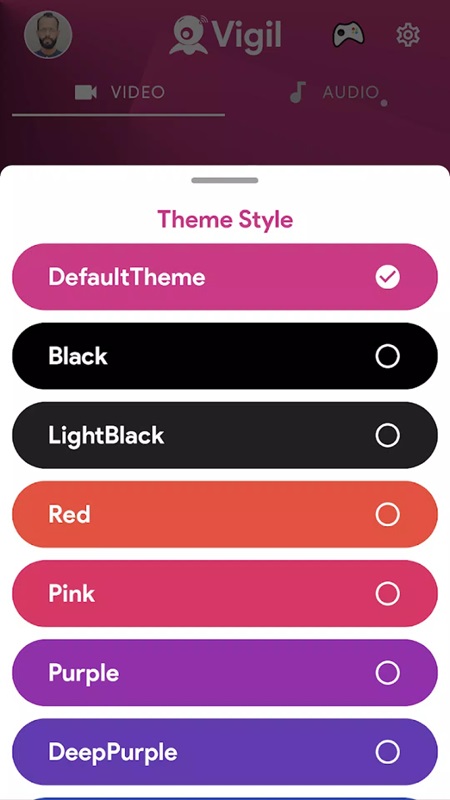
- All interface themes (Default, Black, Light Black, Red, Pink, Purple, Deep Purple) are selectable.
- Cloud storage functionality for videos is enabled.
- Advanced customization settings for recording speed, camera selection, and audio toggles are accessible.
- Ads within the application interface are disabled.
The Pro features are active immediately upon launching Vigil Mod. No activation code, mod menu, or special button is required. The application loads as the unlocked Pro variant, with all previously restricted settings available in their respective configuration screens.
Vigil Mod requires Android 6.0 or higher. Installation consumes approximately 19 MB of storage space. Root access is not required for installation or for any mod functionality. The app requests standard permissions for camera, microphone, and storage access, identical to the official version.
Installation Steps
- Download the Vigil Mod MOD APK file.
- Enable "Install from Unknown Sources" for your package installer or file manager in Android settings.
- Navigate to the downloaded APK file and tap to initiate installation.
- Open Vigil Mod after installation completes; Pro features will be available.
Known Edge Cases
- Recording with the screen off may have varying battery impact depending on device model and Android version.
- Cloud storage functionality requires a valid network connection and operates through the app's own service.
- On some custom Android skins, background process management may prematurely stop Vigil Mod's recording; adjusting battery optimization settings for the app is recommended.
- Clearing the app's data will reset all user preferences and settings to the default unlocked state, but does not revert the Pro license.

