



 ACG
ACG
 Action
 Adventure
 Arcade
 BeautifulGirl
 Board
Board
 Card
Card
 Casual
 Chess
Chess
 Educational
 Horror
 Multiplayer
 Music
Music
 NSFW
NSFW
 Puzzle
 Racing
 Sports
 Strategy
 Survival
 Business
 Communication
 Education
 Entertainment
 Family
 News
News
 Photography
 Social
 SportsLive
 Tools
Tools
 Traffic
 Video&Music
 Weather


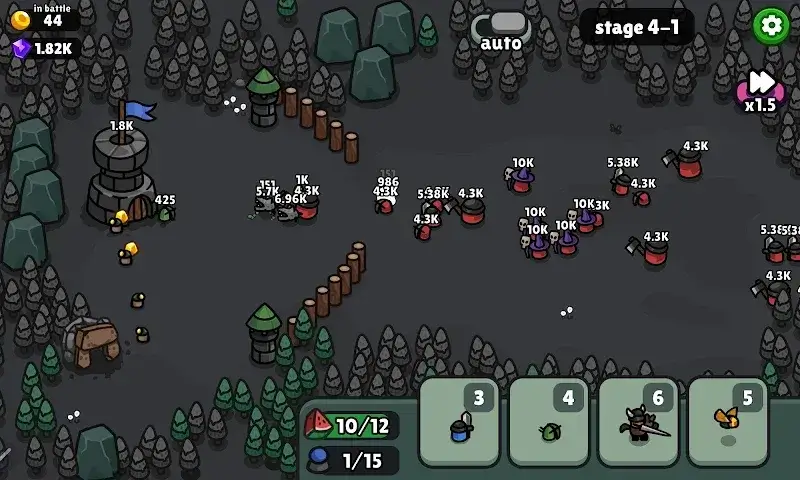
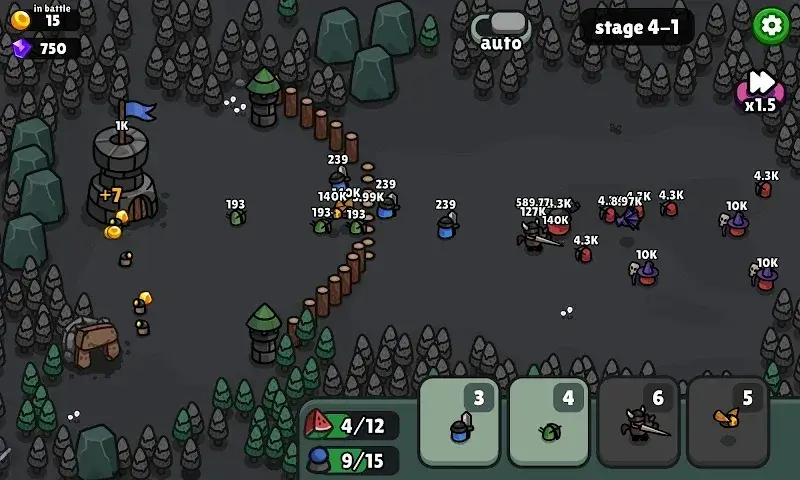
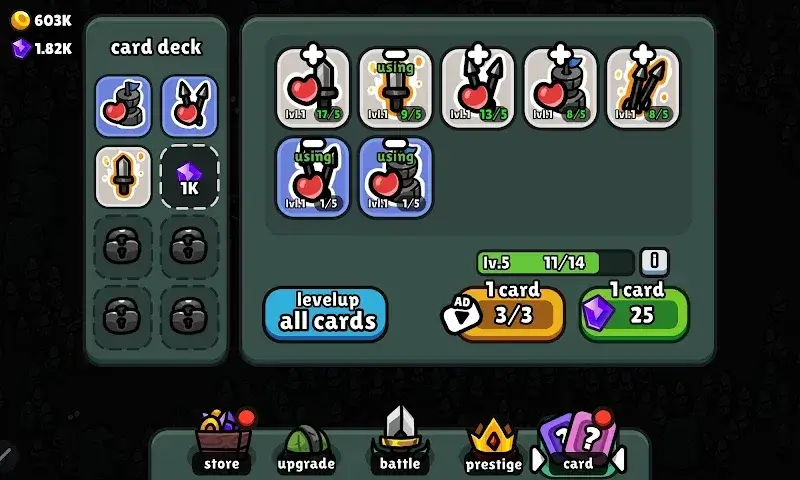
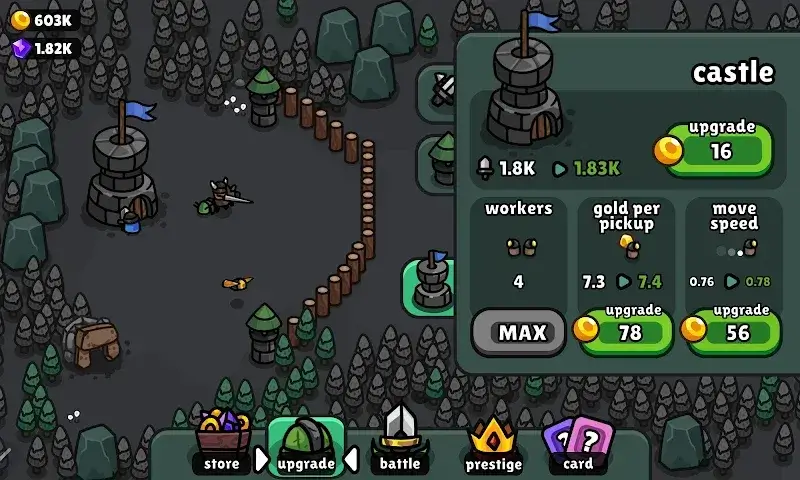
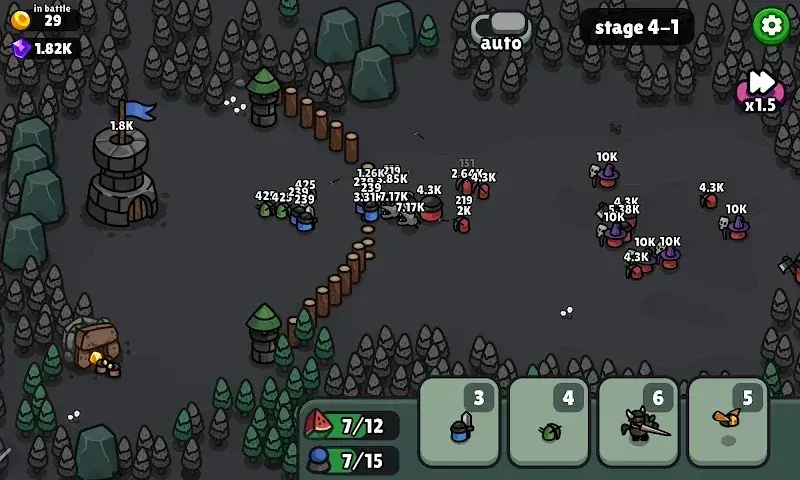
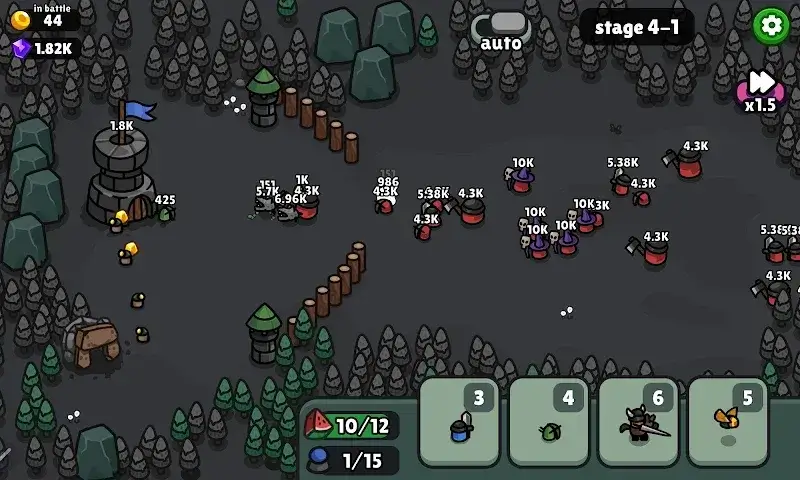
Valor Keep Mod is a hybrid simulation game that merges tower defense mechanics with card-based unit deployment and resource management. It targets players who enjoy strategic, incremental progression systems where long-term upgrades and army composition are key. The core loop involves building a defensive line, managing an energy-based card deck to summon units, and resetting runs to gain permanent bonuses.
What This Mod Unlocks
- Mod Menu: A floating overlay interface accessible from any screen, providing toggle controls for mod features.
- High Resource Gain: Multiplies the quantity of all in-game currencies (gold, gems, prestige points) earned from battles and chests.
- Game Speed: Allows increasing the battle simulation speed up to 5x the normal rate, independent of the official speed-up option.
- Ads Removed: All forced video ad triggers and interstitial banners are disabled; reward ad buttons remain but grant rewards without playing ads.
The Mod Menu is activated by tapping a semi-transparent icon that appears on the left edge of the screen shortly after the main game loads. The resource multiplier is applied retroactively to any reward collected while the mod is active. The game speed setting must be configured from the mod menu before entering a battle stage for the effect to apply; changing it mid-battle has no effect.
Valor Keep Mod mod APK requires Android 7.0 or higher. The installation occupies approximately 92 MB of storage after unpacking. Root access is not required.
Installation Steps
- Download the Valor Keep Mod APK file.
- Enable installation from unknown sources in Android settings.
- Open the downloaded file and proceed with the installation.
- Launch the game; the mod menu icon will appear on the left screen edge.
Known Edge Cases
- The game speed modifier only affects battle animations and unit timers; menu navigation and upgrade animations remain at normal speed.
- If the app's data is cleared, the mod menu remains, but any in-game progress and unlocked permanent upgrades are reset.
- Using the resource multiplier in online leaderboard events may flag the account, though the core game is primarily single-player.
- On some Android 12+ devices, the overlay icon may require manual permission granting via system settings for the mod menu to appear.

