



 ACG
ACG
 Action
 Adventure
 Arcade
 BeautifulGirl
 Board
Board
 Card
Card
 Casual
 Chess
Chess
 Educational
 Horror
 Multiplayer
 Music
Music
 NSFW
NSFW
 Puzzle
 Racing
 Sports
 Strategy
 Survival
 Business
 Communication
 Education
 Entertainment
 Family
 News
News
 Photography
 Social
 SportsLive
 Tools
Tools
 Traffic
 Video&Music
 Weather
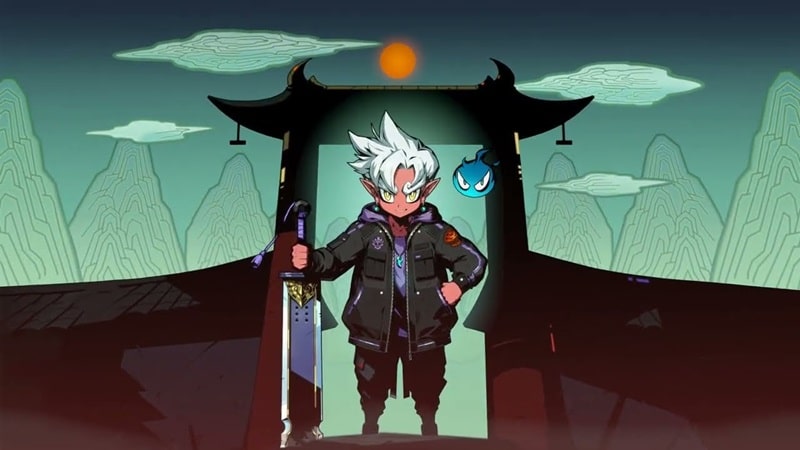


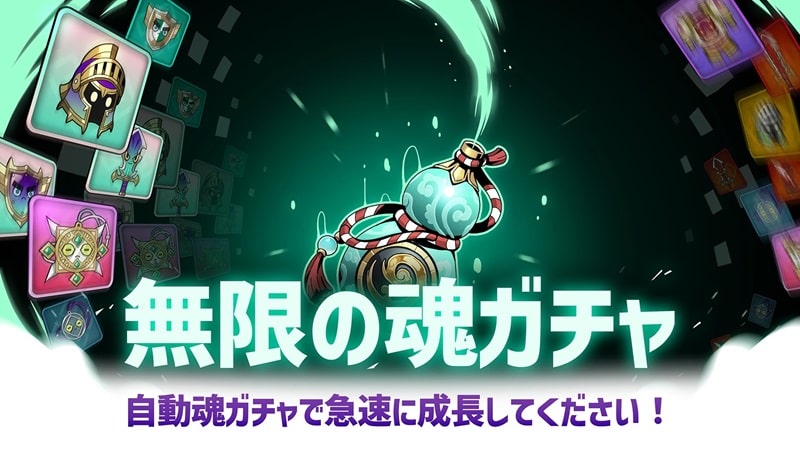
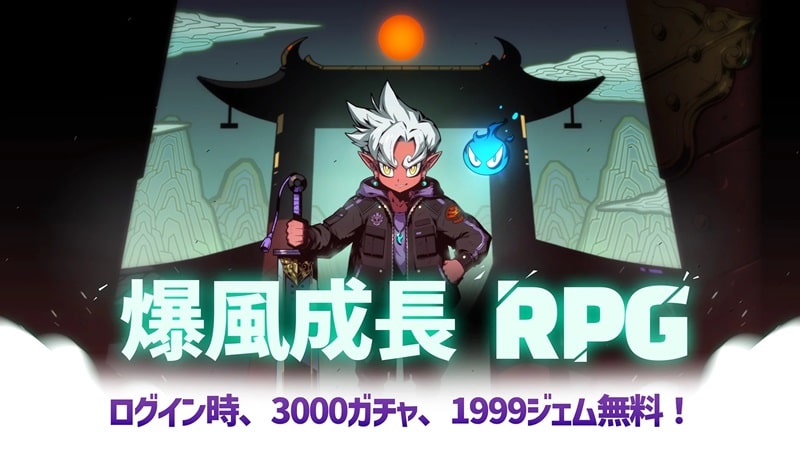
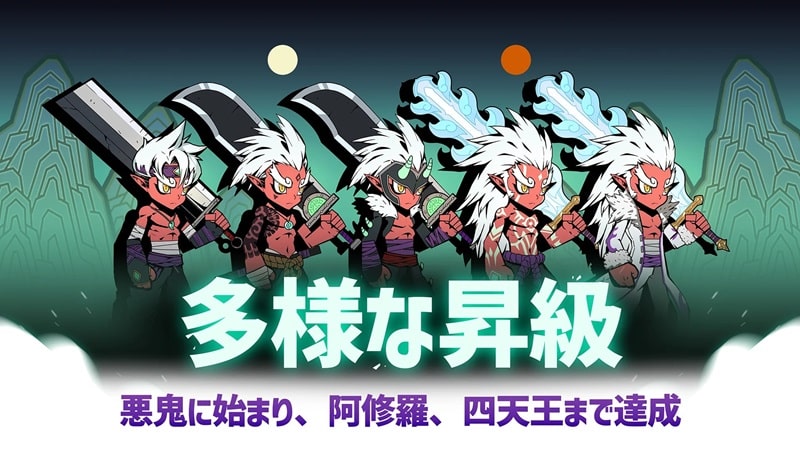
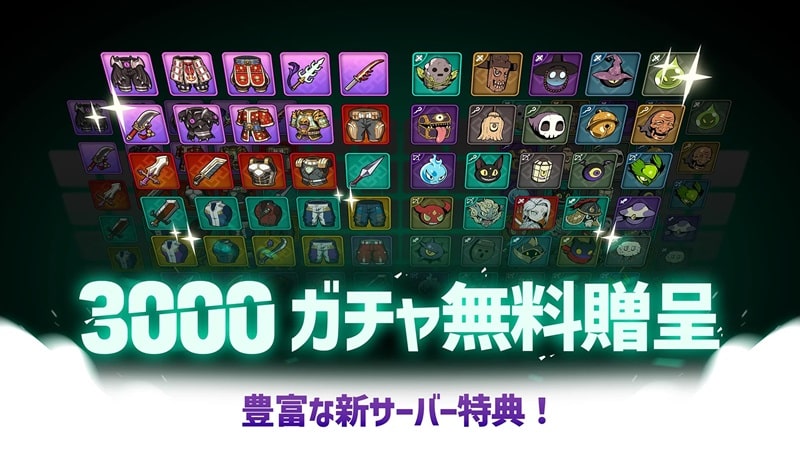

Underworld War Mod is a hero-collection and squad-based action RPG developed by FunTriggerGames. The core loop involves summoning heroes through a gacha system, equipping them with gear, and deploying them in automated combat against waves of monsters and bosses. The game is structured around a narrative of escorting King Yanra back to his kingdom through a demon-occupied underworld. Players manage hero progression, equipment rarity tiers, and passive combat advancement.
What This Mod Unlocks
- A floating mod menu is injected into the game's main interface.
- God Mode toggle prevents all hero health depletion from enemy attacks.
- Damage Multiplier allows adjustment of player hero attack output.
- Defense Multiplier allows adjustment of player hero damage reduction.
- Unlimited Money provides a persistent, non-decreasing in-game currency resource.
- The mod bypasses the initial resource constraints for summoning heroes.
The mod menu is the primary access point for all modified features. It appears as a semi-transparent button overlay on the screen after the game loads past the initial splash screen. Tapping this button expands the menu to reveal the individual toggles and sliders for God Mode, Damage, and Defense multipliers.
The Underworld War Mod mod APK requires Android 9.0 or higher. Installation requires approximately 80 MB of free storage for the APK file, with additional space needed for game data after first launch. Root access is not required.
Installation Steps
- Download the Underworld War Mod mod APK file.
- Enable "Install from Unknown Sources" in Android settings for your file manager or browser.
- Navigate to the downloaded file and initiate the installation.
- Launch Underworld War Mod after installation completes.
Known Edge Cases
- The mod menu may fail to render on some Android 12+ devices with specific overlay permission restrictions; granting the "Draw over other apps" permission to the game resolves this.
- Unlimited Money is client-side only; any server-synced purchases or transactions may not function.
- Extreme damage or defense multiplier values can cause visual glitches in combat damage numbers.
- Clearing the app's data or cache will reset all mod settings to their default state.

