



 ACG
ACG
 Action
 Adventure
 Arcade
 BeautifulGirl
 Board
Board
 Card
Card
 Casual
 Chess
Chess
 Educational
 Horror
 Multiplayer
 Music
Music
 NSFW
NSFW
 Puzzle
 Racing
 Sports
 Strategy
 Survival
 Business
 Communication
 Education
 Entertainment
 Family
 News
News
 Photography
 Social
 SportsLive
 Tools
Tools
 Traffic
 Video&Music
 Weather
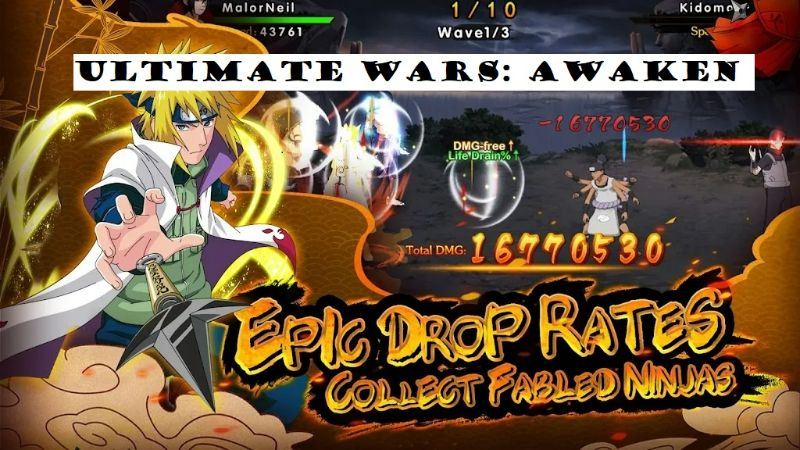



Ultimate Wars Awaken Mod is a mobile role-playing game centered on collecting and upgrading ninja characters for turn-based combat. It targets players familiar with gacha mechanics and anime-inspired narratives, operating within the competitive RPG category where stat progression and team composition are primary drivers.
What This Mod Unlocks
- Mod Menu: Adds a persistent overlay menu accessible from the game's main interface.
- Damage Multiplier: Allows the user to set a custom multiplier for all damage dealt by the player's team.
- Defense Multiplier: Allows the user to set a custom multiplier for damage reduction on the player's team.
- Ads Disabled: Removes interstitial and video advertisement prompts.
The mod functions by injecting a configuration panel into the game's UI. The changes are client-side and affect numerical calculations during battles.
To activate the mod features, launch Ultimate Wars Awaken Mod. A semi-transparent button labeled "MOD" will appear on the right edge of the screen. Tap this button to open the mod menu. From there, sliders for damage and defense can be adjusted. The settings apply immediately to the current game session.
The APK requires Android 5.0 or higher. Installation needs approximately 600 MB of free storage. Root access is not required. The mod does not grant infinite premium currency; it modifies combat parameters.
Installation follows standard sideloading procedure. First, enable installation from unknown sources in Android settings. Second, download the mod APK file. Third, open the downloaded file using a file manager to begin installation. Fourth, launch the game after installation completes.
Known edge cases exist. The mod menu may not render correctly on some devices with custom screen density settings. Multiplayer or PvP modes that perform server-side validation may flag or ignore the modified stats, potentially leading to detection. Adjusting multipliers to extreme values can cause integer overflow, resulting in unintended damage values. Clearing the app's data resets the mod menu to its default position.

