



 ACG
ACG
 Action
 Adventure
 Arcade
 BeautifulGirl
 Board
Board
 Card
Card
 Casual
 Chess
Chess
 Educational
 Horror
 Multiplayer
 Music
Music
 NSFW
NSFW
 Puzzle
 Racing
 Sports
 Strategy
 Survival
 Business
 Communication
 Education
 Entertainment
 Family
 News
News
 Photography
 Social
 SportsLive
 Tools
Tools
 Traffic
 Video&Music
 Weather



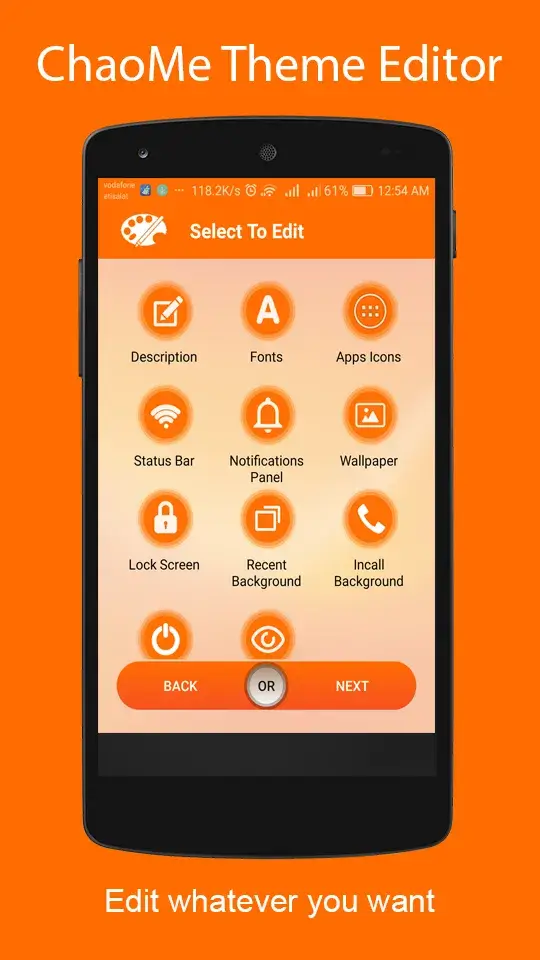
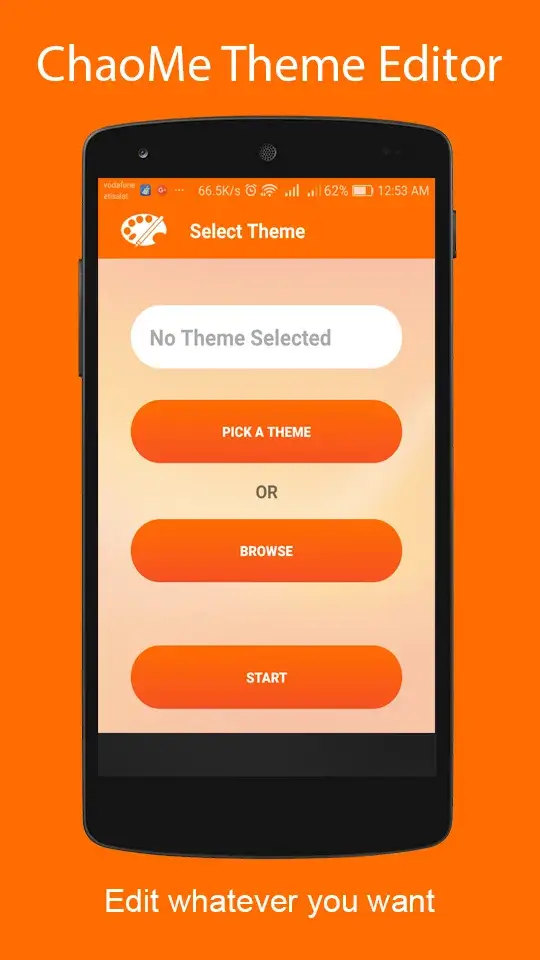
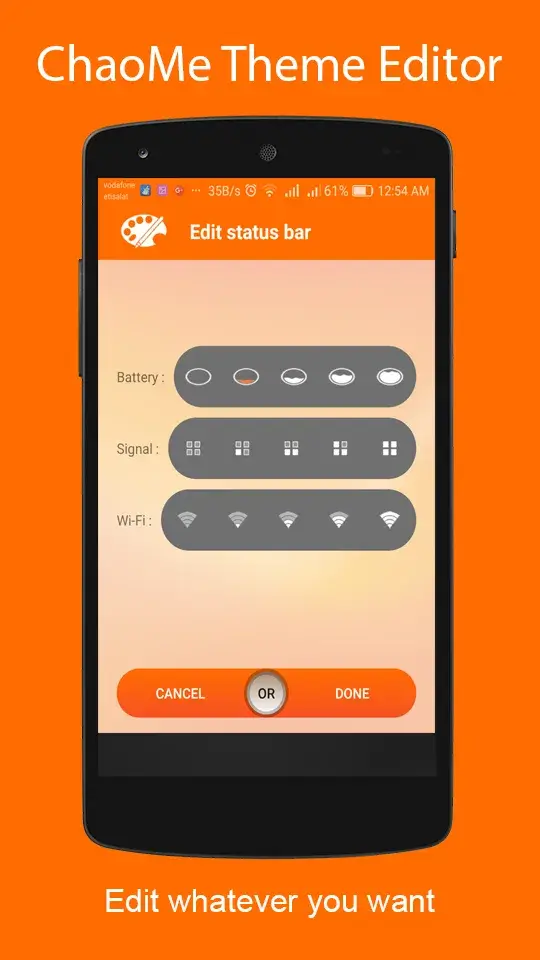
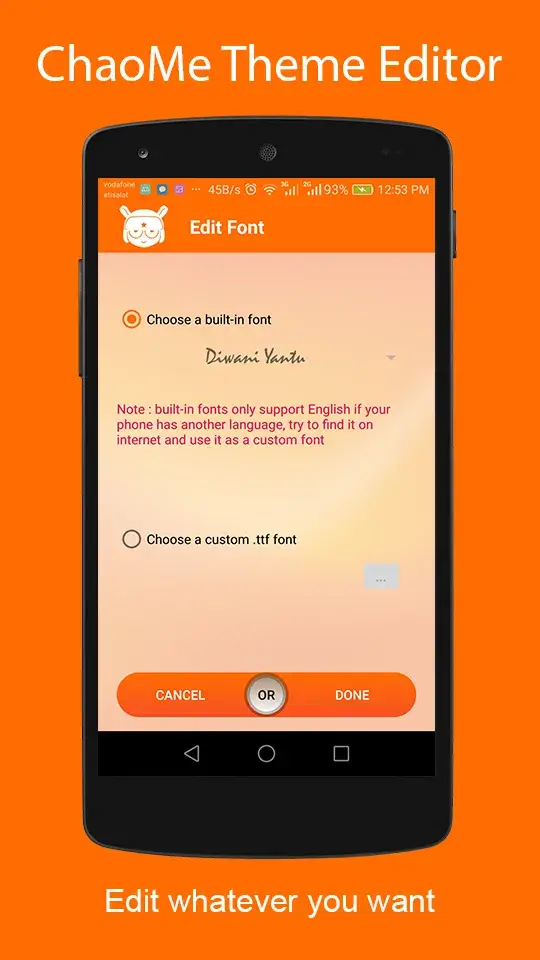
Theme Editor For MIUI Mod is a utility application designed for users of Xiaomi, Redmi, and POCO devices running MIUI. It provides a direct interface for downloading, decompiling, editing, and reapplying official MIUI theme packages (.mtz files). The app is targeted at power users and themers who want to modify system-level visual elements without root access, including icons, fonts, status bar graphics, and wallpapers.
What This Mod Unlocks
- All premium editing features are unlocked and available immediately upon launch.
- Advertisements and promotional banners within the app interface are completely removed.
- Access to the theme downloader and repository is unrestricted.
- The ability to save and export modified themes without watermarks or trial limitations is enabled.
- Advanced modification tools for system components, such as deep status bar icon editing, are fully functional.
The most significant mod feature, the removal of all paywalls, is activated automatically. There is no mod menu to toggle. Upon opening Theme Editor For MIUI Mod, you will have immediate access to the full suite of editing tools that are locked behind a subscription in the official version.
The application requires Android 6.0 or higher and approximately 110 MB of free storage for theme assets and the APK installation. Root access is not required for its core functionality.
Installation follows the standard sideload process for modified APKs. First, enable installation from unknown sources in your device settings. Second, download the modded Theme Editor For MIUI Mod APK file. Third, use a file manager to locate the downloaded file and tap to install. Fourth, launch the app and grant the necessary file storage permissions it requests to access theme files.
Several edge cases exist. The mod does not bypass MIUI's own theme validation for certain system-level components; some deeply modified themes may fail to apply or cause a soft reset. Clearing the app's data will not revert the mod's unlocks, but it will erase your locally saved projects and settings. Using the app's downloader feature on unstable connections can sometimes trigger a generic network error that requires an app restart.

