



 ACG
ACG
 Action
 Adventure
 Arcade
 BeautifulGirl
 Board
Board
 Card
Card
 Casual
 Chess
Chess
 Educational
 Horror
 Multiplayer
 Music
Music
 NSFW
NSFW
 Puzzle
 Racing
 Sports
 Strategy
 Survival
 Business
 Communication
 Education
 Entertainment
 Family
 News
News
 Photography
 Social
 SportsLive
 Tools
Tools
 Traffic
 Video&Music
 Weather



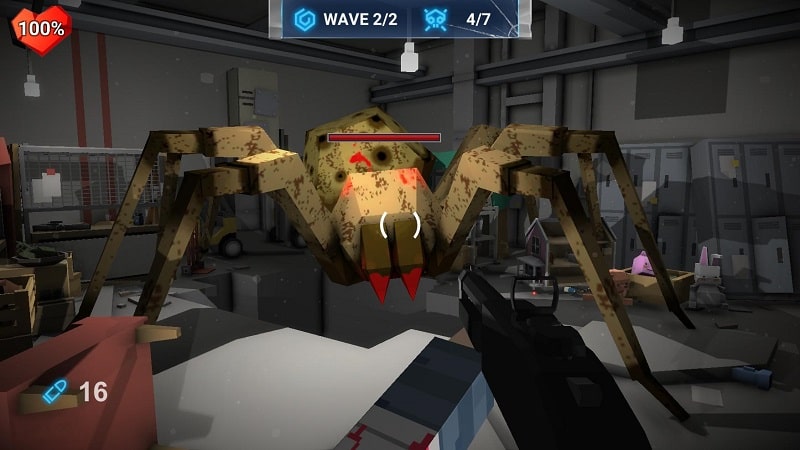
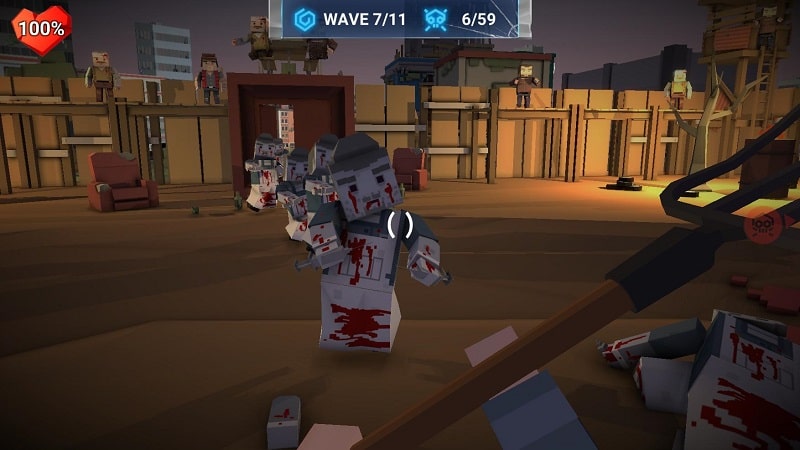
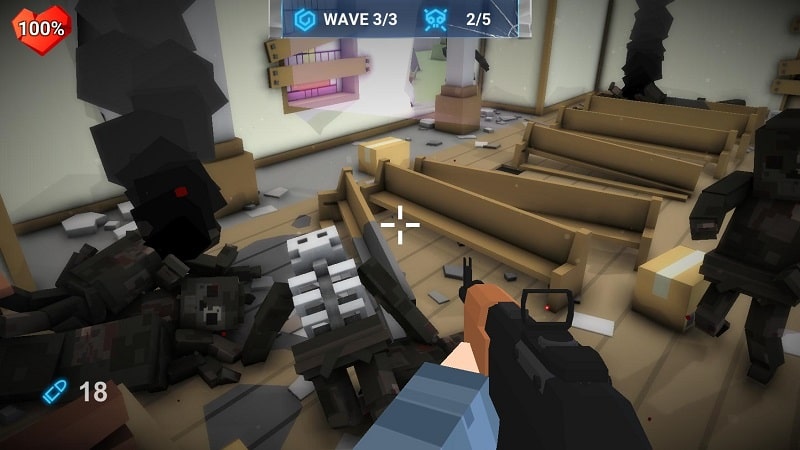
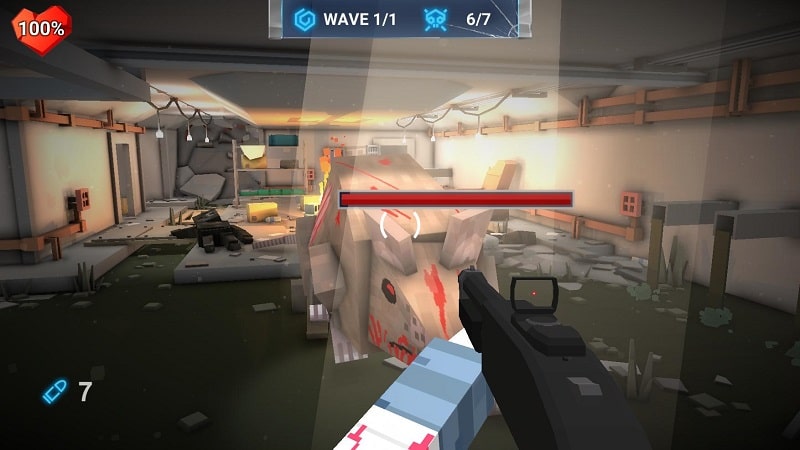

The Walking Zombie Dead City Mod is a first-person shooter survival game set in a blocky, voxel-based apocalypse. It targets players who enjoy static defense mechanics, where the player character remains stationary while waves of varied zombies attack from multiple directions. The core loop involves precise headshot targeting to maximize damage against block-modeled enemies, resource management for weapon upgrades, and progression through distinct environments like forests, caves, and urban ruins.
What This Mod Unlocks
- Mod Menu: A toggle-based overlay interface providing granular control over cheat states.
- God Mode: Player character becomes invulnerable to all damage from zombie attacks and environmental hazards.
- Unlimited Money: The in-game currency counter does not decrease on purchases, allowing for instant acquisition of all weapons and upgrades.
- Unlimited Ammo: Weapon magazines never require reloading; the ammo count remains static or refills instantly.
The mod menu is activated by tapping a semi-transparent icon that appears on the game's main interface after launch. The most important feature, God Mode, must be manually toggled on within this menu; it is not enabled by default. This prevents accidental triggering in missions where damage tracking might be desired for challenge.
The APK requires Android 4.4 or higher and approximately 135 MB of free storage for installation and game data. Root access is not required. The mod functions entirely within the local client and does not inject code into online services, as The Walking Zombie Dead City Mod is primarily a single-player experience.
Installation follows the standard sideload process for modified APKs. First, enable installation from unknown sources in the device security settings. Second, download the APK file. Third, locate the file using a file manager and initiate the installation. Fourth, launch the game from the home screen. The mod menu icon should be visible on the main menu or in-game HUD.
Several edge cases are present. The unlimited money feature may cause visual glitches in shop menus if a purchase is attempted with an insufficient base currency amount before the mod is active; restarting the shop screen corrects this. God Mode can interfere with mission scripts that require the player to take a certain amount of damage to trigger events; disabling the mod for that specific segment is necessary. On some devices with heavy UI customizations, the mod menu button may be obscured; adjusting the game's resolution or UI scale in settings can resolve this. Clearing the app's data resets all progression but does not remove the mod menu; however, mod features must be re-enabled manually after a data clear.

