



 ACG
ACG
 Action
 Adventure
 Arcade
 BeautifulGirl
 Board
Board
 Card
Card
 Casual
 Chess
Chess
 Educational
 Horror
 Multiplayer
 Music
Music
 NSFW
NSFW
 Puzzle
 Racing
 Sports
 Strategy
 Survival
 Business
 Communication
 Education
 Entertainment
 Family
 News
News
 Photography
 Social
 SportsLive
 Tools
Tools
 Traffic
 Video&Music
 Weather



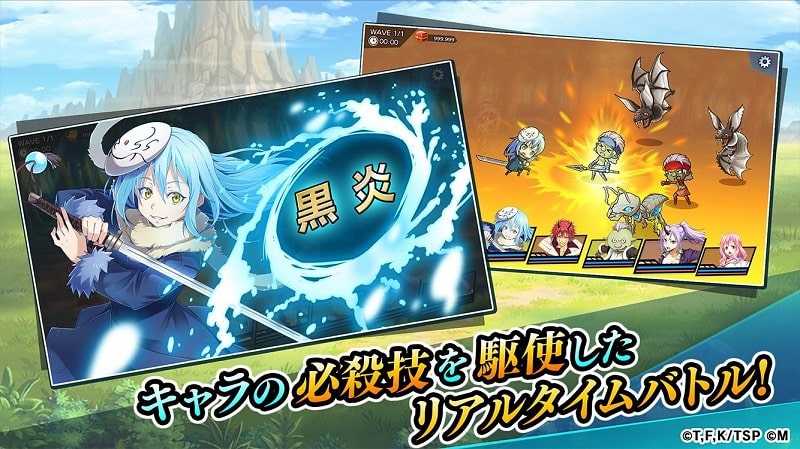
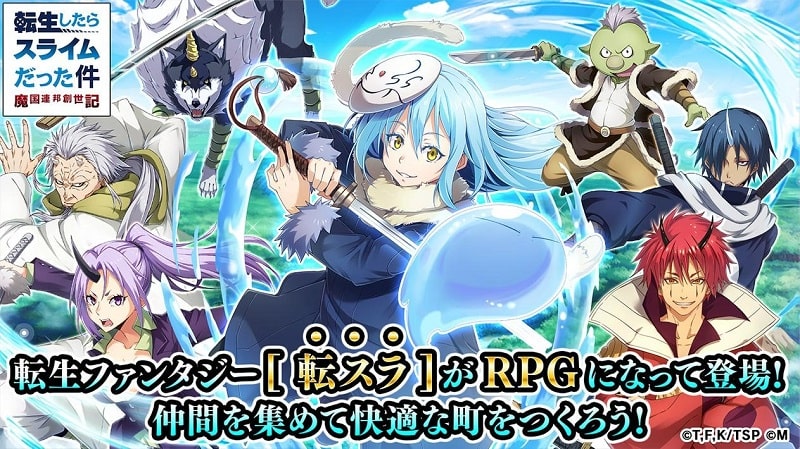

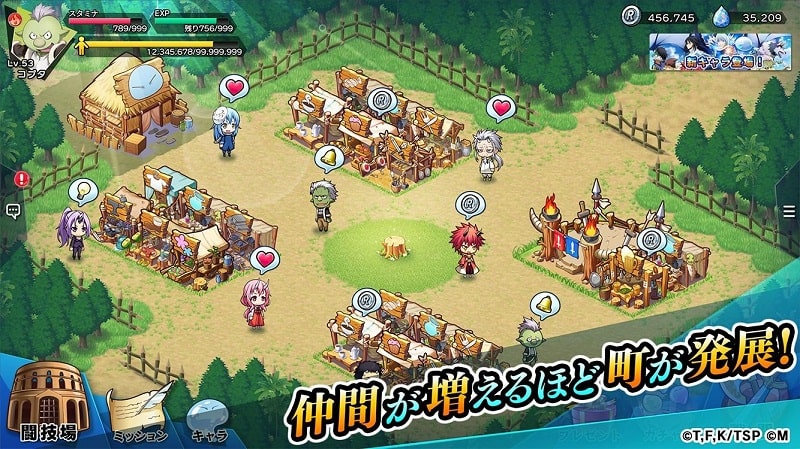
Tensura Lord of Tempest Mod is a city-building RPG based on the "That Time I Got Reincarnated as a Slime" anime. Players reincarnate as the slime Rimuru Tempest or other characters to develop settlements, manage resources, and engage in tactical battles within a monster world. The target audience is fans of the source material seeking a casual management sim with anime aesthetics and turn-based combat. The game falls into the anime RPG category with light strategy elements.
What This Mod Unlocks
- Mod Menu overlay added to the game interface.
- Player damage multiplier adjustable via the mod menu.
- Player defense multiplier adjustable via the mod menu.
- Auto-win toggle for battles activated through the mod menu.
The mod functions by injecting a configurable overlay. This overlay remains present during gameplay and can be toggled visible or hidden. The modifications apply to the core combat calculations.
Activation Note
The mod menu icon appears as a small, draggable button on the screen shortly after the Tensura Lord of Tempest Mod title loads. Tap this button to open the menu and adjust the sliders for Damage, Defense, and the Auto-win switch. Changes take effect immediately for the current game session.
Android 5.0 or higher is required. The installation requires approximately 150 MB of free storage after the initial APK download. Root access is not necessary.
Installation Steps
- Download the Tensura Lord of Tempest Mod mod APK file.
- Enable "Install from Unknown Sources" in Android settings if prompted.
- Open the downloaded file and proceed with the installation.
- Launch the game and confirm the mod menu icon is present on the main screen.
Known Edge Cases
- The auto-win feature may cause unexpected behavior in scripted tutorial battles or story sequences.
- Extreme damage multipliers can trigger visual glitches with damage number pop-ups.
- Progress made with mod features active may not sync correctly if the game connects to any official server for events.
- Clearing the app's cache or data will reset mod menu settings to their defaults.

