



 ACG
ACG
 Action
 Adventure
 Arcade
 BeautifulGirl
 Board
Board
 Card
Card
 Casual
 Chess
Chess
 Educational
 Horror
 Multiplayer
 Music
Music
 NSFW
NSFW
 Puzzle
 Racing
 Sports
 Strategy
 Survival
 Business
 Communication
 Education
 Entertainment
 Family
 News
News
 Photography
 Social
 SportsLive
 Tools
Tools
 Traffic
 Video&Music
 Weather


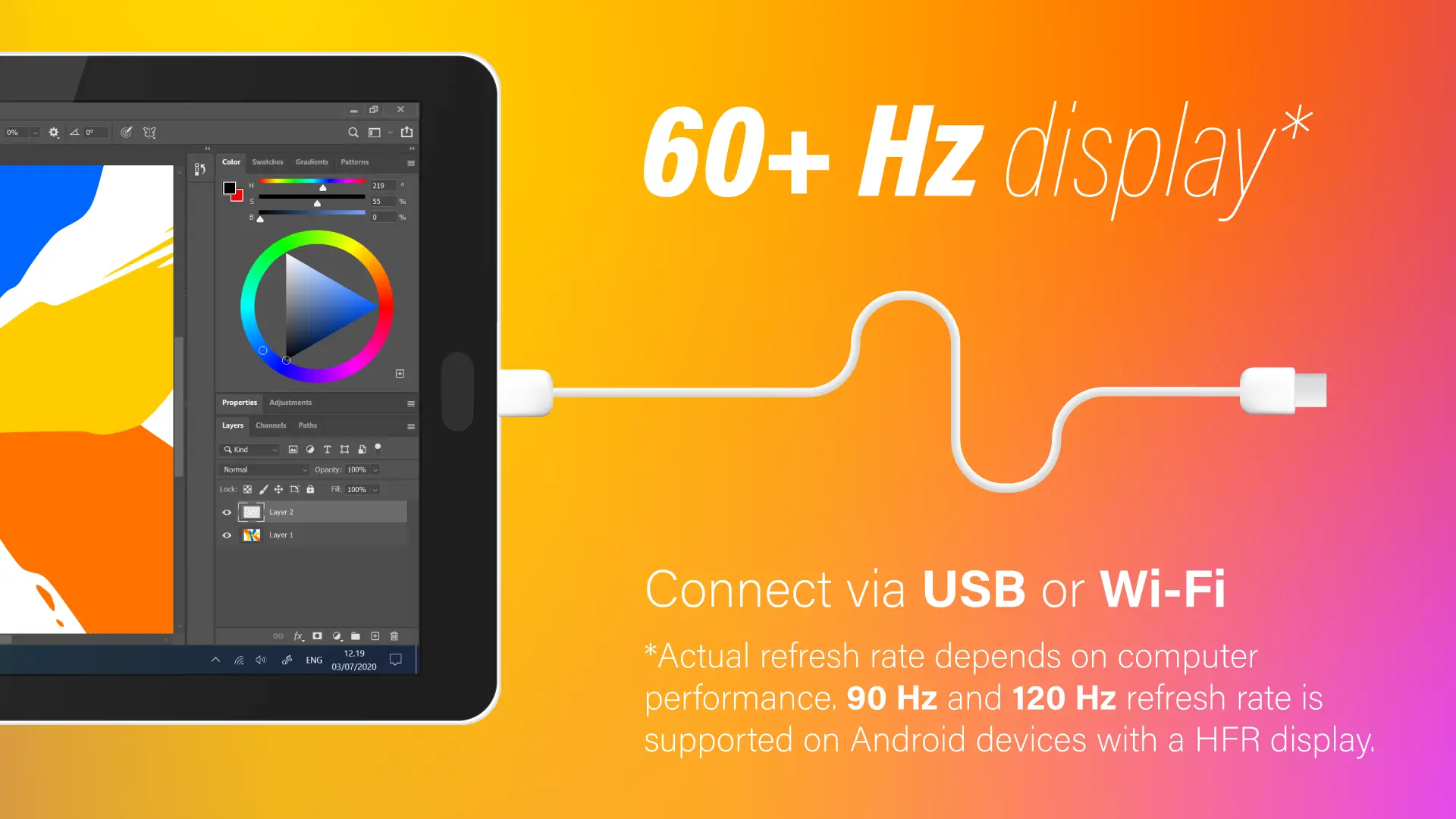
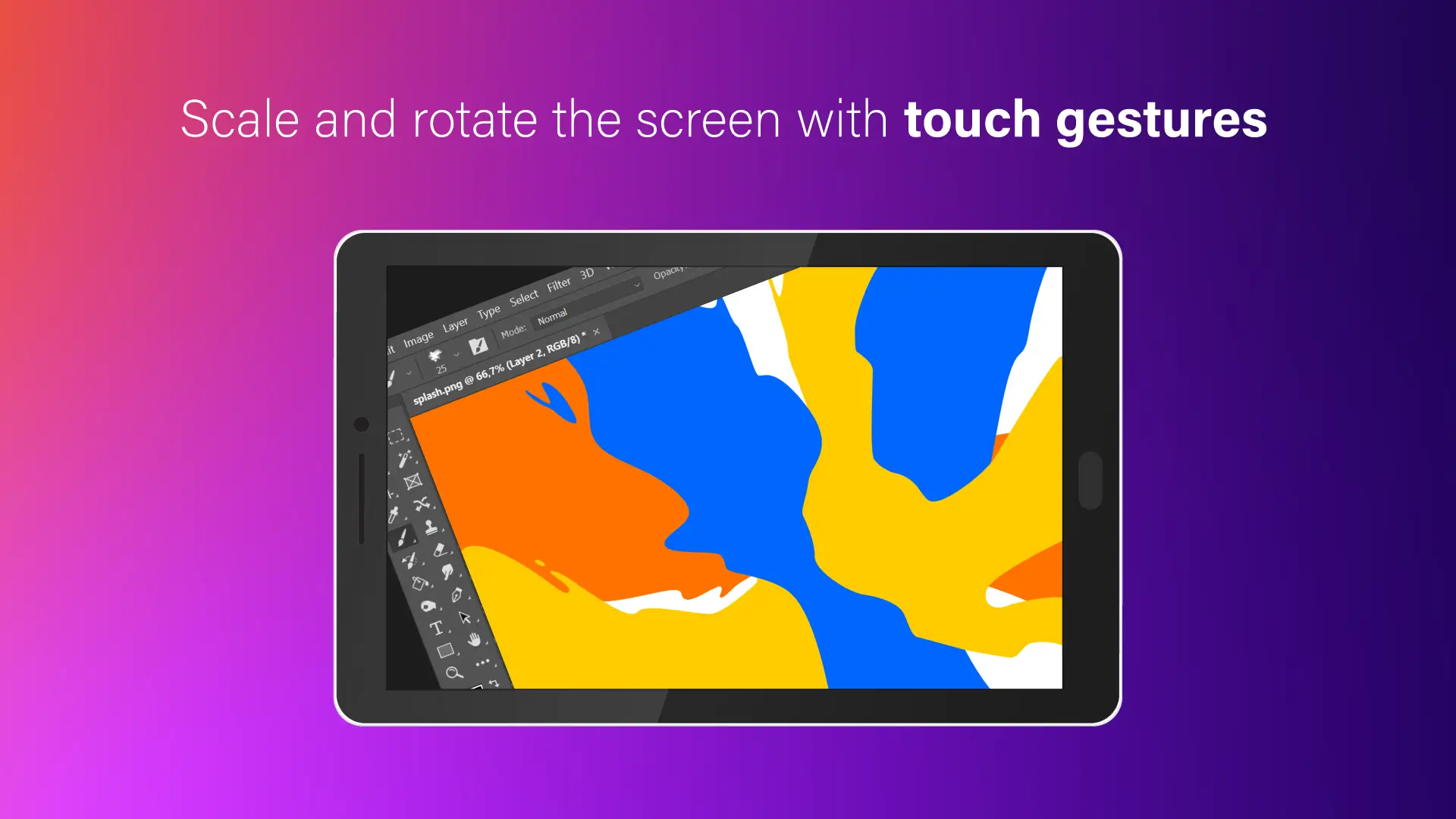
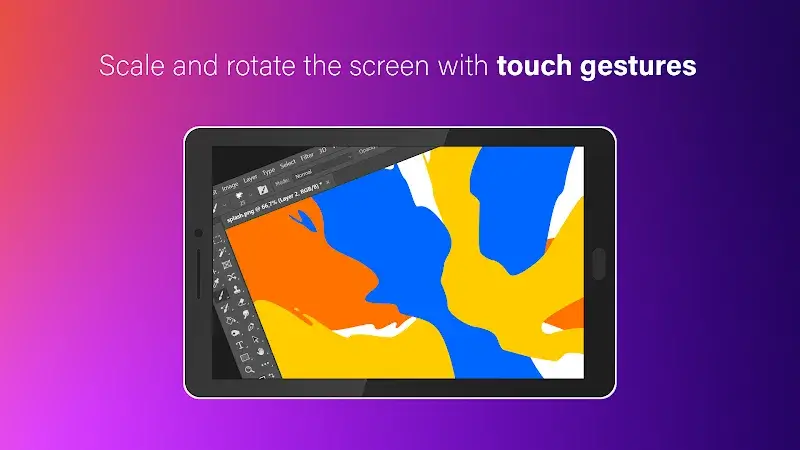
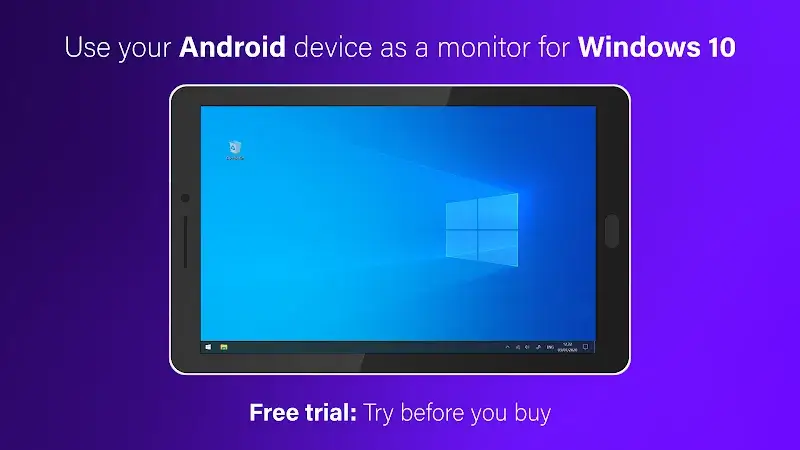
SuperDisplay Mod is a low-latency screen mirroring and extension tool designed for Windows PCs. It functions as a virtual display driver, allowing an Android phone or tablet to serve as a secondary monitor via USB or Wi-Fi. The app targets professionals, digital artists, and power users who require additional screen real estate or pressure-sensitive drawing capabilities directly from their mobile device.
What This Mod Unlocks
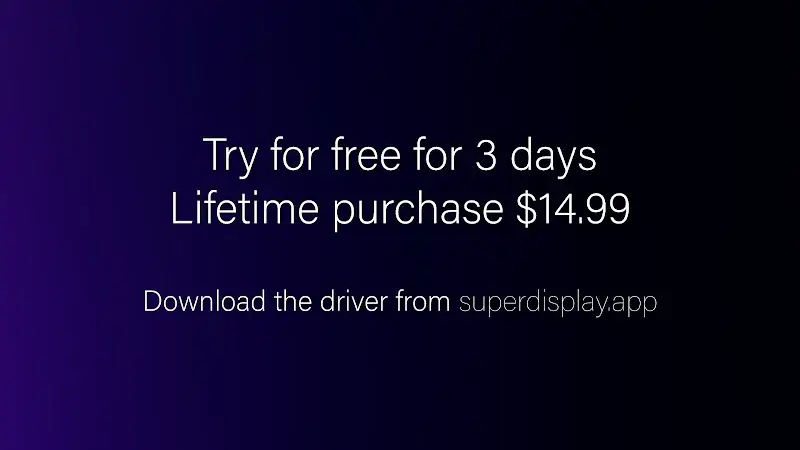
- Premium features unlocked, removing the trial period limitation.
- Pressure sensitivity support for stylus input is fully enabled.
- High-refresh-rate display modes (e.g., 60 FPS) are accessible without restriction.
- Wireless (Wi-Fi) connection mode is available without requiring an in-app purchase.
- All resolution and orientation lock settings are unlocked.
The mod activates automatically upon installation. No manual activation or mod menu is required. The unlocked features are present when connecting to the Windows driver software.
SuperDisplay Mod requires Android 5.0 or higher. The APK file size is approximately 8 MB. Root access is not required. The Windows-side driver must be installed from the developer's website for the connection to function.
Installation involves enabling installation from unknown sources in Android settings, downloading the mod APK file, opening the downloaded file to initiate installation, and then launching SuperDisplay Mod. The app will then guide you through the PC driver installation process.
Known edge cases include potential connection instability if the Windows firewall blocks the driver. The unlocked features are client-side; the mod does not affect server authentication as the app primarily operates in a local network environment. Clearing app data on the Android device does not revert the mod unlocks. Performance is dependent on network quality for Wi-Fi mode and USB cable quality for wired mode.

