



 ACG
ACG
 Action
 Adventure
 Arcade
 BeautifulGirl
 Board
Board
 Card
Card
 Casual
 Chess
Chess
 Educational
 Horror
 Multiplayer
 Music
Music
 NSFW
NSFW
 Puzzle
 Racing
 Sports
 Strategy
 Survival
 Business
 Communication
 Education
 Entertainment
 Family
 News
News
 Photography
 Social
 SportsLive
 Tools
Tools
 Traffic
 Video&Music
 Weather



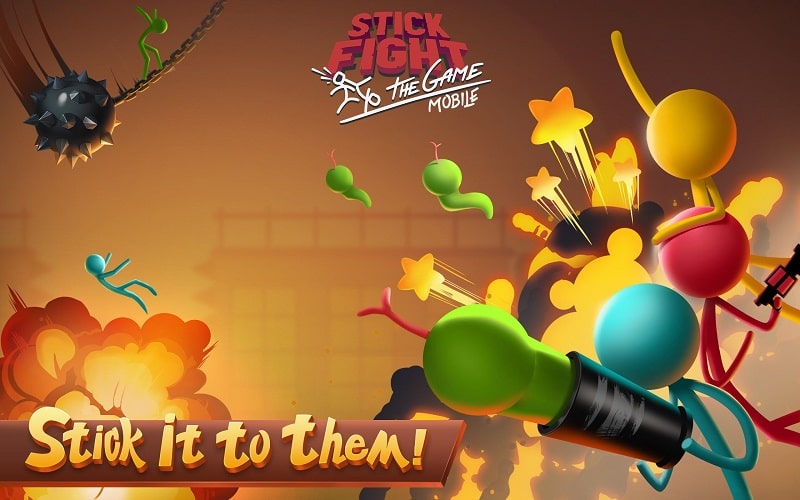
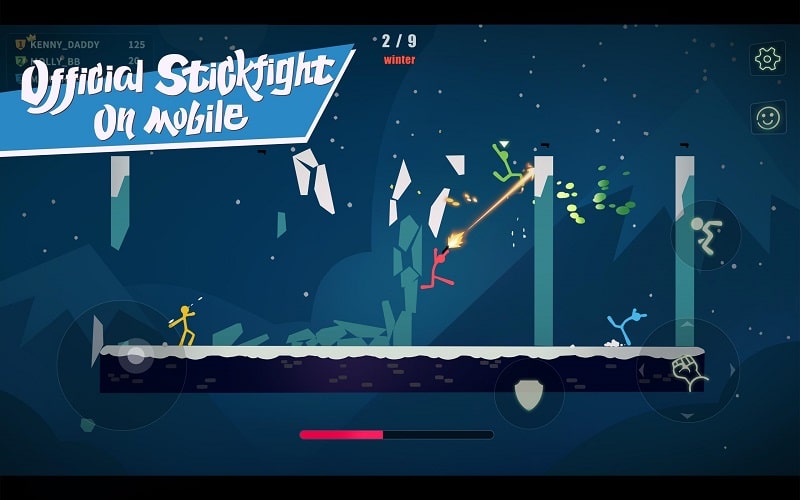
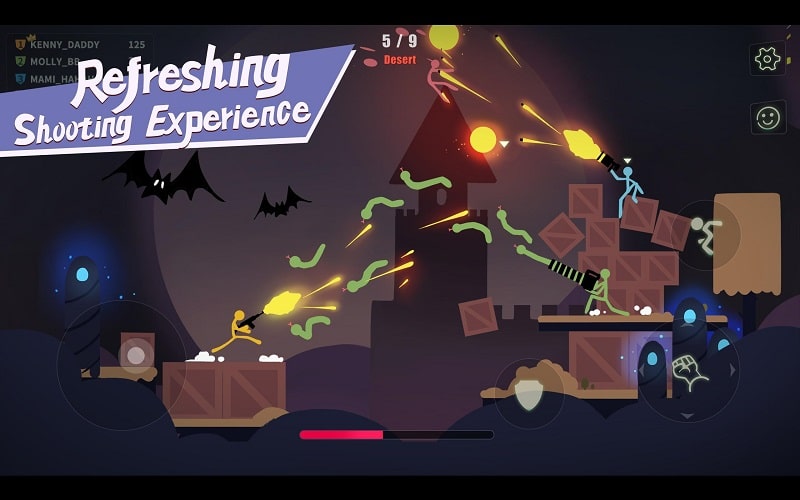
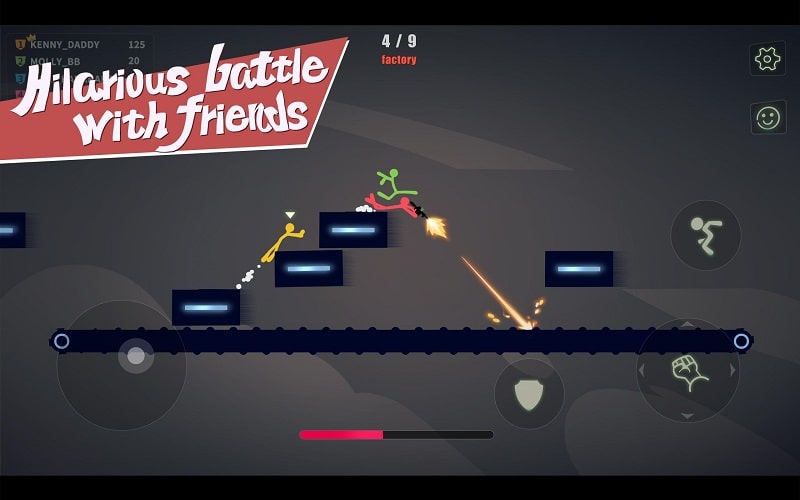
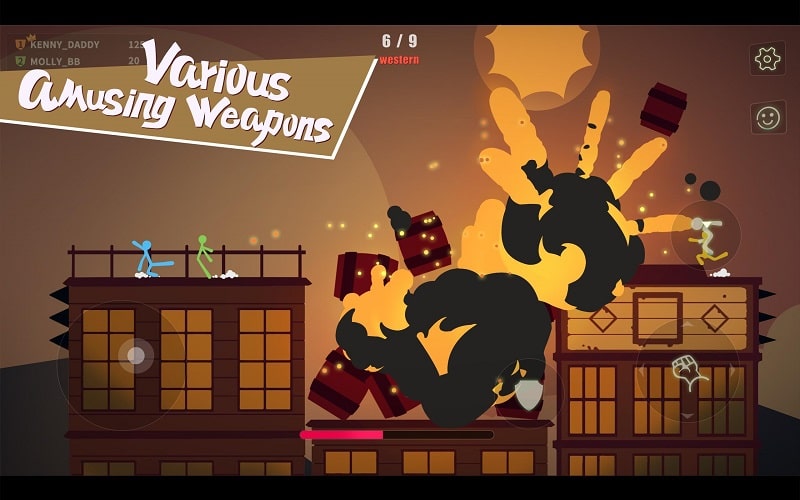
Stick Fight The Game Mobile Mod is a physics-based multiplayer action game developed by NetEase Games. Players control stickman characters in 4-player arenas, using a wide array of absurd weapons and environmental hazards to be the last one standing. The game is designed for quick, chaotic sessions with friends or online opponents, prioritizing fast-paced combat and humorous interactions over graphical fidelity.
What This Mod Unlocks
- Mod Menu: A persistent overlay interface accessible during gameplay.
- God Mode: Toggleable invincibility, preventing all damage to your character.
- One-Hit Kill: Toggleable feature where your attacks instantly defeat any opponent.
The mod menu is activated by tapping a small, semi-transparent icon that appears on the screen's edge after launching Stick Fight The Game Mobile Mod. The icon is typically placed in the top-left or top-right corner. Tapping it expands the menu to reveal the toggle switches for God Mode and One-Hit Kill. These features function in both local and online multiplayer modes, though using them online carries a high risk of detection.
This mod for Stick Fight The Game Mobile Mod requires Android 5.0 or higher. The APK file size is approximately 68 MB. Installation requires enabling installation from unknown sources but does not require root access. The mod injects its functionality directly into the game's runtime memory.
Installation Steps
- Download the modded APK file for Stick Fight The Game Mobile Mod.
- On your Android device, go to Settings > Security and enable "Install from unknown sources" for your file manager or browser.
- Locate the downloaded APK file using a file manager app and tap to install.
- Launch the game. The mod menu icon should appear on the screen.
Known Edge Cases
- Using god mode or one-hit kill in online multiplayer matches is highly likely to result in detection and a potential account ban.
- The mod menu may fail to appear if the game is launched while another overlay application (like a screen recorder) is active.
- Clearing the app data for Stick Fight The Game Mobile Mod will reset all game progress but does not remove the mod functionality.
- On some devices with aggressive battery optimization, the mod menu service may be killed in the background, requiring a game restart.

