



 ACG
ACG
 Action
 Adventure
 Arcade
 BeautifulGirl
 Board
Board
 Card
Card
 Casual
 Chess
Chess
 Educational
 Horror
 Multiplayer
 Music
Music
 NSFW
NSFW
 Puzzle
 Racing
 Sports
 Strategy
 Survival
 Business
 Communication
 Education
 Entertainment
 Family
 News
News
 Photography
 Social
 SportsLive
 Tools
Tools
 Traffic
 Video&Music
 Weather


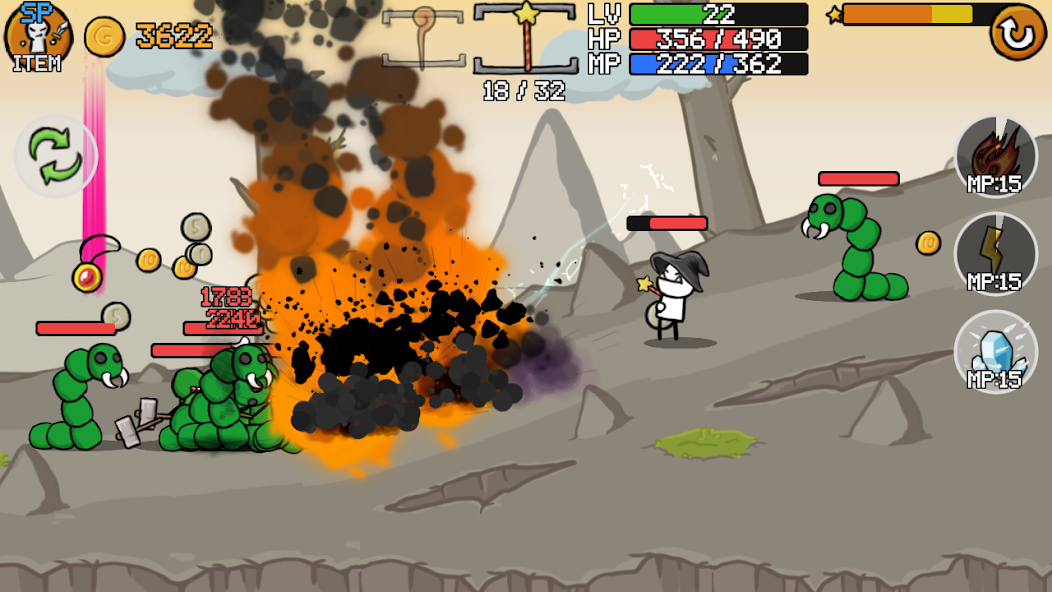
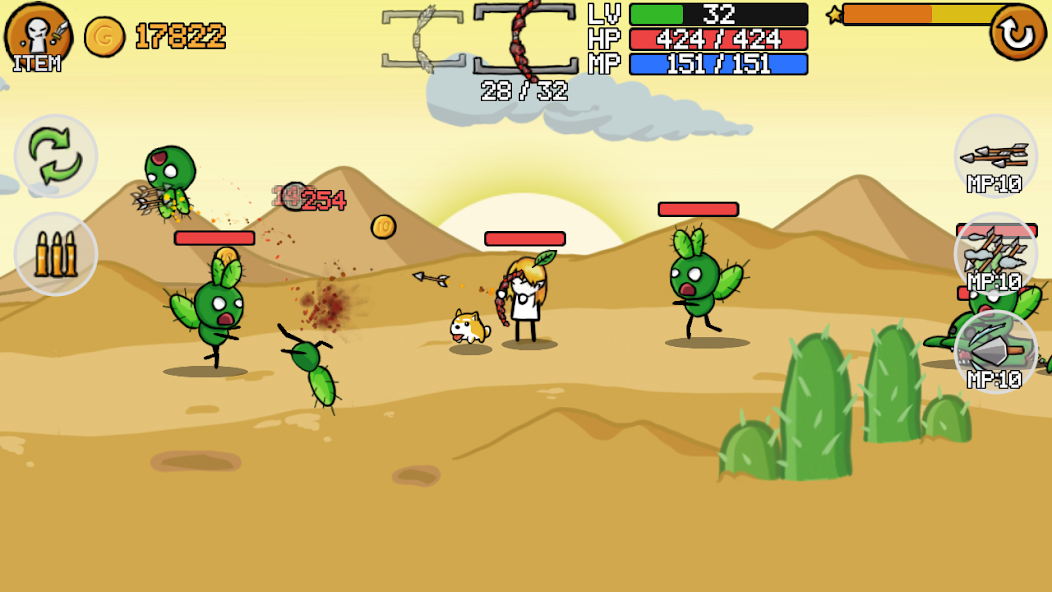
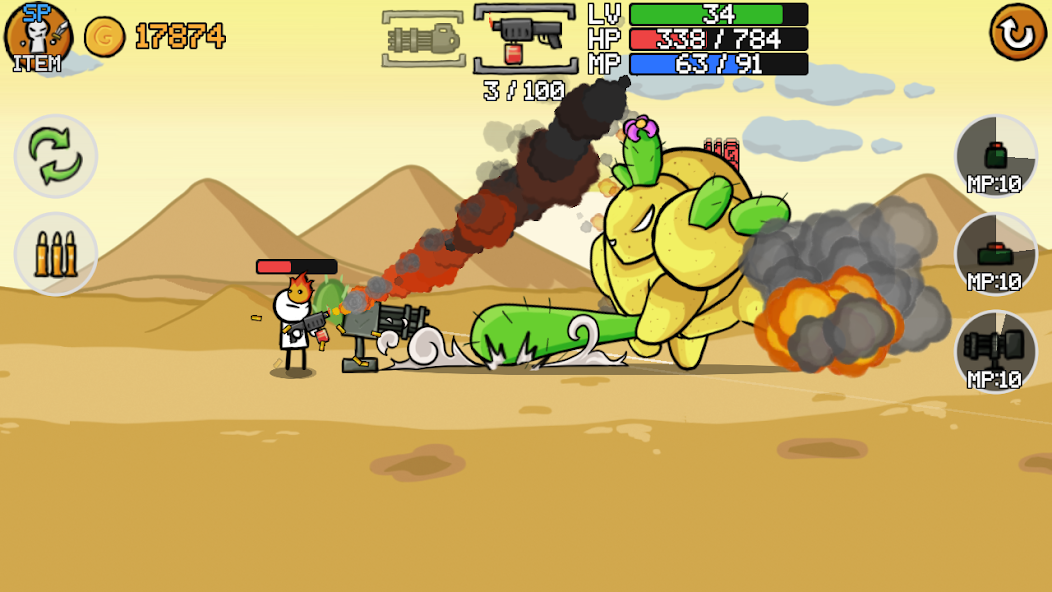
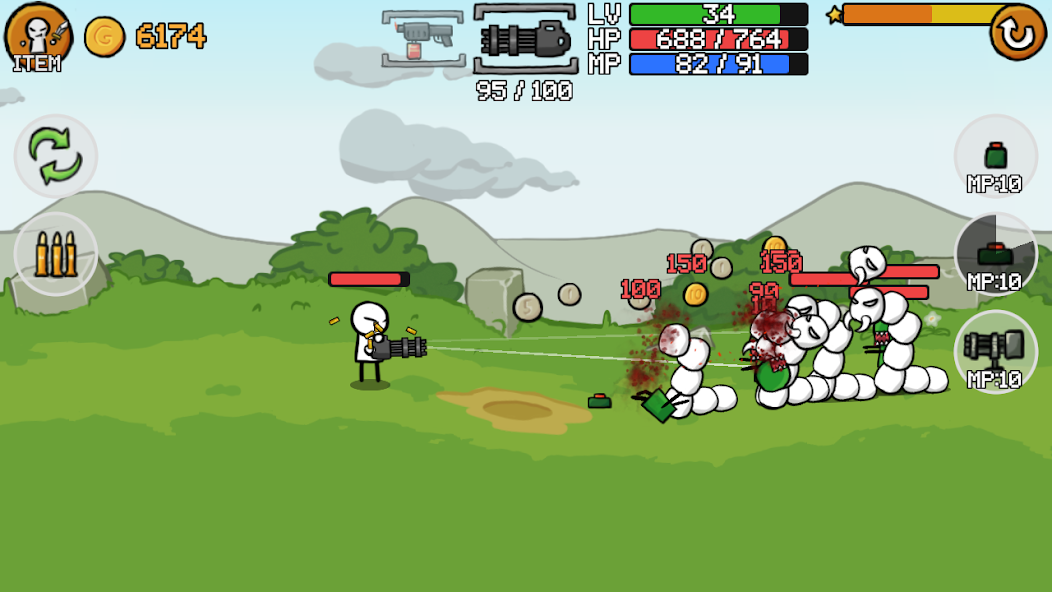
Stick And Gun2 Mod is an action RPG where players control a stickman hero to battle waves of monsters across varied terrains. The game features three hero classes (Gunner, Mage, Archer) that counter three monster races (Human, Orc, Elf), creating a rock-paper-scissors combat dynamic. Progression involves upgrading eight equipment slots, enhancing ten core stats, and navigating through expansive levels. This mod APK targets players seeking to bypass the game's resource grind to focus on strategic combat and exploration.
What This Mod Unlocks
- Mod Menu: A toggle interface accessible from the game's main screen or overlay.
- High Damage Multiplier: Player attack values are significantly increased, allowing for rapid enemy elimination.
- Unlimited Money: The primary in-game currency (gold) does not decrease on purchase or upgrade, enabling instant equipment and stat maxing.
- Ads Disabled: All interstitial and video advertisement prompts are removed.
The mod menu is the central access point for all modifications. It typically appears as a floating icon or is integrated into the game's pause screen. Tapping it reveals toggles for the damage multiplier and the infinite money state. The menu's design varies by modder but is consistently present in version 1.0.17.
Stick And Gun2 Mod requires Android 6.0 or higher. The APK file size is approximately 39 MB. Installation requires no root access. Sufficient storage space for the download and installation process is necessary.
Installation Steps
- Download the Stick And Gun2 Mod MOD APK file.
- Enable "Install from Unknown Sources" in Android settings if not already allowed.
- Open the downloaded APK file using a file manager and confirm installation.
- Launch the game from the home screen. The mod menu should be visible upon loading.
Known Edge Cases
- The mod menu may fail to appear if the game is launched while connected to a network with aggressive packet inspection. Launching in airplane mode first can resolve this.
- Unlimited money is client-side. Any server-side validation in future updates could reset currency values.
- High damage multipliers can cause visual glitches with damage number pop-ups during intense combat sequences.
- Clearing the app's data through Android settings will reset all progress, including mod-activated states. The mod menu remains, but currency and upgrades revert to zero.

