



 ACG
ACG
 Action
 Adventure
 Arcade
 BeautifulGirl
 Board
Board
 Card
Card
 Casual
 Chess
Chess
 Educational
 Horror
 Multiplayer
 Music
Music
 NSFW
NSFW
 Puzzle
 Racing
 Sports
 Strategy
 Survival
 Business
 Communication
 Education
 Entertainment
 Family
 News
News
 Photography
 Social
 SportsLive
 Tools
Tools
 Traffic
 Video&Music
 Weather
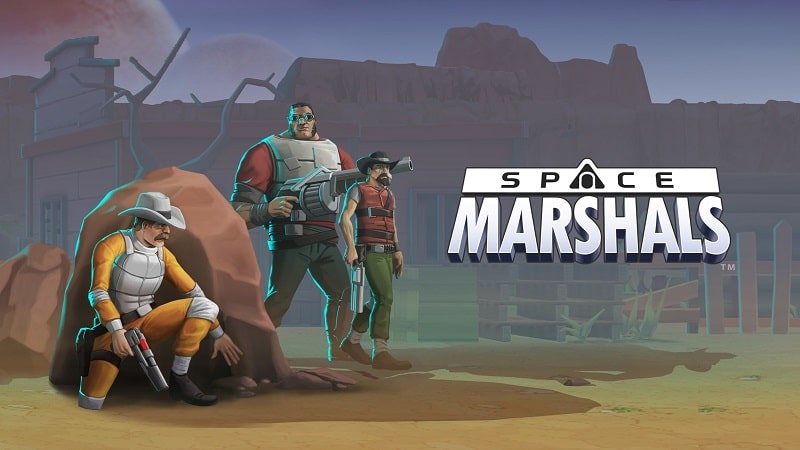


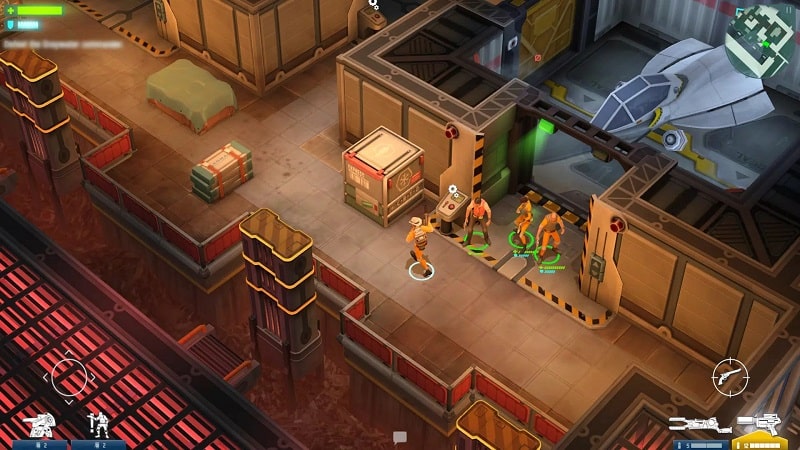
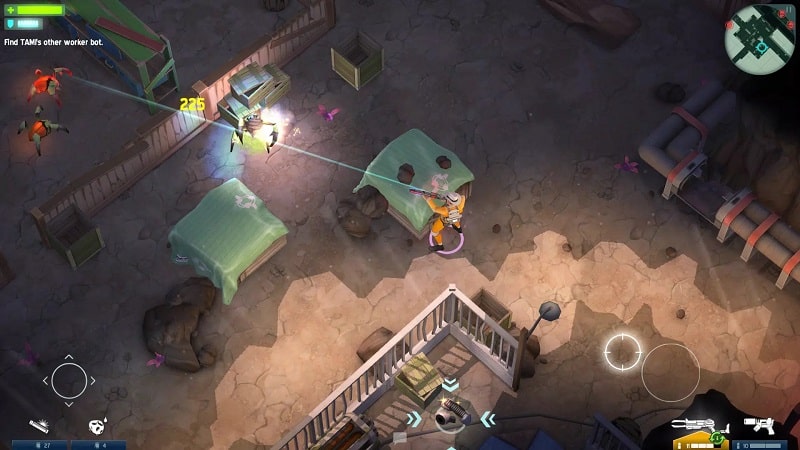
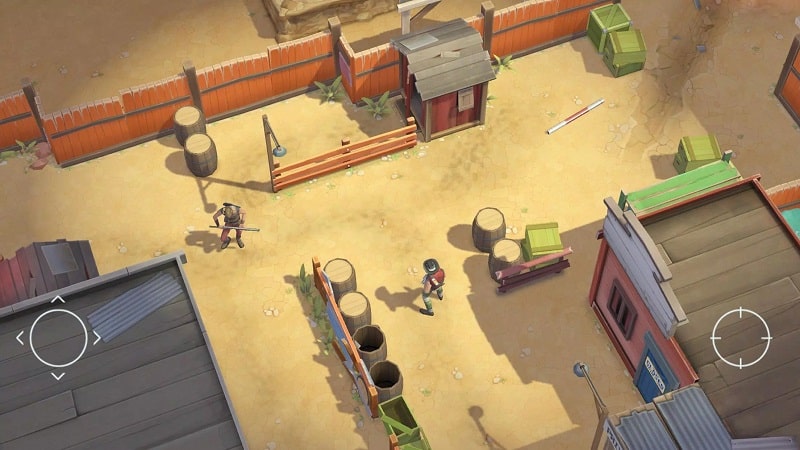
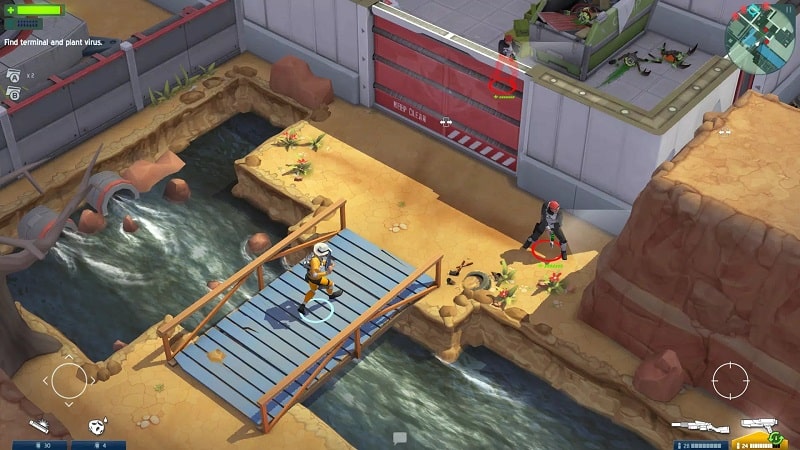
Space Marshals Mod is a top-down tactical shooter developed by Pixelbite. The game combines stealth, action, and strategy as players control a space marshal hunting down fugitives across varied planetary environments. It targets players who enjoy methodical, cover-based combat with a sci-fi Western aesthetic. The core loop involves planning approaches, utilizing environmental advantages, and engaging in precise gunfights to complete bounty missions.
What This Mod Unlocks
- Unlimited Ammo for all weapons. Magazine capacity remains visually unchanged, but ammunition is not consumed upon firing.
- No ammunition resource cost for any weapon, including special and heavy arms.
- Removes the need to scavenge for ammunition pickups during missions.
- Eliminates ammunition management from the player's tactical considerations.
The primary mod feature is activated automatically upon loading a game save or starting a new mission. There is no toggle or menu; the unlimited ammo state is persistent. Players will notice their ammunition count does not decrease when firing any equipped weapon.
The modded Space Marshals Mod APK requires Android 4.0 or higher and approximately 350 MB of free storage for the initial OBB data. Root access is not required. Installation follows the standard sideload process for modified APK files.
Installation steps: 1. Download the Space Marshals Mod MOD APK file. 2. Enable "Install from Unknown Sources" in Android security settings. 3. Locate the downloaded file using a file manager and tap to install. 4. Launch Space Marshals Mod and confirm the mod is active by checking that weapon ammo does not deplete.
Known edge cases: The unlimited ammo function is client-side and intended for offline/single-player campaign use. Using the mod in any potential online or leaderboard-connected modes may trigger detection. Progress and unlocked items are saved locally; clearing the app's data will reset all progression, though the mod functionality will remain. On some Android 10+ devices, the OBB data may need to be manually placed in the Android/obb/com.pixelbite.sg/ folder.

