



 ACG
ACG
 Action
 Adventure
 Arcade
 BeautifulGirl
 Board
Board
 Card
Card
 Casual
 Chess
Chess
 Educational
 Horror
 Multiplayer
 Music
Music
 NSFW
NSFW
 Puzzle
 Racing
 Sports
 Strategy
 Survival
 Business
 Communication
 Education
 Entertainment
 Family
 News
News
 Photography
 Social
 SportsLive
 Tools
Tools
 Traffic
 Video&Music
 Weather


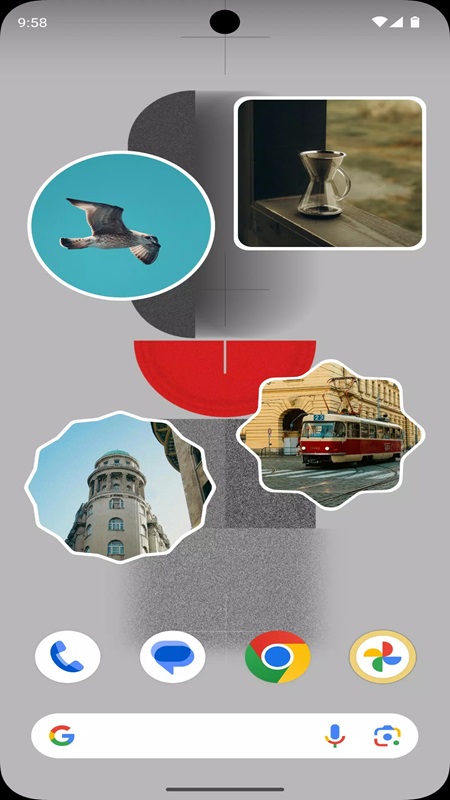
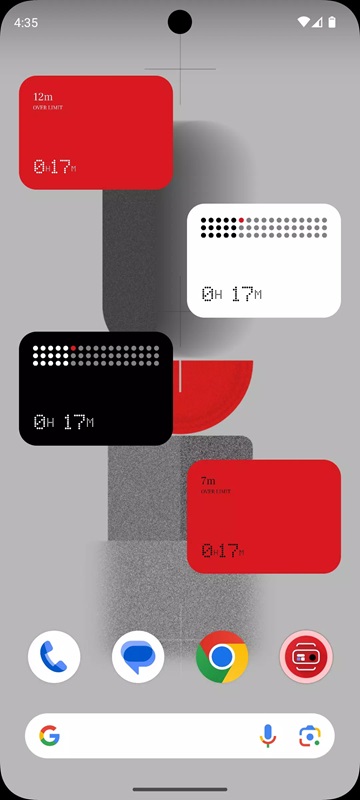
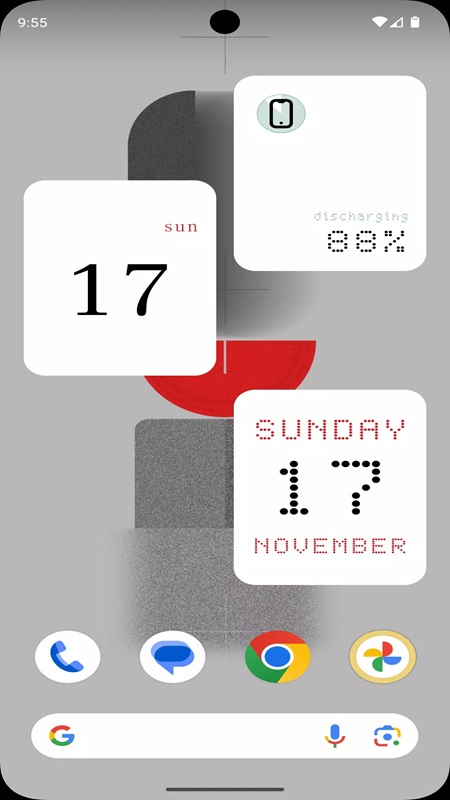
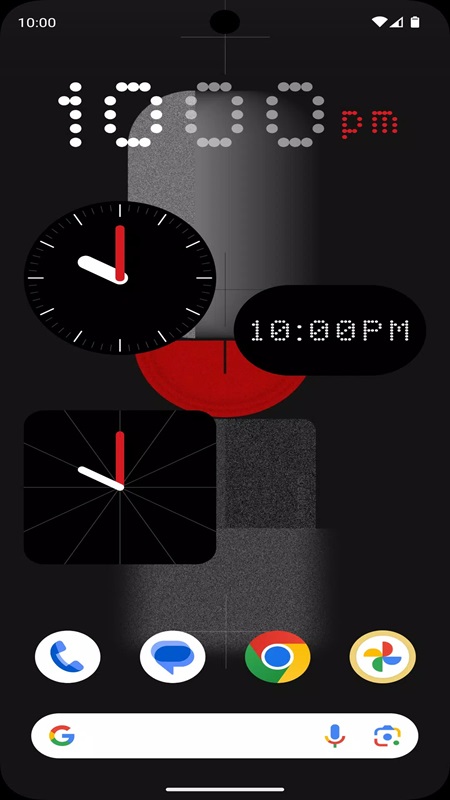
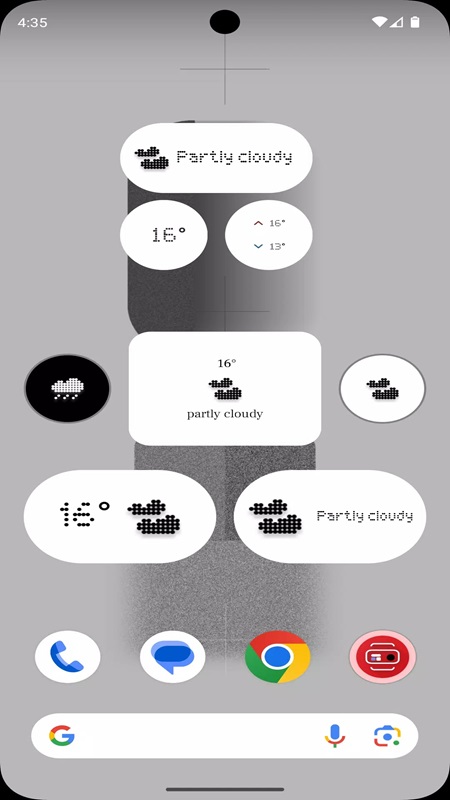
Something OS Widgets Mod is a utility application for Android that provides a library of customizable widgets for the home screen. It targets users seeking to emulate or enhance their device's aesthetic with modular, information-dense components like clocks, weather displays, music controls, and system toggles. The app functions as a widget provider, requiring users to add widgets through the standard Android long-press menu on the home screen.
What This Mod Unlocks
- Premium widget styles and templates are fully unlocked. All visual designs listed within the app's categories (Astronomy, Calendar, Controls, Weather, Music) are available without payment.
- Advertising modules have been disabled. No interstitial or banner ads load within the application interface.
- In-app purchase prompts are removed. The 'Premium' or 'Upgrade' triggers within the official version do not appear.
The primary modification is the unconditional access to all widget designs. In the official version, many styles are locked behind a paywall.
Activation Note
The mod features are applied automatically upon launch. There is no separate mod menu or activation button. Users will have immediate access to the full widget catalog within the Something OS Widgets Mod interface.
Android 7.0 or higher is required. The application requires approximately 25-30 MB of storage for installation and widget data. Root access is not required.
Installation Steps
- Download the Something OS Widgets Mod MOD APK file.
- Enable installation from unknown sources in Android settings if not already done.
- Open the downloaded file and proceed with the installation prompt.
- After installation, launch Something OS Widgets Mod and grant necessary permissions (like location for weather widgets).
- Add widgets by long-pressing the home screen, selecting 'Widgets', and choosing from the Something OS Widgets Mod list.
Known Edge Cases
- Widget functionality is dependent on the app running in the background. If the system aggressively kills background processes, widgets may stop updating until the app is manually reopened.
- Some widget data (like weather) requires a stable internet connection to fetch updates.
- After a device restart, widgets may initially display a 'Loading' or placeholder state until the Something OS Widgets Mod service initializes, which can take several seconds.
- Changing the device's theme or launcher may occasionally cause widget positioning to reset.

