



 ACG
ACG
 Action
 Adventure
 Arcade
 BeautifulGirl
 Board
Board
 Card
Card
 Casual
 Chess
Chess
 Educational
 Horror
 Multiplayer
 Music
Music
 NSFW
NSFW
 Puzzle
 Racing
 Sports
 Strategy
 Survival
 Business
 Communication
 Education
 Entertainment
 Family
 News
News
 Photography
 Social
 SportsLive
 Tools
Tools
 Traffic
 Video&Music
 Weather
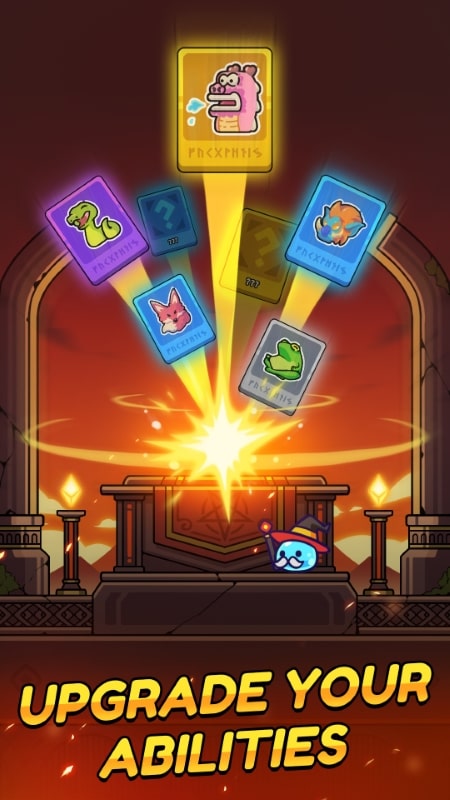




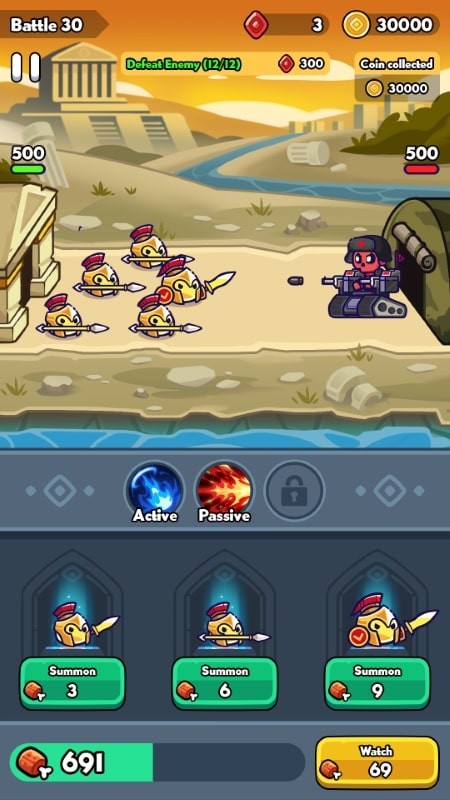
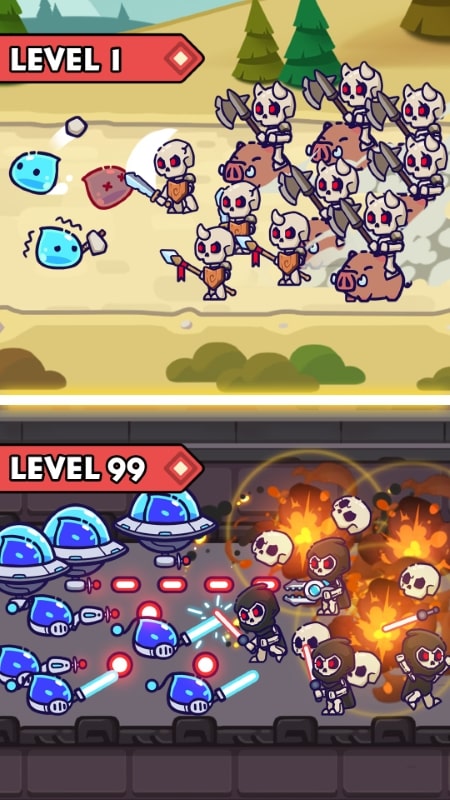
Slime Warrior Age of War Mod is a progression-based strategy game where players build and evolve an army across historical eras, from the Stone Age to modern times. It targets players who enjoy tactical resource management and unit development within a cute, chibi-styled aesthetic. The core loop involves balancing offensive and defensive strategies while managing an empire to expand territory and upgrade facilities.
What This Mod Unlocks
- Mod Menu: A persistent overlay interface accessible from the game's main screen or during gameplay.
- Damage Multiplier: A configurable slider or toggle within the Mod Menu that increases the damage output of your units.
- Currency Always Increase: A function that prevents your primary in-game currency from decreasing when making purchases or upgrades.
- Ads Disabled: Interstitial and banner advertisements are removed from the game client.
The Mod Menu is the central access point for all modified features. It typically appears as a small, draggable button on the screen after launching Slime Warrior Age of War Mod. Tapping this button expands the menu to reveal the Damage Multiplier and Currency controls.
This mod for Slime Warrior Age of War Mod requires Android 7.0 or higher. The APK file size is approximately 101 MB, with additional asset downloads likely upon first launch. Root access is not required for installation or functionality.
Installation follows the standard sideload process. First, enable installation from unknown sources in your Android device's security settings. Second, download the modified APK file. Third, locate the downloaded file using a file manager and tap to install. Fourth, launch Slime Warrior Age of War Mod and grant any requested permissions identical to the official version.
Several edge cases exist. The currency increase feature may not visually update in real-time on some UI screens until you perform an action that refreshes the display, such as entering a battle or switching menus. The mod menu can occasionally obscure touch targets for underlying game UI elements. Using the damage multiplier in player-versus-player or any online-ranked modes may trigger anti-cheat detection. Clearing the app's data or cache will reset all progress, including mod-enabled progression, requiring a restart.

