



 ACG
ACG
 Action
 Adventure
 Arcade
 BeautifulGirl
 Board
Board
 Card
Card
 Casual
 Chess
Chess
 Educational
 Horror
 Multiplayer
 Music
Music
 NSFW
NSFW
 Puzzle
 Racing
 Sports
 Strategy
 Survival
 Business
 Communication
 Education
 Entertainment
 Family
 News
News
 Photography
 Social
 SportsLive
 Tools
Tools
 Traffic
 Video&Music
 Weather
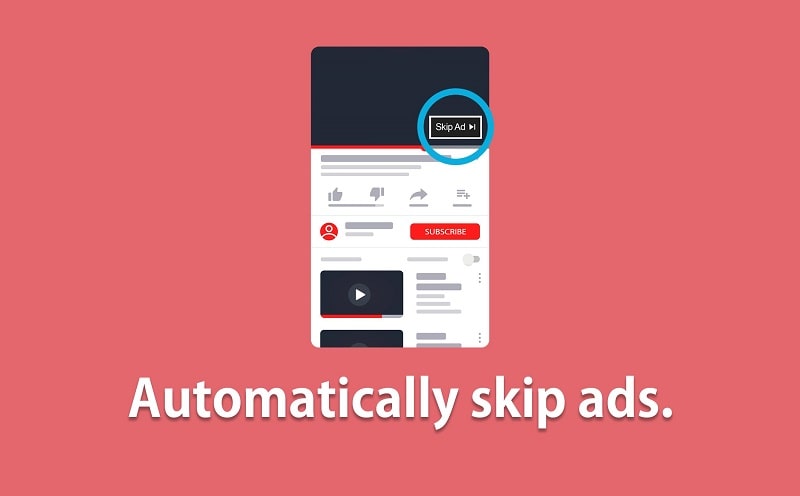



Skip Ads Mod is a system overlay utility designed for users who encounter video advertisements within other applications or games. It functions by providing a floating control panel that can modify the playback speed of any video content displayed on screen, including ads, and offers an auto-close function. The target user is anyone seeking to reduce time spent waiting for mandatory ad watches in free-to-use apps.
What This Mod Unlocks
- All premium playback speed controls (0.25x to 2x) are unlocked and available without purchase.
- The auto-close function for advertisements is enabled, bypassing the need for manual skip button presses.
- Video quality adjustment features, including resolution upscaling where supported, are fully accessible.
- The persistent overlay service operates without restrictions or trial limitations.
To activate the mod features, open Skip Ads Mod and grant the necessary overlay permission. Then, navigate to any app that plays a video or ad. Swipe in from the left edge of the screen to summon the floating control panel. The mod's unlocked speed controls and close button will be immediately available on this panel.
Skip Ads Mod requires Android 7.0 or higher. It does not require root access. The APK file size is approximately 4.2 MB, with minimal additional storage needed for operation.
Installation Steps
- Download the Skip Ads Mod mod APK file.
- Enable installation from unknown sources in your Android device settings.
- Open the downloaded file and follow the on-screen installation prompts.
- Launch Skip Ads Mod, grant the overlay permission when requested, and configure your preferred settings.
Known Edge Cases
- The overlay may not appear on certain full-screen activities or secure screens, such as banking apps.
- Some apps with aggressive anti-tampering measures may detect and block the overlay, preventing functionality.
- Auto-close functionality depends on the ad's skip button being present and may fail on non-standard ad formats.
- Video quality upscaling is limited to the source material's maximum resolution; it cannot generate higher quality than the original stream.

