



 ACG
ACG
 Action
 Adventure
 Arcade
 BeautifulGirl
 Board
Board
 Card
Card
 Casual
 Chess
Chess
 Educational
 Horror
 Multiplayer
 Music
Music
 NSFW
NSFW
 Puzzle
 Racing
 Sports
 Strategy
 Survival
 Business
 Communication
 Education
 Entertainment
 Family
 News
News
 Photography
 Social
 SportsLive
 Tools
Tools
 Traffic
 Video&Music
 Weather
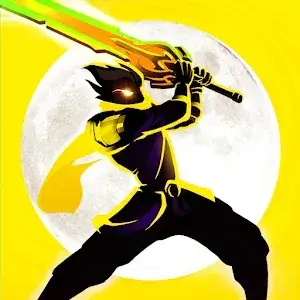


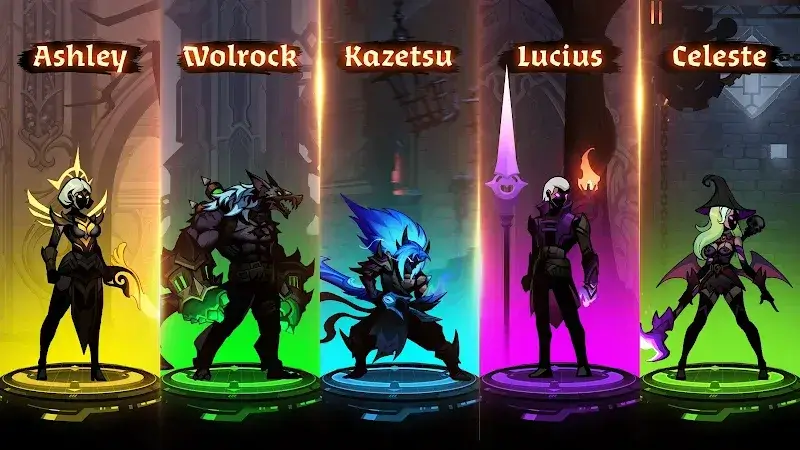
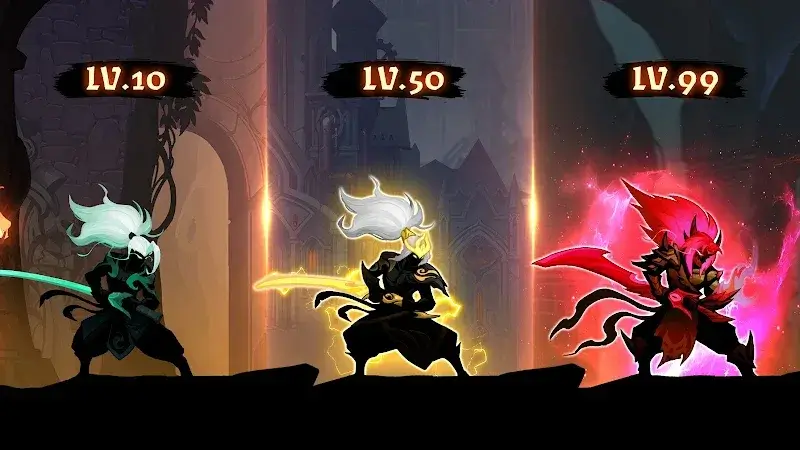
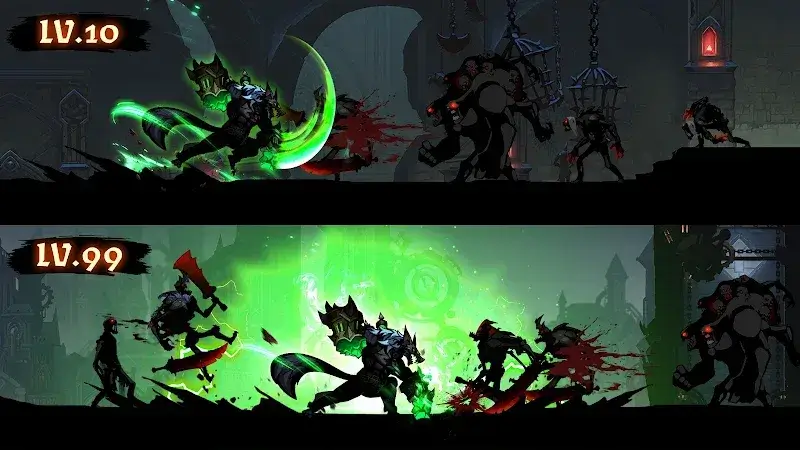
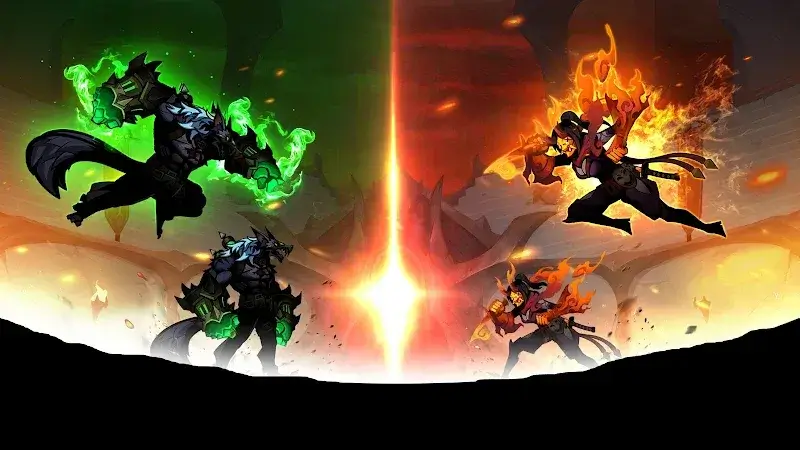
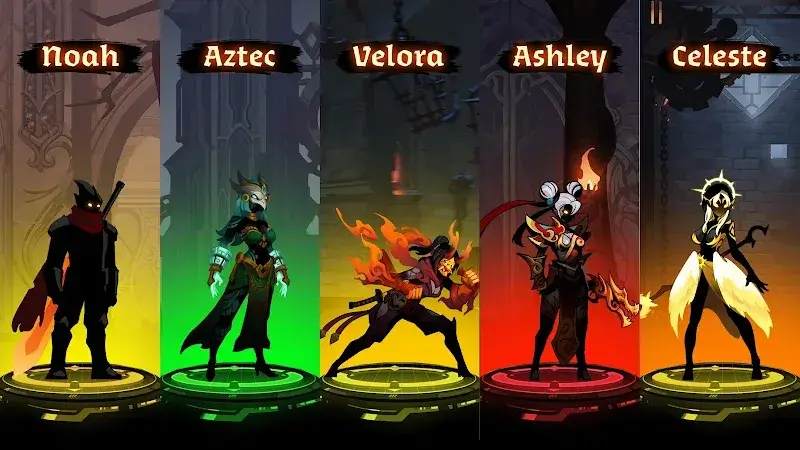
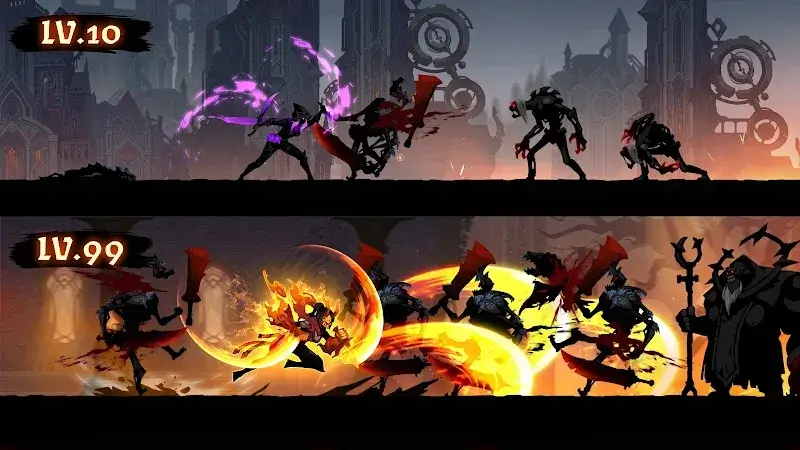
Shadow War Mod is an idle role-playing game focused on incremental progression through combat against waves of dark monsters. Players manage a roster of heroes, upgrade their skills and equipment, and defend against invasions. The core loop involves automated battles and manual skill activation, targeting players who enjoy progression systems without intensive real-time action. The mod version alters the in-game economy to bypass grinding constraints.
What This Mod Unlocks
- Mod Menu overlay with toggle switches for various cheats.
- Unlimited Gold currency, which does not decrease on purchases or upgrades.
- Unlimited Gems premium currency, which remains at a fixed high value.
- All in-app purchases are unlocked and free to acquire.
- Advertisements are disabled; no video ads appear for rewards.
The mod injects a floating icon into the game interface upon launch. Tapping this icon reveals the mod menu panel. The panel contains individual toggles for each currency and feature. The most critical modification is the infinite currency, which is applied immediately upon enabling the corresponding toggle in the menu. No restart of the app is required for changes to take effect.
This Shadow War Mod mod requires Android 9.0 or higher. It does not require root access. Installation will consume approximately 190 MB of storage space, matching the original APK size. The mod is built for version 1.0.72 of Shadow War Mod.
Installation Process
- Download the Shadow War Mod MOD APK file.
- Enable installation from unknown sources in Android settings.
- Open the downloaded file with a file manager to begin installation.
- Launch the game after installation completes.
Known Limitations
- The mod menu may not persist if the game is updated through the Google Play Store.
- Progress tied to cloud save services may not sync modified currency values correctly.
- Some event rewards that require server communication may function normally without mod benefits.
- Clearing the app's data resets all progression, including mod-gained currency, requiring a re-enable of the mod menu.

