



 ACG
ACG
 Action
 Adventure
 Arcade
 BeautifulGirl
 Board
Board
 Card
Card
 Casual
 Chess
Chess
 Educational
 Horror
 Multiplayer
 Music
Music
 NSFW
NSFW
 Puzzle
 Racing
 Sports
 Strategy
 Survival
 Business
 Communication
 Education
 Entertainment
 Family
 News
News
 Photography
 Social
 SportsLive
 Tools
Tools
 Traffic
 Video&Music
 Weather



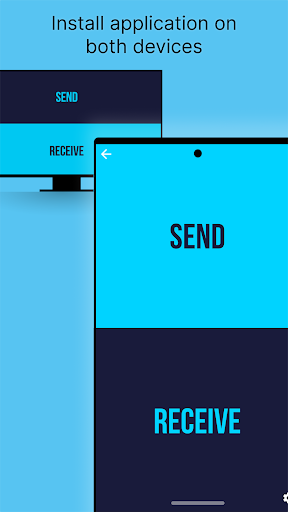
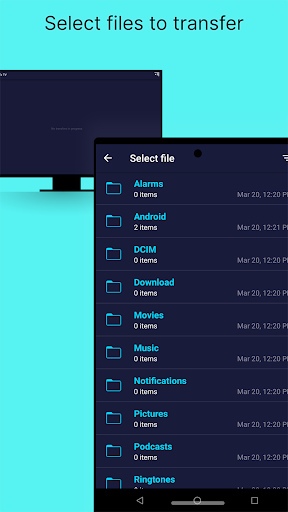
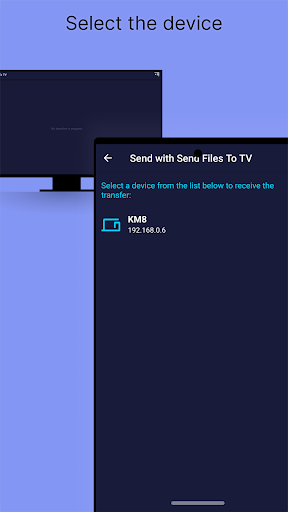
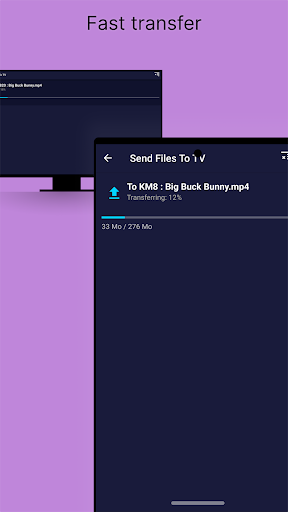
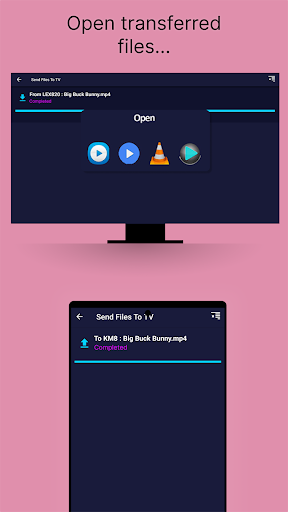
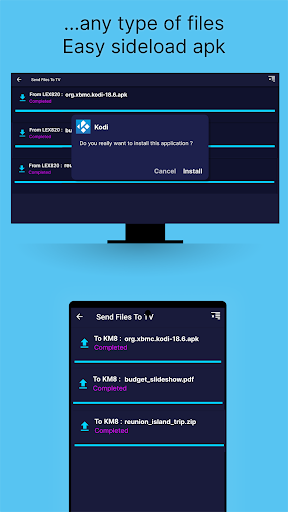
Send files to TV Mod is a utility application for transferring files between Android devices, computers, and Android TVs over a local Wi-Fi network. It targets users who need to move media, documents, or APK files without cables, cloud services, or internet access. The app operates within the local network, prioritizing speed and privacy for sideloading or media playback on larger screens.
What This Mod Unlocks
- Pro version features are fully activated.
- All limitations present in the free version are removed.
- The application runs as the unlocked premium build.
The mod functions by providing a pre-patched APK file where the Pro license check is bypassed. This grants access to the full feature set without requiring an in-app purchase.
Activation Note
The mod is applied pre-installation. Upon launching Send files to TV Mod version 1.4.22, the interface will reflect the Pro status immediately, with no additional activation steps or menus required by the user.
Android 6.0 or higher is required. The application requires approximately 12 MB of storage for installation and cache. Root access is not necessary for installation or function.
Install Steps
- Download the Send files to TV Mod mod APK file.
- Enable installation from unknown sources in Android settings.
- Open the downloaded APK file and proceed with the installation.
- Launch the application; the Pro features will be available.
Known Edge Cases
- If the original app was previously installed, you must uninstall it first to avoid signature conflicts.
- File transfer speed is dependent on local Wi-Fi network quality and router performance.
- The mod only affects the client application; receiver devices (TV, other phones) require the standard version of Send files to TV Mod to function correctly.
- Clearing the app data does not revert the Pro unlock.

