



 ACG
ACG
 Action
 Adventure
 Arcade
 BeautifulGirl
 Board
Board
 Card
Card
 Casual
 Chess
Chess
 Educational
 Horror
 Multiplayer
 Music
Music
 NSFW
NSFW
 Puzzle
 Racing
 Sports
 Strategy
 Survival
 Business
 Communication
 Education
 Entertainment
 Family
 News
News
 Photography
 Social
 SportsLive
 Tools
Tools
 Traffic
 Video&Music
 Weather
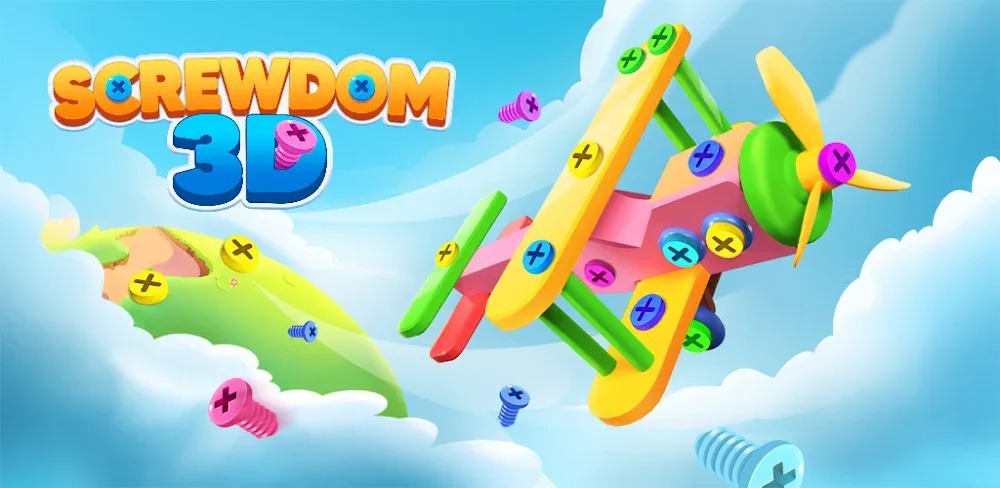


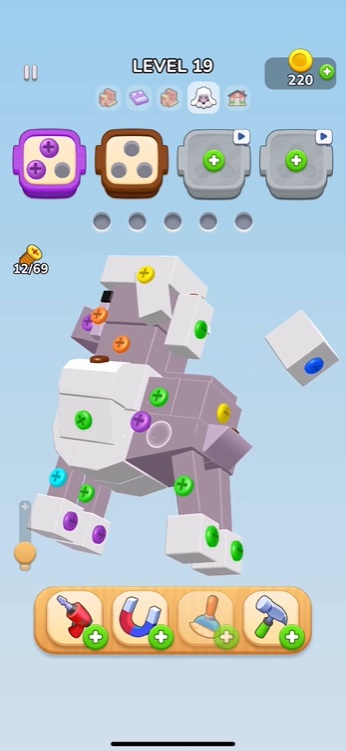
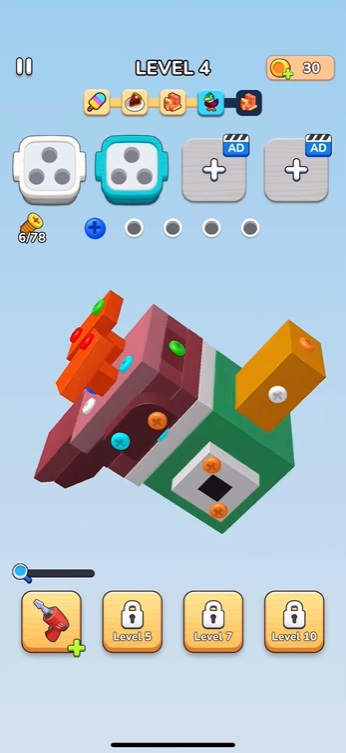
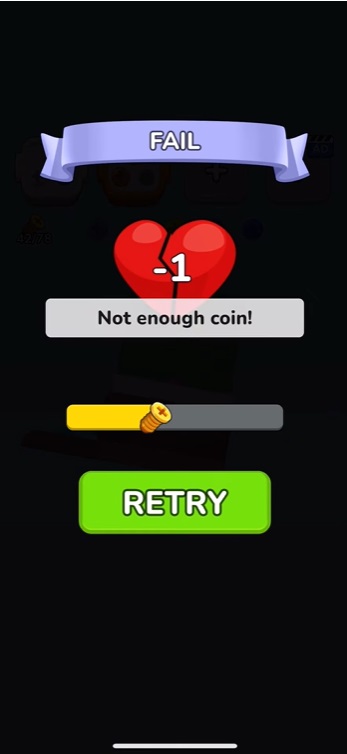


Screwdom 3D Mod is a 3D spatial reasoning puzzle game where players disassemble complex models by removing colored screws in a specific order. The game targets players who enjoy methodical, logic-based challenges without time pressure. Each level presents a unique 3D object assembled from interlocking pieces held together by screws; the player's task is to deduce the correct removal sequence to dismantle it without causing a deadlock.
What This Mod Unlocks
- Mod Menu: A persistent overlay menu accessible from any screen.
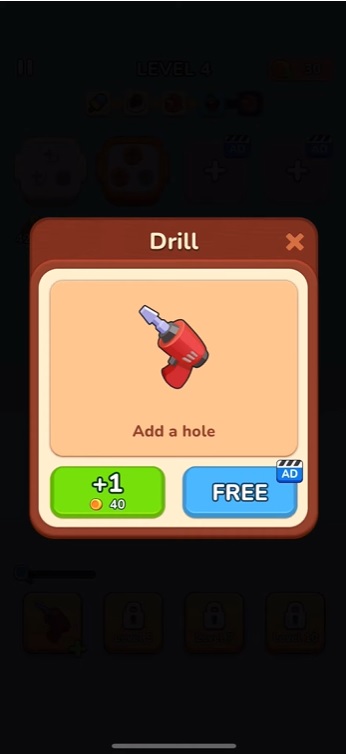
- Free In-App Purchases: All premium currency (gold) and skill packs can be acquired without payment.
- Auto Win: A toggleable function that instantly completes the current puzzle.
- Ads Disabled: All interstitial and rewarded video advertisements are removed.
- Unlimited Hints: The hint system, which normally consumes currency, has no cost.
The mod menu is activated by tapping a small, semi-transparent icon that appears on the edge of the screen after launch. This icon can be dragged to reposition. The most critical mod feature, Auto Win, is toggled within this menu.
This mod requires Android 7.0 or higher and approximately 400 MB of free storage for installation and cache. Root access is not required.
Installation Steps
- Download the Screwdom 3D Mod mod APK file.
- Enable "Install from Unknown Sources" in Android settings if prompted.
- Open the downloaded file and proceed with the installation.
- Launch Screwdom 3D Mod and confirm the mod menu icon is present.
Known Edge Cases
- The Auto Win feature may cause the game's internal progression tracker to skip level-specific achievements.
- Excessive use of free purchases in a single session can occasionally trigger a client-side data validation warning, which does not affect gameplay.
- Clearing the app's data will reset all progression but the mod menu will remain functional upon restart.
- On some Android 12+ devices, the overlay menu icon may require manual permission granting via system settings.

