



 ACG
ACG
 Action
 Adventure
 Arcade
 BeautifulGirl
 Board
Board
 Card
Card
 Casual
 Chess
Chess
 Educational
 Horror
 Multiplayer
 Music
Music
 NSFW
NSFW
 Puzzle
 Racing
 Sports
 Strategy
 Survival
 Business
 Communication
 Education
 Entertainment
 Family
 News
News
 Photography
 Social
 SportsLive
 Tools
Tools
 Traffic
 Video&Music
 Weather


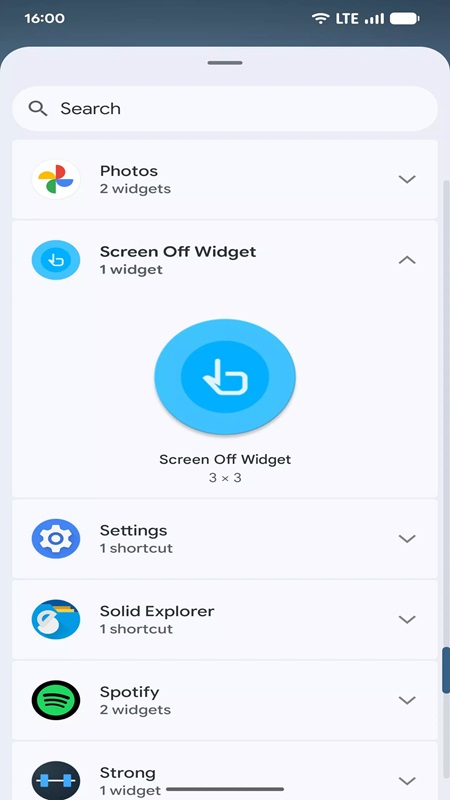
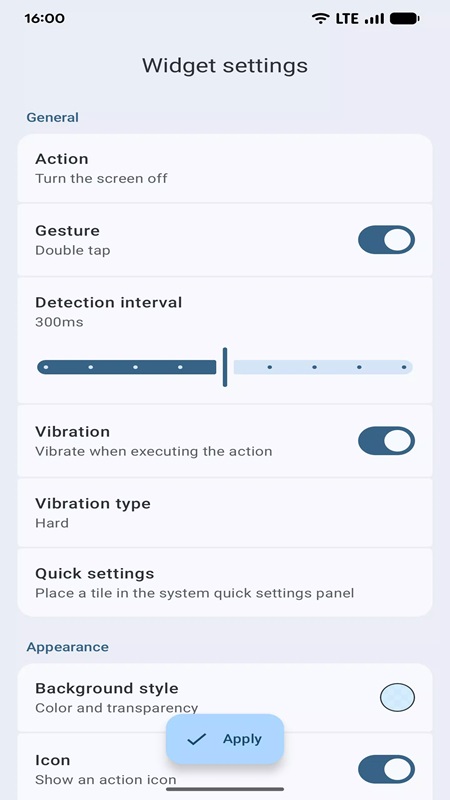
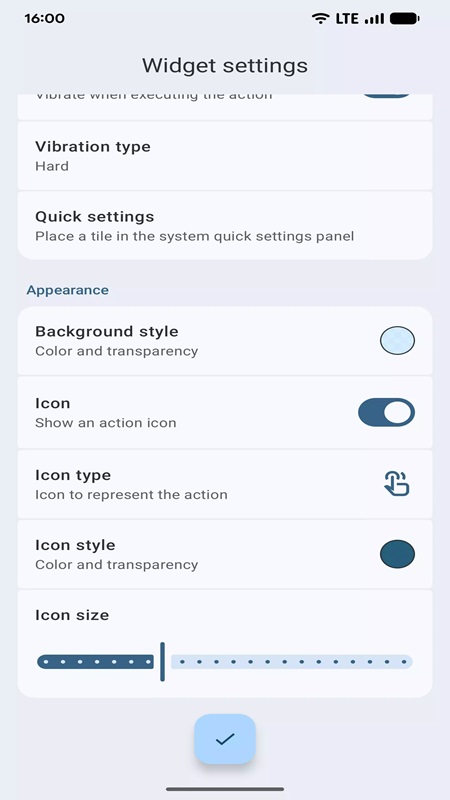
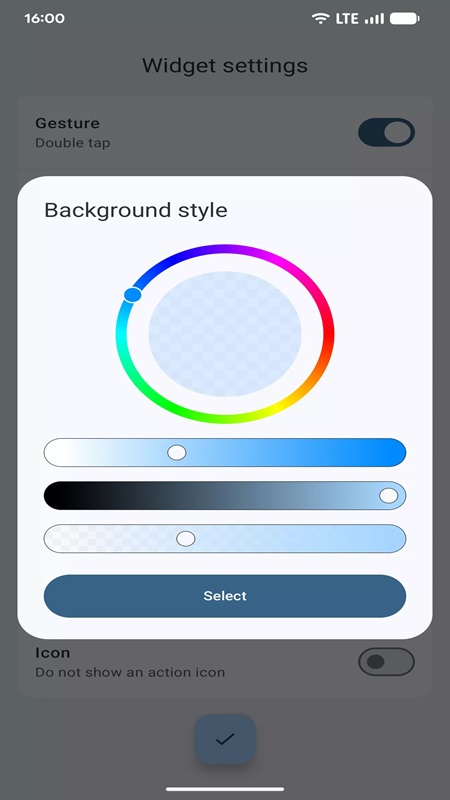
Screen Off Widget Mod provides an accessibility service that simulates a power button press via a home screen widget. It is designed for users who want to reduce physical wear on their device's power button or require quicker screen-off access. The app falls into the utility category, offering a single-purpose tool with deep customization.
What This Mod Unlocks
- Premium features unlocked, removing all in-app purchase requirements.
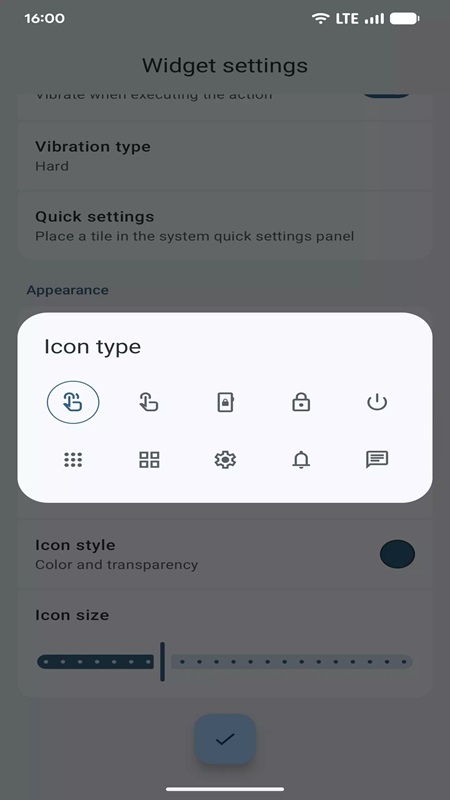
- Full access to all icon packs and custom icon types.
- All vibration pattern customizations (Soft, Medium, Hard, Double) are available without restriction.
- Complete background color customization palette is unlocked.
- All widget size, opacity, and transparency adjustment sliders are fully functional.
- All action types (Open notification panel, Open quick settings, Recent apps, Power menu) are available.
The modded features are active immediately upon installation. No activation steps, mod menus, or special taps are required. The unlocked premium status is applied directly to the app's internal license check.
Screen Off Widget Mod requires Android 5.0 or higher. The app consumes approximately 3 MB of storage. Root access is not required. The app requests standard accessibility service permissions to function; it does not request SMS, call log, or contact permissions beyond what is needed for the widget action.
Installation follows the standard sideload process for modified APKs. First, enable installation from unknown sources in your Android security settings. Second, download the mod APK file. Third, locate the downloaded file using a file manager and tap to install. Fourth, open the app and grant the necessary accessibility service permission when prompted.
Known edge cases include the widget occasionally disappearing after a major system update, requiring a re-add to the home screen. The accessibility service may be turned off by battery optimization settings on some OEM Android skins, requiring the user to exempt the app. Clearing app data will reset all customizations to default, but the premium status remains unlocked. There is no online component, so no risk of server detection or ban.

