



 ACG
ACG
 Action
 Adventure
 Arcade
 BeautifulGirl
 Board
Board
 Card
Card
 Casual
 Chess
Chess
 Educational
 Horror
 Multiplayer
 Music
Music
 NSFW
NSFW
 Puzzle
 Racing
 Sports
 Strategy
 Survival
 Business
 Communication
 Education
 Entertainment
 Family
 News
News
 Photography
 Social
 SportsLive
 Tools
Tools
 Traffic
 Video&Music
 Weather
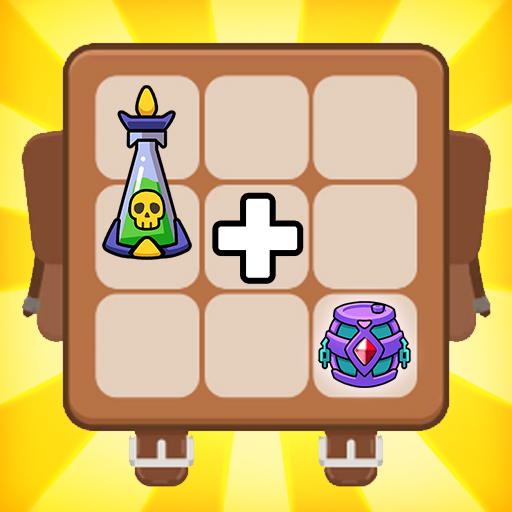



Rumble Bag Mod is an action survival game centered on inventory management and tactical combat. Players control a character who must survive in hostile lands using a magical backpack that stores and merges weapons. The core loop involves arranging items within a grid-based backpack to combine them into more powerful gear, then deploying that gear against waves of monsters and bosses. The target audience is players who enjoy hybrid mechanics of puzzle-like inventory management and real-time action combat.
What This Mod Unlocks
- Mod Menu overlay with toggle switches for all cheat functions.
- Damage Multiplier: Increases the base damage output of all weapons and skills by a configurable factor.
- Defense Multiplier: Reduces incoming damage from all enemy attacks by a configurable factor.
- God Mode: Character becomes immune to all damage from enemies and environmental hazards.
- Battle Coin Multiplier: Multiplies the quantity of coins earned during and after each combat encounter.
- All menu features are adjustable via sliders or toggles within the in-game overlay.
The mod menu is activated by tapping a floating icon that appears on the screen shortly after Rumble Bag Mod launches. The icon is semi-transparent and can be dragged to any screen edge. Tapping it opens the mod panel where each multiplier can be enabled or adjusted. The most important feature, the Damage Multiplier, is set to 1x (off) by default and must be manually increased.
The mod requires Android 6.0 or higher. It does not require root access. Initial installation and data download will require approximately 250 MB of free storage.
Installation follows standard sideloading procedure. First, enable installation from unknown sources in Android settings. Second, download the mod APK file. Third, locate the downloaded file using a file manager and tap to install. Fourth, launch Rumble Bag Mod and grant any requested permissions. The mod menu icon should appear within 10 seconds of the main game screen loading.
Several edge cases are present. The mod menu may fail to appear if the game is launched while another overlay application is active. Disabling all other floating apps is recommended. Multiplier effects are client-side only; any server-synced events or leaderboards may display inconsistent data. The God Mode feature can cause scripted sequences or boss phase triggers to malfunction, potentially soft-locking progression. Clearing the app data or cache will reset all mod settings to their defaults. The mod is built for version 1.8.03; using it on other versions may cause instability or crashes.

