



 ACG
ACG
 Action
 Adventure
 Arcade
 BeautifulGirl
 Board
Board
 Card
Card
 Casual
 Chess
Chess
 Educational
 Horror
 Multiplayer
 Music
Music
 NSFW
NSFW
 Puzzle
 Racing
 Sports
 Strategy
 Survival
 Business
 Communication
 Education
 Entertainment
 Family
 News
News
 Photography
 Social
 SportsLive
 Tools
Tools
 Traffic
 Video&Music
 Weather



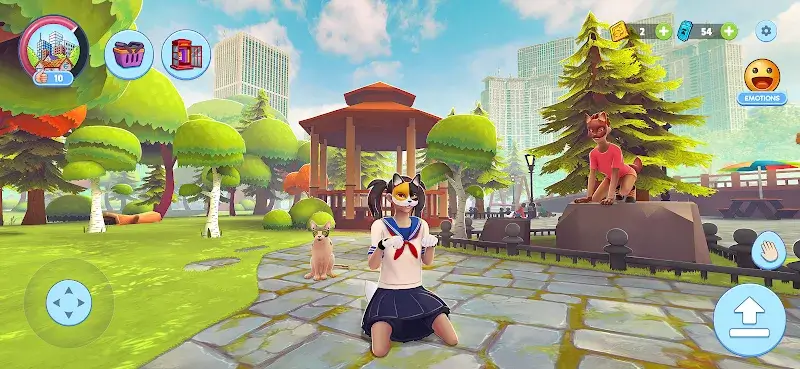
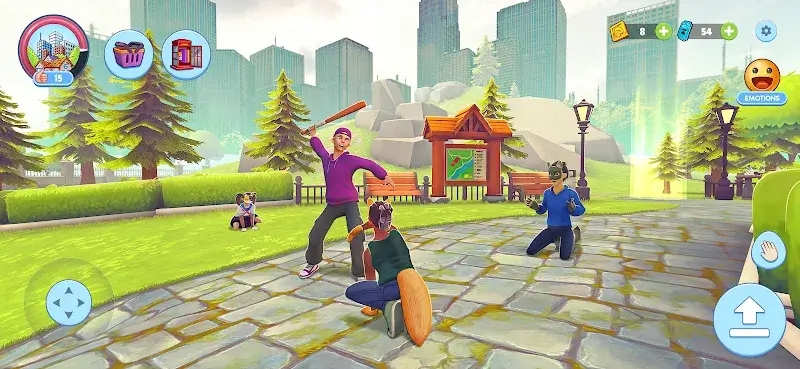
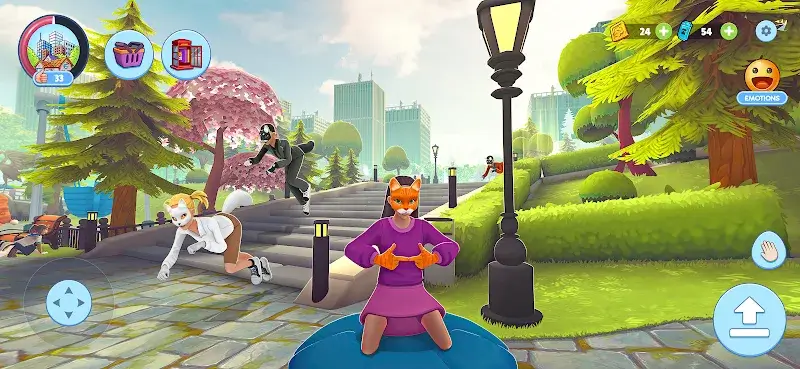
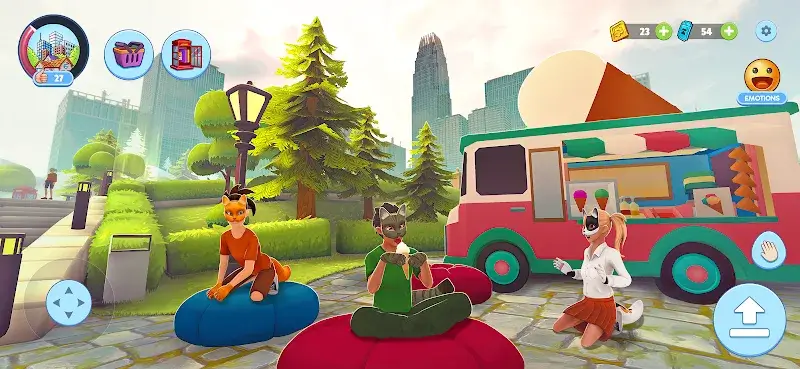
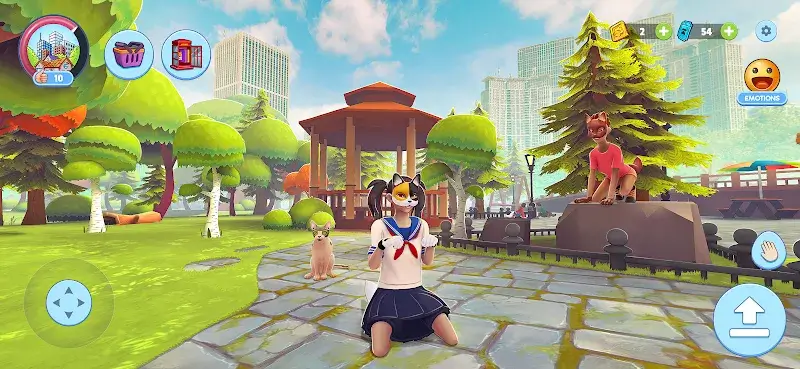
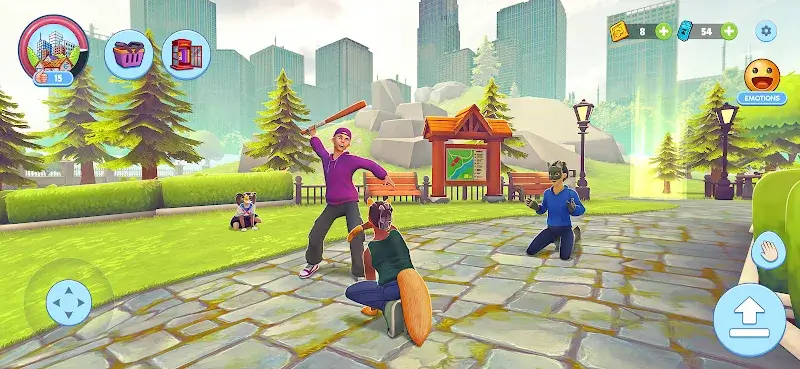
Quadrober Simulator Mod is a role-playing simulation game where the player controls a cat in an open urban environment. The app targets users interested in casual, non-competitive animal simulation with exploration and light social interaction mechanics. It falls within the pet/life simulation subgenre, focusing on movement, environmental interaction, and basic quest completion.
What This Mod Unlocks
- Mod Menu overlay is injected into the game's main interface.
- All in-game currencies are set to an infinite value and do not decrease on purchase.
- Premium items and cosmetic unlocks that normally require currency are available without cost.
- No advertisements are served during gameplay.
The mod functions by patching the game's currency handling methods. Transactions that would deduct currency are intercepted and prevented. The Mod Menu is the central control point for the modifications.
To activate the primary mod feature, launch Quadrober Simulator Mod. A semi-transparent button labeled "Mod" will appear on the left or right edge of the screen after the main menu loads. Tap this button to open the Mod Menu overlay. The "Unlimited Currencies" toggle is enabled by default. No further configuration is required for the currency modification to take effect.
The mod requires Android 8.0 or higher. The installation requires approximately 200 MB of free storage. Root access is not required. The APK is signed with a custom certificate and must be installed alongside the original OBB data files.
- Download the mod APK file (com.tt.quadrober.simulator.mod.apk).
- If you have the official Quadrober Simulator Mod installed, uninstall it first.
- Enable "Install from Unknown Sources" for your file manager or browser.
- Navigate to the downloaded APK file and tap to install.
- Launch the game once to initialize, then close it.
- Place the provided OBB folder in Android/obb/com.tt.quadrober.simulator/ if required.
- Launch Quadrober Simulator Mod again; the Mod Menu button will appear.
Known edge cases include the Mod Menu button occasionally failing to render on some devices with custom navigation gestures; switching to three-button navigation temporarily resolves this. The unlimited currency state is client-side only; any server-synced features or future online leaderboards may not reflect modded values. Clearing the app's data resets all progress but the mod remains installed; the Mod Menu will reappear on a fresh start. On Android 12 and above, you may need to grant the "Display over other apps" permission manually for the Mod Menu overlay to appear.

