



 ACG
ACG
 Action
 Adventure
 Arcade
 BeautifulGirl
 Board
Board
 Card
Card
 Casual
 Chess
Chess
 Educational
 Horror
 Multiplayer
 Music
Music
 NSFW
NSFW
 Puzzle
 Racing
 Sports
 Strategy
 Survival
 Business
 Communication
 Education
 Entertainment
 Family
 News
News
 Photography
 Social
 SportsLive
 Tools
Tools
 Traffic
 Video&Music
 Weather



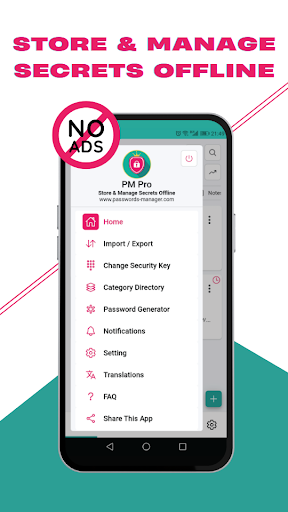
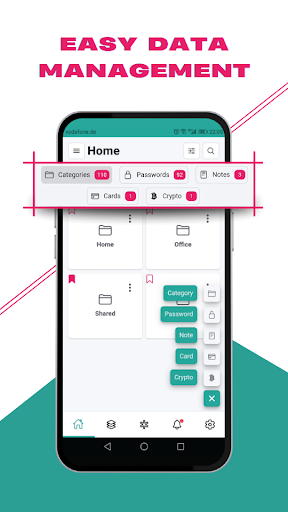
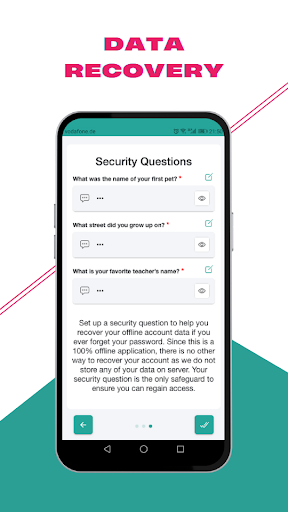
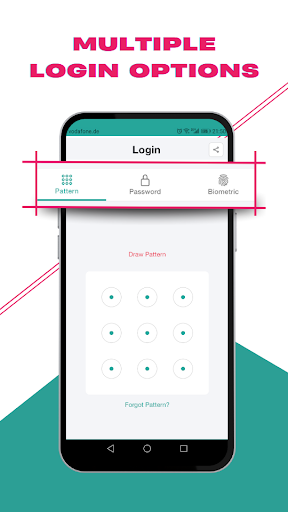
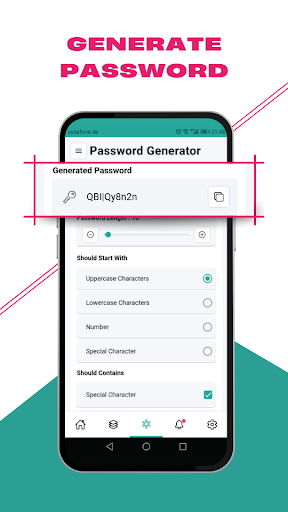
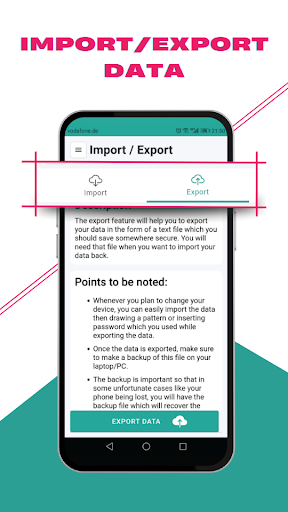
PM Pro Mod is an offline password manager for Android that stores encrypted data locally on the device. It uses AES-256 encryption and does not rely on cloud services. The app is designed for users who require direct control over their password vaults and sensitive notes without external data transmission.
What This Mod Unlocks
- Premium features unlocked, removing the one-time payment requirement.
- Unlimited custom field creation enabled.
- All export formats and import sources are available.
- Advanced password generator tools are accessible.
- All color themes and language packs are unlocked.
- Bookmark and organizational limits are removed.
The mod activates immediately upon launching PM Pro Mod. The premium status is applied silently; no mod menu or activation button is required. The app interface will reflect unlocked features, such as the absence of upgrade prompts and full access to the custom fields section.
PM Pro Mod requires Android 6.0 or higher. The installation uses approximately 30 MB of storage. Root access is not required for the mod to function.
Installation Steps
- Download the mod APK file for PM Pro Mod version 4.7.2.
- Enable installation from unknown sources in Android settings.
- Open the downloaded file and proceed with the installation.
- Launch PM Pro Mod and confirm premium features are active.
Known Edge Cases
- The mod is designed for offline use; any future online verification checks added by the developer in an update could break functionality.
- Clearing app data will reset the vault but the premium status persists upon re-setup.
- Exporting data to a new device requires manual file transfer; the mod does not enable cloud sync.
- On some custom ROMs, biometric login may conflict with the mod's initialization.

