



 ACG
ACG
 Action
 Adventure
 Arcade
 BeautifulGirl
 Board
Board
 Card
Card
 Casual
 Chess
Chess
 Educational
 Horror
 Multiplayer
 Music
Music
 NSFW
NSFW
 Puzzle
 Racing
 Sports
 Strategy
 Survival
 Business
 Communication
 Education
 Entertainment
 Family
 News
News
 Photography
 Social
 SportsLive
 Tools
Tools
 Traffic
 Video&Music
 Weather


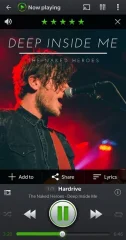
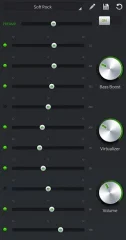
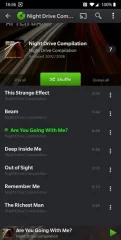
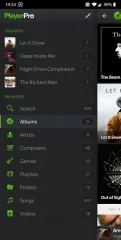
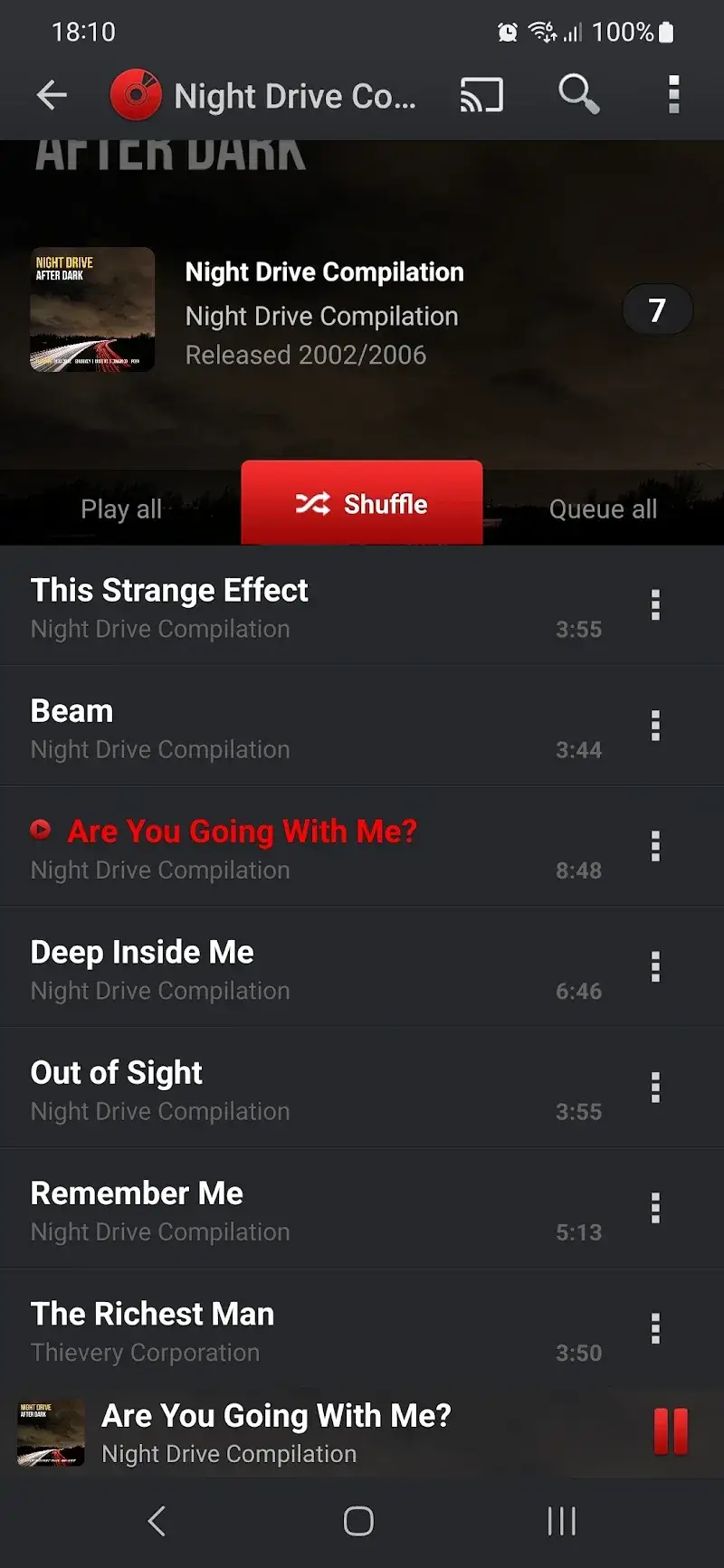
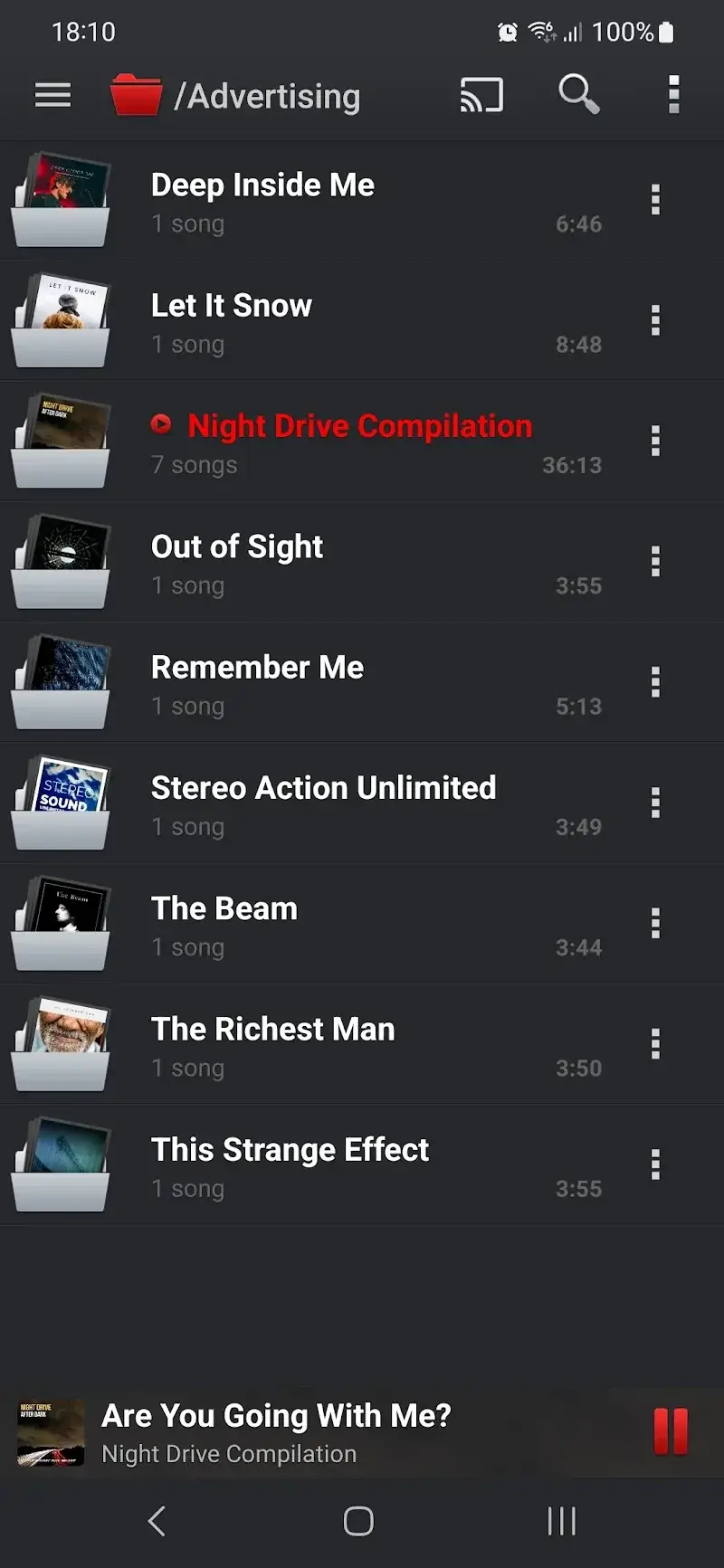
PlayerPro Music Player Mod is a local media player for Android designed for users who require granular control over audio playback, library management, and visual customization. It operates primarily as an offline utility, parsing device storage for audio and video files to build a local library. The app's core user base consists of listeners who prefer managing their own file collections over streaming services and demand advanced features like a 10-band equalizer, replay gain, and per-track ratings.
What This Mod Unlocks
- All premium themes and skins are unlocked, removing the in-app purchase requirement.
- All widget packs are available for use without payment.
- The premium Audio DSP Pack (including additional equalizer presets and effects) is fully enabled.
- The 'Download Album Art & Lyrics' premium feature is activated.
- All advertisements within the app are disabled.
After installing the modded APK, the premium features are immediately available. There is no separate activation step or menu. Upon launching PlayerPro Music Player Mod, you will have access to the full theme gallery and widget selection without prompts for payment. The Audio DSP Pack will appear as an installed component in the equalizer settings.
The mod requires Android 6.0 or higher and approximately 16 MB of free storage for the APK file. Root access is not required. The mod functions by bypassing the license verification for in-app purchases.
- Download the PlayerPro Music Player Mod mod APK file.
- Enable "Install from Unknown Sources" in your Android settings if prompted.
- Open the downloaded APK file and proceed with the installation.
- Launch the app; all premium content is unlocked upon first run.
Some users report that after clearing the app's data or cache, downloaded album art and lyrics may need to be fetched again, though the premium feature itself remains unlocked. The mod is designed for offline use; any online features tied to a user account (like cloud backup of settings) operate as per the official app and are not modified. On some custom ROMs, the widget rendering may behave inconsistently.

