



 ACG
ACG
 Action
 Adventure
 Arcade
 BeautifulGirl
 Board
Board
 Card
Card
 Casual
 Chess
Chess
 Educational
 Horror
 Multiplayer
 Music
Music
 NSFW
NSFW
 Puzzle
 Racing
 Sports
 Strategy
 Survival
 Business
 Communication
 Education
 Entertainment
 Family
 News
News
 Photography
 Social
 SportsLive
 Tools
Tools
 Traffic
 Video&Music
 Weather
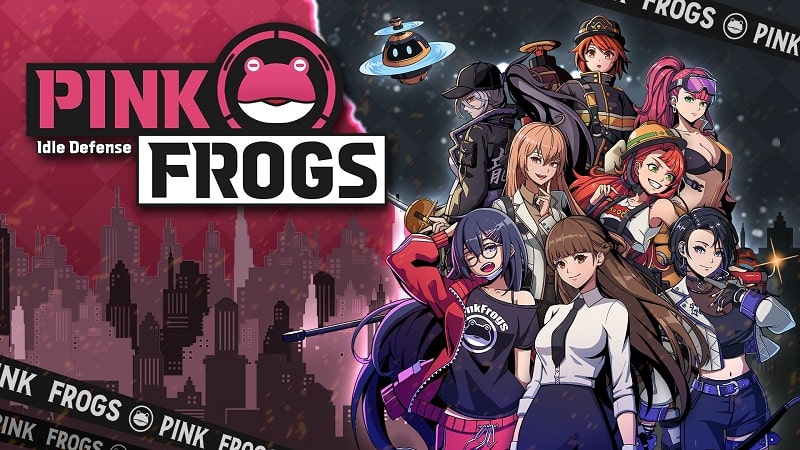


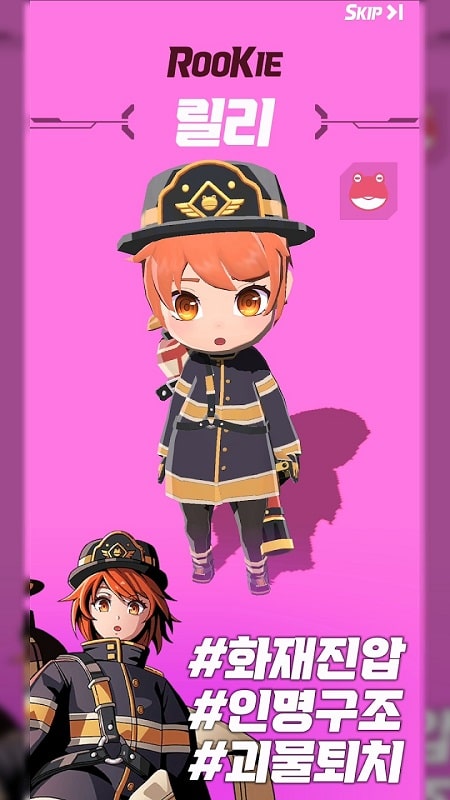
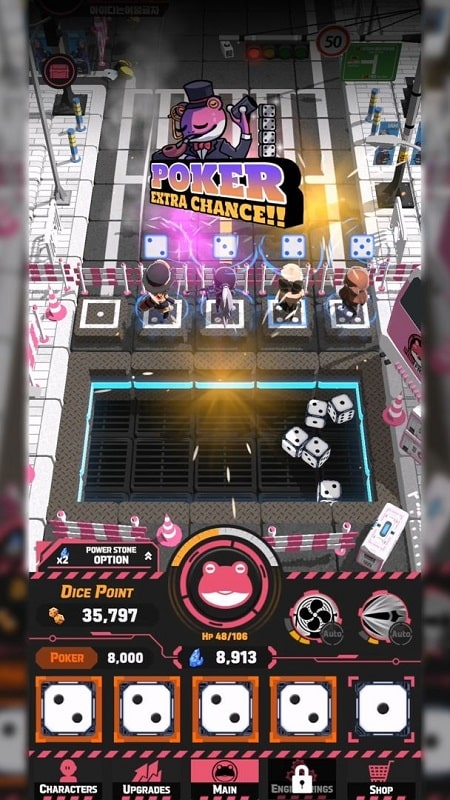

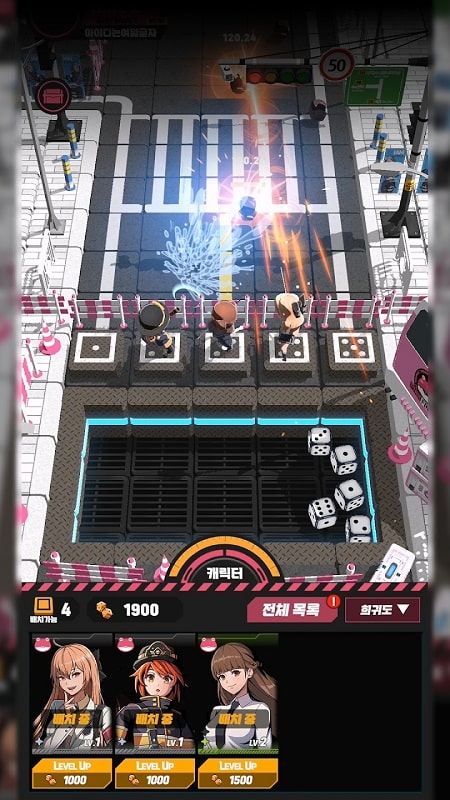
PINK FROGS Mod is a role-playing tower defense game centered on dice-rolling mechanics. Players assemble a crew of characters to defend against waves of monsters. The core gameplay loop involves strategic positioning, character skill activation via dice combinations, and resource management for upgrades. The mod version alters the game's balance through a configurable overlay menu.
What This Mod Unlocks
- Mod Menu overlay accessible from the game's main interface.
- Adjustable damage multiplier for all player-controlled characters.
- Adjustable defense multiplier, reducing damage taken from monsters.
- God mode toggle, rendering characters invincible.
The mod menu is activated by tapping a semi-transparent icon that appears on the game's main screen after loading a stage. This icon is persistent across most game screens but may be absent during specific cutscenes or tutorial segments.
PINK FROGS Mod requires Android 5.1 or higher. The APK file size is approximately 200 MB, with additional data downloads likely upon first launch. Root access is not required for installation or functionality.
Installation follows the standard sideload process. First, enable installation from unknown sources in Android settings. Second, download the PINK FROGS Mod mod APK file. Third, locate the file using a file manager and tap to install. Fourth, launch the game and grant requested permissions.
Known edge cases include potential instability when extreme multiplier values are applied during online events. The mod menu may not initialize correctly if the game is launched directly from a suspended state; a full restart fixes this. Progress made with mod features active may not sync correctly with cloud save services. Some tutorial checks may fail if god mode is enabled before completing specific early-game actions.

