



 ACG
ACG
 Action
 Adventure
 Arcade
 BeautifulGirl
 Board
Board
 Card
Card
 Casual
 Chess
Chess
 Educational
 Horror
 Multiplayer
 Music
Music
 NSFW
NSFW
 Puzzle
 Racing
 Sports
 Strategy
 Survival
 Business
 Communication
 Education
 Entertainment
 Family
 News
News
 Photography
 Social
 SportsLive
 Tools
Tools
 Traffic
 Video&Music
 Weather



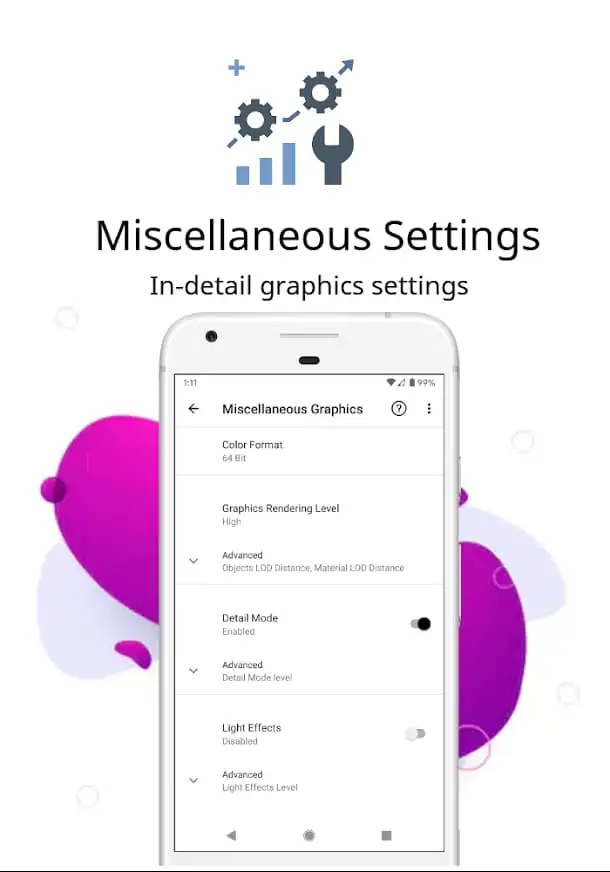
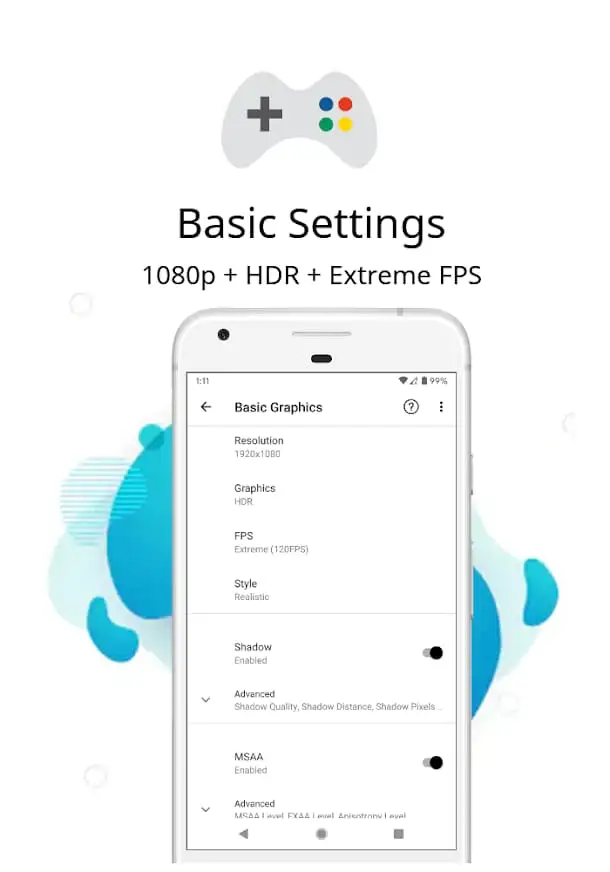
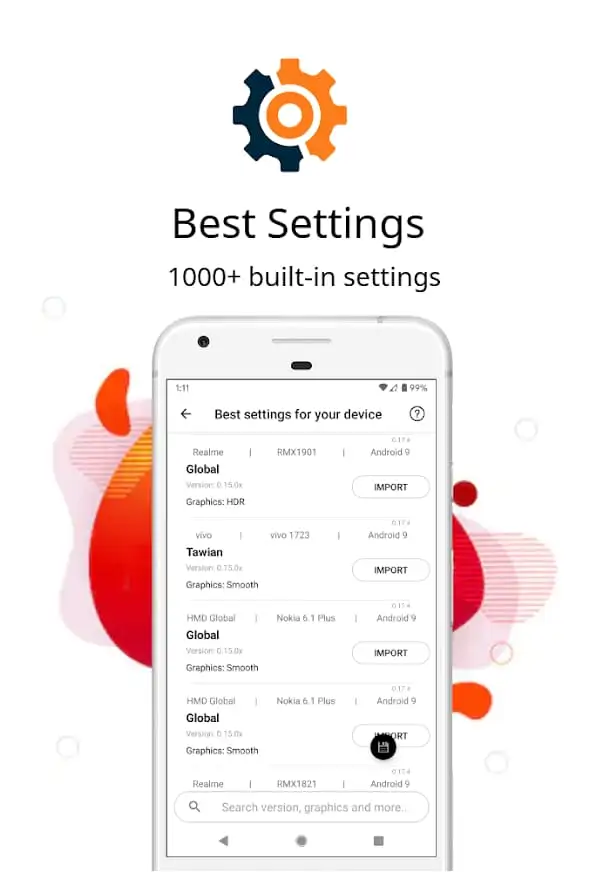
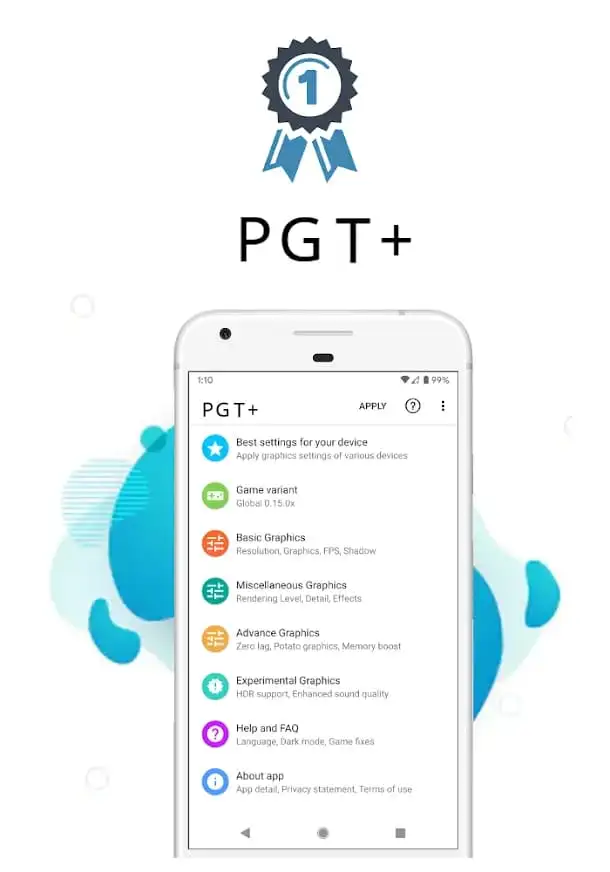


PGT+ Pro Mod is a utility application designed for PUBG Mobile players seeking to enhance graphical performance and stability on Android devices. It modifies the game's host file to enable higher frame rates and visual settings not accessible through the standard game client. The app targets users with mid-range or low-end hardware who experience lag, low FPS, or poor render quality. It operates as a GFX tool, applying predefined configurations to the game's internal settings.
What This Mod Unlocks
- Premium optimization profiles and advanced graphics settings are unlocked.
- The in-app purchase requirement for accessing the 'Pro' features is removed.
- All built-in configuration presets, including extreme FPS modes, are available without payment.
- The anti-ban protection feature, marketed as a premium component, is enabled.
- Ads within the PGT+ Pro Mod application interface are disabled.
Upon launching the modified PGT+ Pro Mod APK, the application presents its full interface without any 'Upgrade to Pro' prompts or payment walls. The modded version loads as if the user has already purchased the premium subscription. All configuration sliders and toggles are immediately accessible.
The app requires Android 7.0 or higher. Installation consumes approximately 7-8 MB of storage. Root access is not required for its core functionality of applying GFX settings to PUBG Mobile.
Installation Steps
- Download the PGT+ Pro Mod MOD APK file.
- Enable installation from unknown sources in Android settings.
- Open the downloaded APK file and proceed with the installation.
- Launch PGT+ Pro Mod, grant necessary permissions, and apply your desired configuration to PUBG Mobile.
Known Edge Cases
- PUBG Mobile's anti-cheat systems are updated frequently. The anti-ban feature's effectiveness cannot be guaranteed indefinitely and carries inherent risk.
- Applying extreme settings like 90 FPS on unsupported hardware may cause game instability or crashes.
- Clearing the app data for PGT+ Pro Mod resets all custom configurations to the mod's default unlocked state.
- Some device-specific graphics drivers may conflict with the tool's modifications, resulting in no visible change in-game.

