



 ACG
ACG
 Action
 Adventure
 Arcade
 BeautifulGirl
 Board
Board
 Card
Card
 Casual
 Chess
Chess
 Educational
 Horror
 Multiplayer
 Music
Music
 NSFW
NSFW
 Puzzle
 Racing
 Sports
 Strategy
 Survival
 Business
 Communication
 Education
 Entertainment
 Family
 News
News
 Photography
 Social
 SportsLive
 Tools
Tools
 Traffic
 Video&Music
 Weather
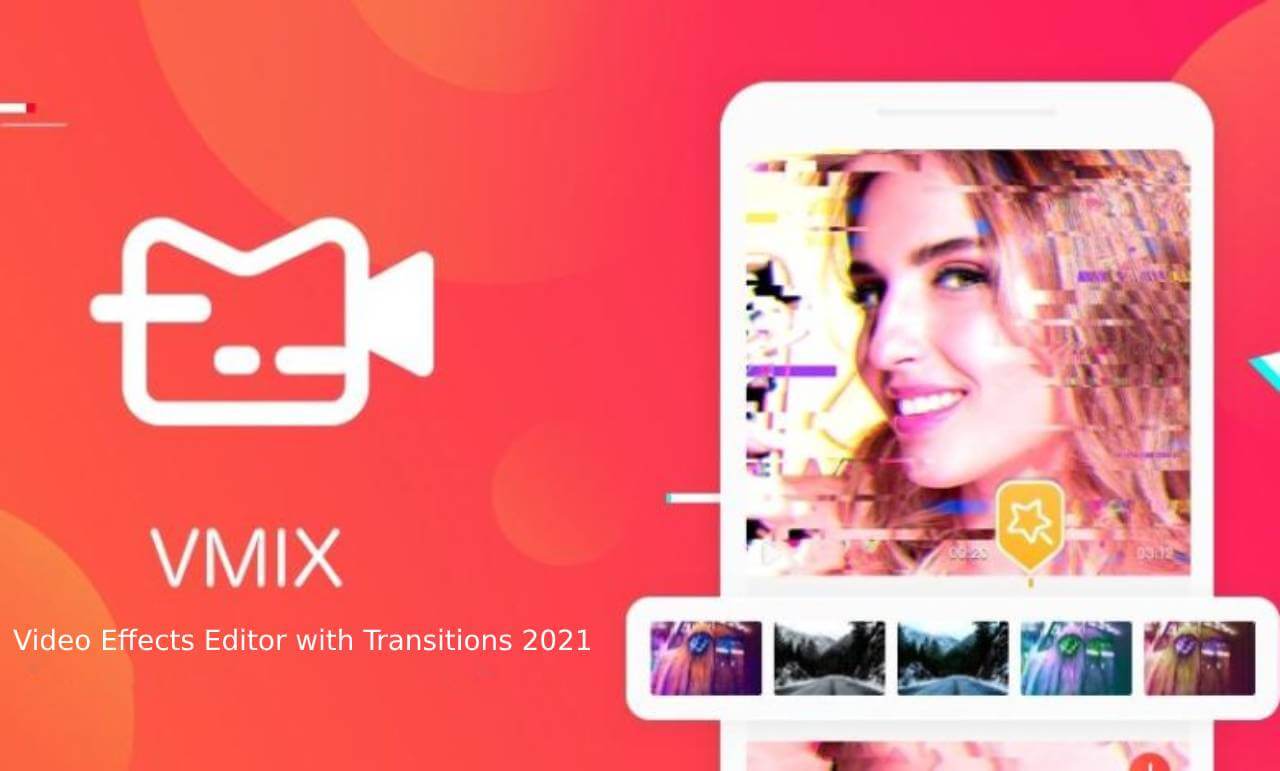



OviCut Mod is a mobile video editing application designed for creating content for platforms like TikTok, YouTube, and Instagram. It provides a suite of standard editing tools including cutting, cropping, merging clips, adding text, stickers, and music. The app targets users who need a straightforward editor with a simple drag-and-drop interface, avoiding the complexity of professional desktop software.
What This Mod Unlocks
- Pro subscription features are permanently activated.
- All high-resolution export options (720p, 1080p, 4K) are available without restriction.
- The application watermark is removed from exported videos.
- All premium transition effects and filters are unlocked.
- The entire library of built-in music and sound effects is accessible.
- All advanced text and sticker packs are available for use.
Upon launching OviCut Mod, the mod is automatically applied. The interface will not display any prompts for Pro upgrades or subscription payments. All premium features are available from the main editing toolbar and export settings screen.
OviCut Mod requires Android 5.0 or higher. Installation requires approximately 60 MB of storage space. Root access is not required.
Installation Steps
- Download the OviCut Mod mod APK file.
- Enable installation from unknown sources in your Android device settings.
- Open the downloaded APK file and proceed with the installation.
- Launch OviCut Mod after installation completes.
Known Edge Cases
- If you clear the app data, the mod remains active as it is baked into the APK.
- Some cloud-based template downloads may still require an internet connection, though they will be free.
- Using the mod online carries minimal risk as OviCut Mod primarily functions offline, but account bans are not applicable.
- On devices with very low RAM, applying multiple high-resolution effects simultaneously may cause performance lag.

