



 ACG
ACG
 Action
 Adventure
 Arcade
 BeautifulGirl
 Board
Board
 Card
Card
 Casual
 Chess
Chess
 Educational
 Horror
 Multiplayer
 Music
Music
 NSFW
NSFW
 Puzzle
 Racing
 Sports
 Strategy
 Survival
 Business
 Communication
 Education
 Entertainment
 Family
 News
News
 Photography
 Social
 SportsLive
 Tools
Tools
 Traffic
 Video&Music
 Weather



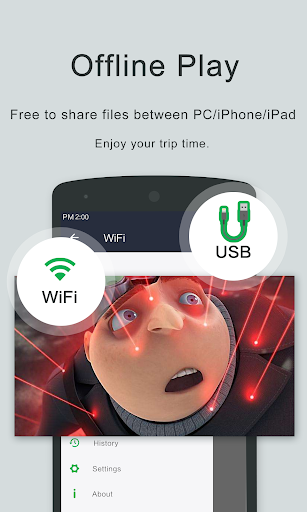
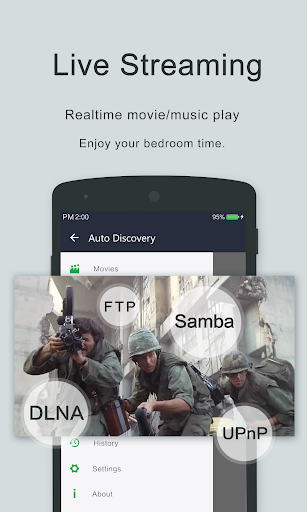

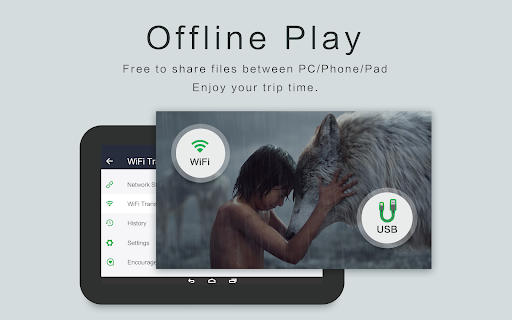
OPlayer Mod is a local video playback and file management application for Android. It targets users who need to play a wide range of video formats directly from device storage or SD cards, with additional tools for organizing and securing media files. The app functions as a combined media player and file browser, with a focus on high-resolution video support and privacy features like folder locking.
What This Mod Unlocks
- Paid license activation is pre-applied.
- All premium playback features are unlocked.
- Full video management tools are accessible.
- Folder lock and security functions are enabled.
- Chromecast support is available.
- All future premium updates are included.
The modded version of OPlayer Mod requires no activation steps. Upon first launch, the app will display as the licensed Pro version. No in-app purchases or license key entry is necessary.
OPlayer Mod requires Android 6.0 or higher. Installation requires approximately 140 MB of storage space. Root access is not required.
Installation follows standard sideloading procedure. Download the mod APK file. Enable installation from unknown sources in Android settings. Open the downloaded file and proceed with the on-screen prompts. Launch OPlayer Mod after installation completes.
Known edge cases include potential license verification failure on devices with heavily modified system partitions. The mod functions offline; online features like Chromecast rely on your network environment. Clearing app data does not revert the Pro status. Using OPlayer Mod with external DRM-protected content may still enforce platform-level restrictions.

