



 ACG
ACG
 Action
 Adventure
 Arcade
 BeautifulGirl
 Board
Board
 Card
Card
 Casual
 Chess
Chess
 Educational
 Horror
 Multiplayer
 Music
Music
 NSFW
NSFW
 Puzzle
 Racing
 Sports
 Strategy
 Survival
 Business
 Communication
 Education
 Entertainment
 Family
 News
News
 Photography
 Social
 SportsLive
 Tools
Tools
 Traffic
 Video&Music
 Weather



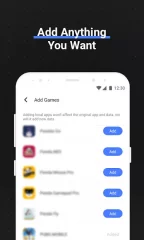
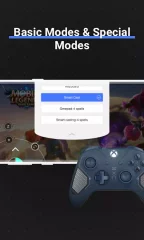

Octopus - Play games with gamepad,mouse,keyboard is a utility for Android that maps touchscreen controls to external input devices like gamepads, keyboards, and mice. It targets gamers seeking a console-like control scheme for mobile titles, particularly competitive multiplayer games where precision is critical. The app functions as a system-level overlay, intercepting and translating physical input into touch events.
What This Mod Unlocks
- Premium subscription features are unlocked, including advanced keymapping profiles.
- All advertisements are disabled within the app interface.
- Pro-level sensitivity and response time adjustments are available.
- Support for a wider range of gamepad models is activated.
- Cloud sync for custom control layouts is enabled.
The modded features are active upon launch. No activation code or in-app purchase is required. The premium menu options, which are locked or grayed out in the official version, are fully accessible.
Octopus requires Android 4.4 or higher. The installation requires approximately 30-35 MB of storage. Root access is not required for core functionality, though some advanced device-specific features may require it.
Installation steps: 1. Download the mod APK file. 2. Enable installation from unknown sources in Android settings. 3. Locate and tap the downloaded file to begin installation. 4. Launch Octopus after installation completes.
Known edge cases: The mod may be detected by some anti-cheat systems in online multiplayer games, potentially resulting in a ban. Clearing the app data may reset custom keymapping profiles to default. On some Android 12+ devices, the accessibility service permission may require manual re-granting after installation.

