



 ACG
ACG
 Action
 Adventure
 Arcade
 BeautifulGirl
 Board
Board
 Card
Card
 Casual
 Chess
Chess
 Educational
 Horror
 Multiplayer
 Music
Music
 NSFW
NSFW
 Puzzle
 Racing
 Sports
 Strategy
 Survival
 Business
 Communication
 Education
 Entertainment
 Family
 News
News
 Photography
 Social
 SportsLive
 Tools
Tools
 Traffic
 Video&Music
 Weather
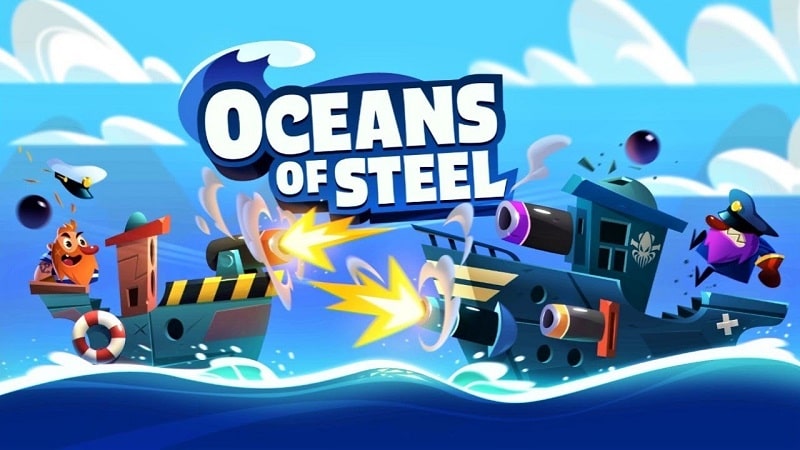


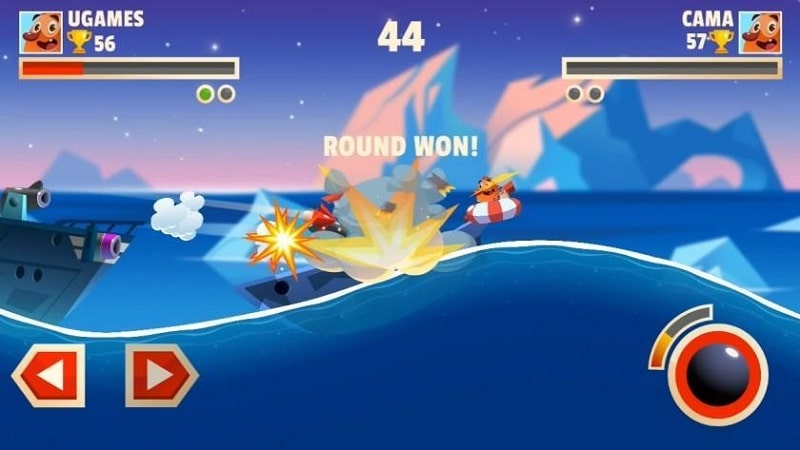
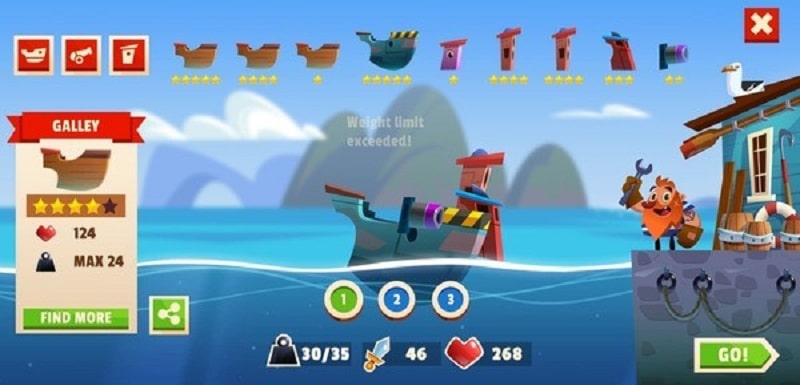
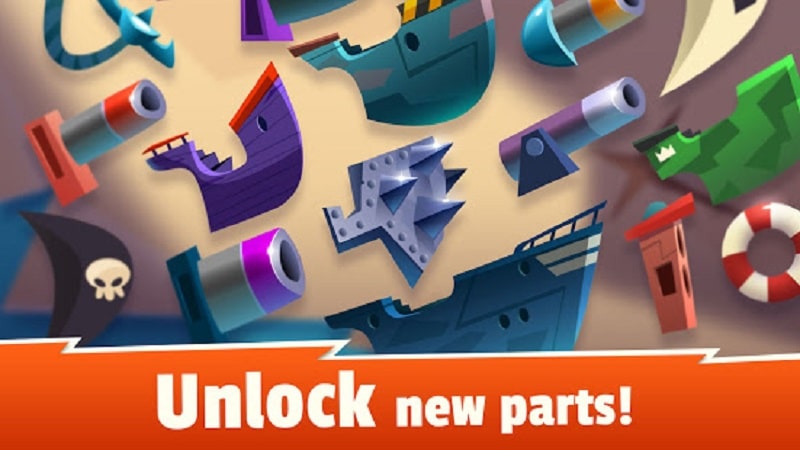
Oceans of Steel Mod is a naval combat simulation where players design warships from modular components and engage in tactical sea battles. The game targets players interested in ship customization and physics-based artillery combat against AI opponents. It falls within the action-strategy hybrid category, focusing on real-time aiming adjustments due to wave mechanics and ship stability management.
What This Mod Unlocks
- Mod Menu overlay accessible from the main game screen.
- Damage Multiplier adjustable via slider within the mod menu.
- Defense Multiplier adjustable via slider within the mod menu.
- Infinite Coins resource that does not decrease on purchase.
- Infinite Chests (Standard, Medium, Rare) available for unlimited opening.
- All in-app purchases are unlocked without requiring payment.
The mod injects a floating menu icon into the Oceans of Steel Mod interface. This menu provides real-time toggles for modifying combat parameters and resources.
Activation requires tapping the new mod menu icon, typically found in the top corner of the screen after launching Oceans of Steel Mod. Sliders for Damage and Defense must be set manually; they do not apply a default value. Coins and chests are set to an infinite quantity upon any transaction attempt.
Installation requires Android 4.4 or higher. The APK file size is approximately 78 MB. Additional storage is needed for game data caching. Root access is not required. The mod functions on non-rooted devices via standard sideloading.
Installation Steps
- Download the modified Oceans of Steel Mod APK file.
- Enable "Install from Unknown Sources" in Android settings.
- Open the downloaded file and proceed with installation.
- Launch the game; the mod menu icon will appear on the main screen.
Known Edge Cases
- The mod menu may not render correctly on some devices with custom navigation gestures; switching to three-button navigation temporarily resolves this.
- Unlimited chest openings can cause visual lag in the inventory screen if performed rapidly.
- Altering damage multipliers to extreme values in specific campaign missions can trigger a mission completion state that skips reward sequences.
- Progress made with mod features active is stored locally; clearing app data resets all progress and mod settings.

