



 ACG
ACG
 Action
 Adventure
 Arcade
 BeautifulGirl
 Board
Board
 Card
Card
 Casual
 Chess
Chess
 Educational
 Horror
 Multiplayer
 Music
Music
 NSFW
NSFW
 Puzzle
 Racing
 Sports
 Strategy
 Survival
 Business
 Communication
 Education
 Entertainment
 Family
 News
News
 Photography
 Social
 SportsLive
 Tools
Tools
 Traffic
 Video&Music
 Weather



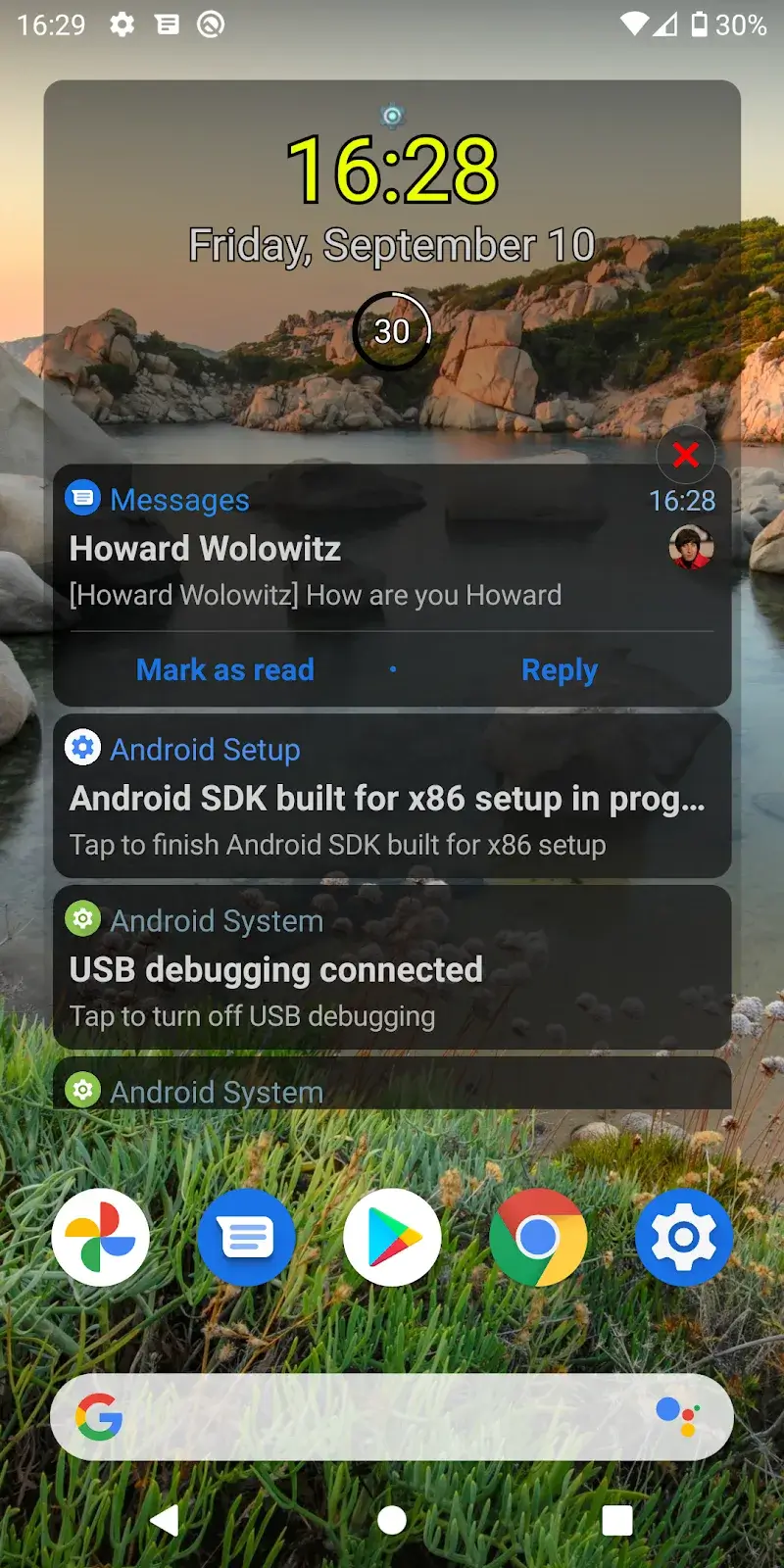
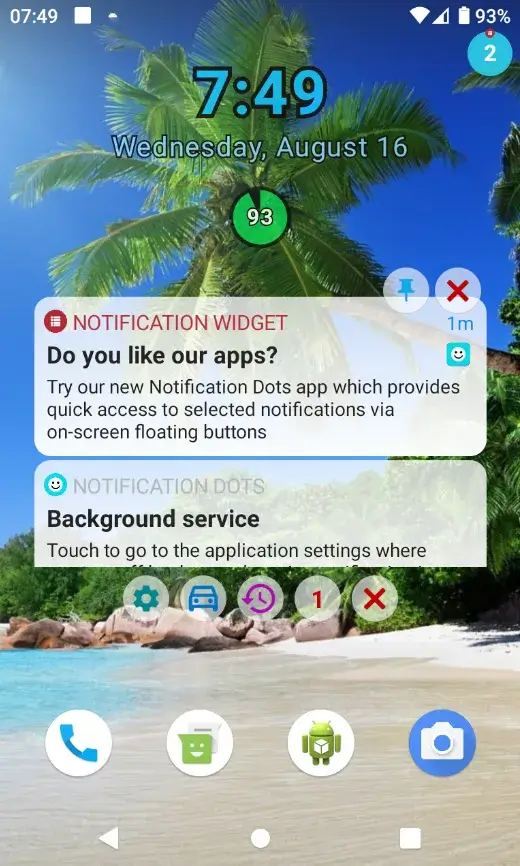
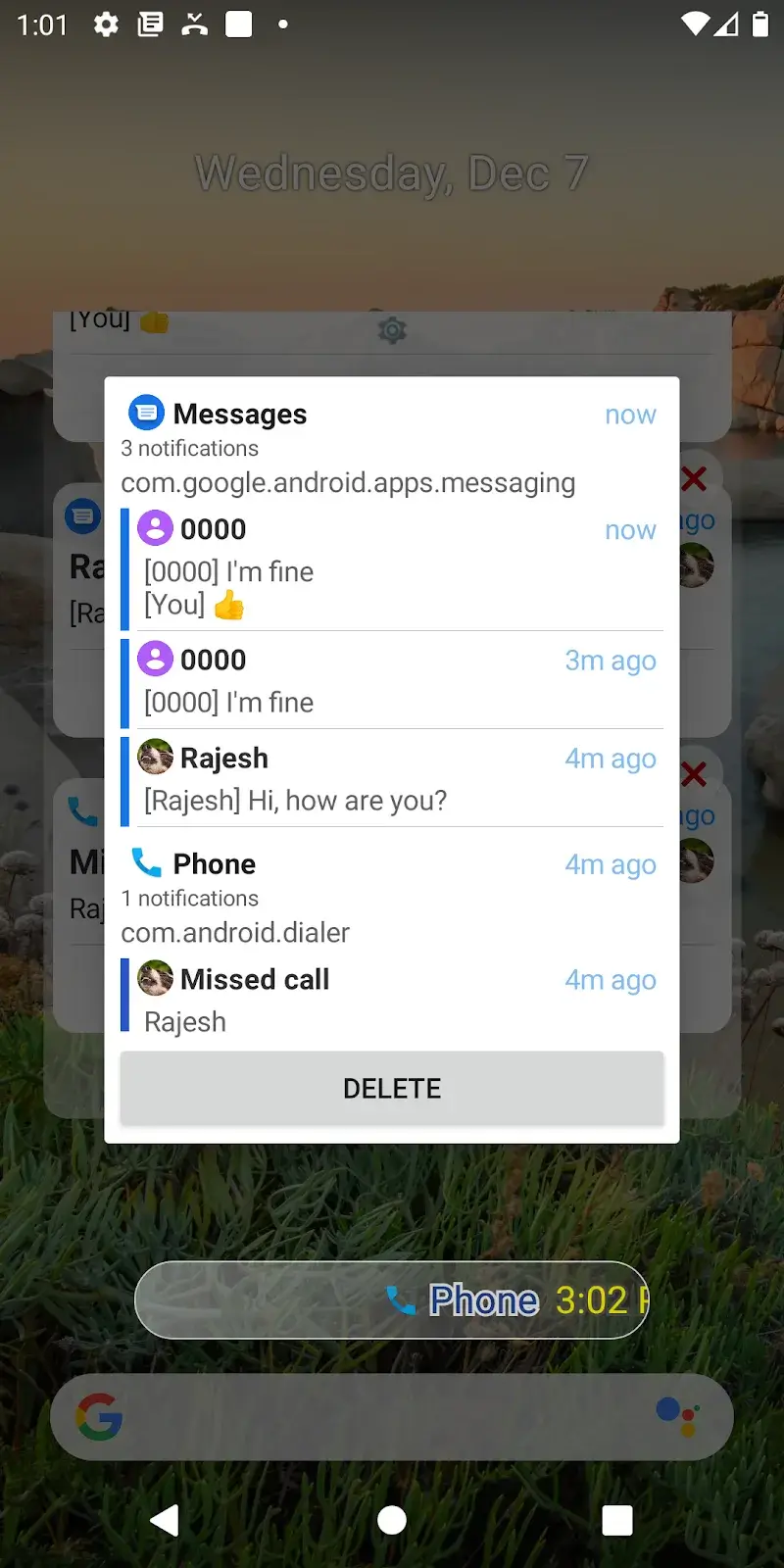
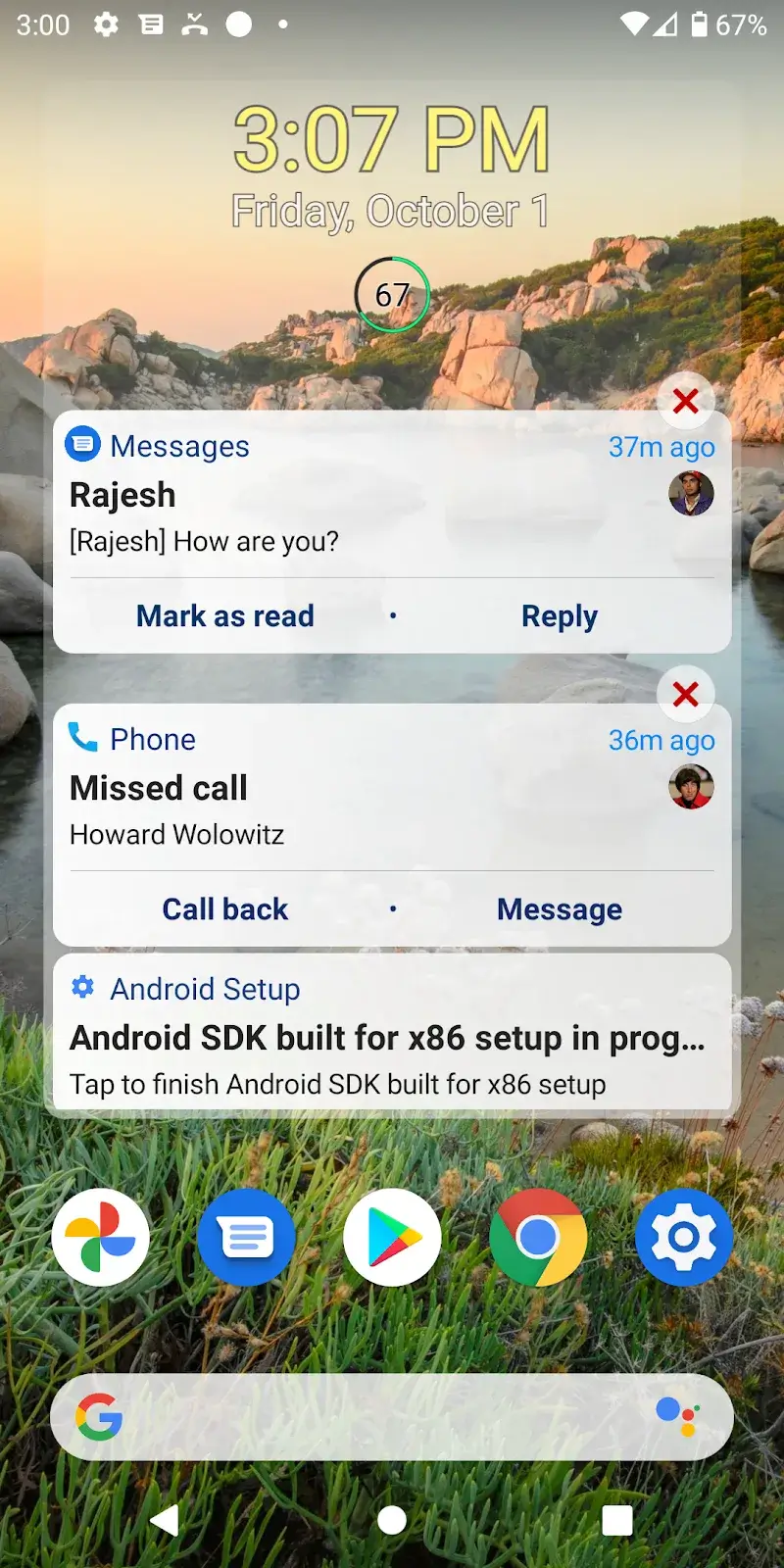
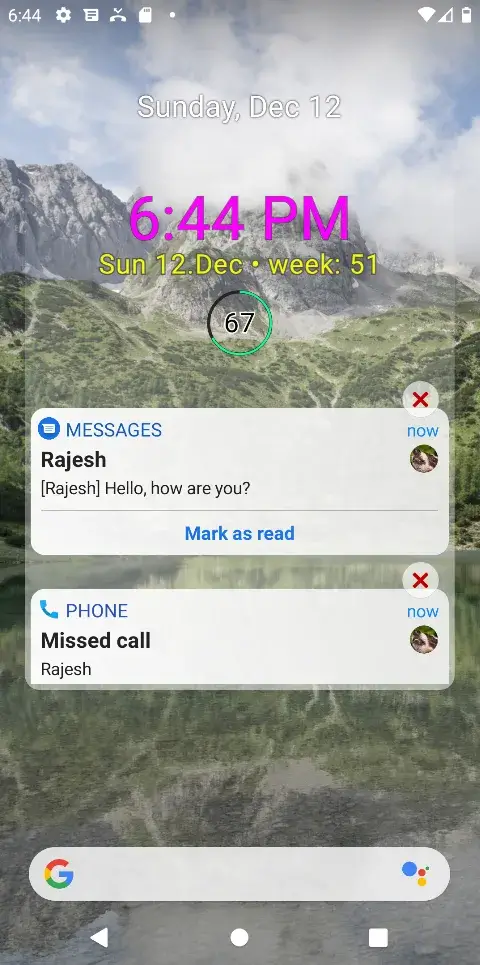
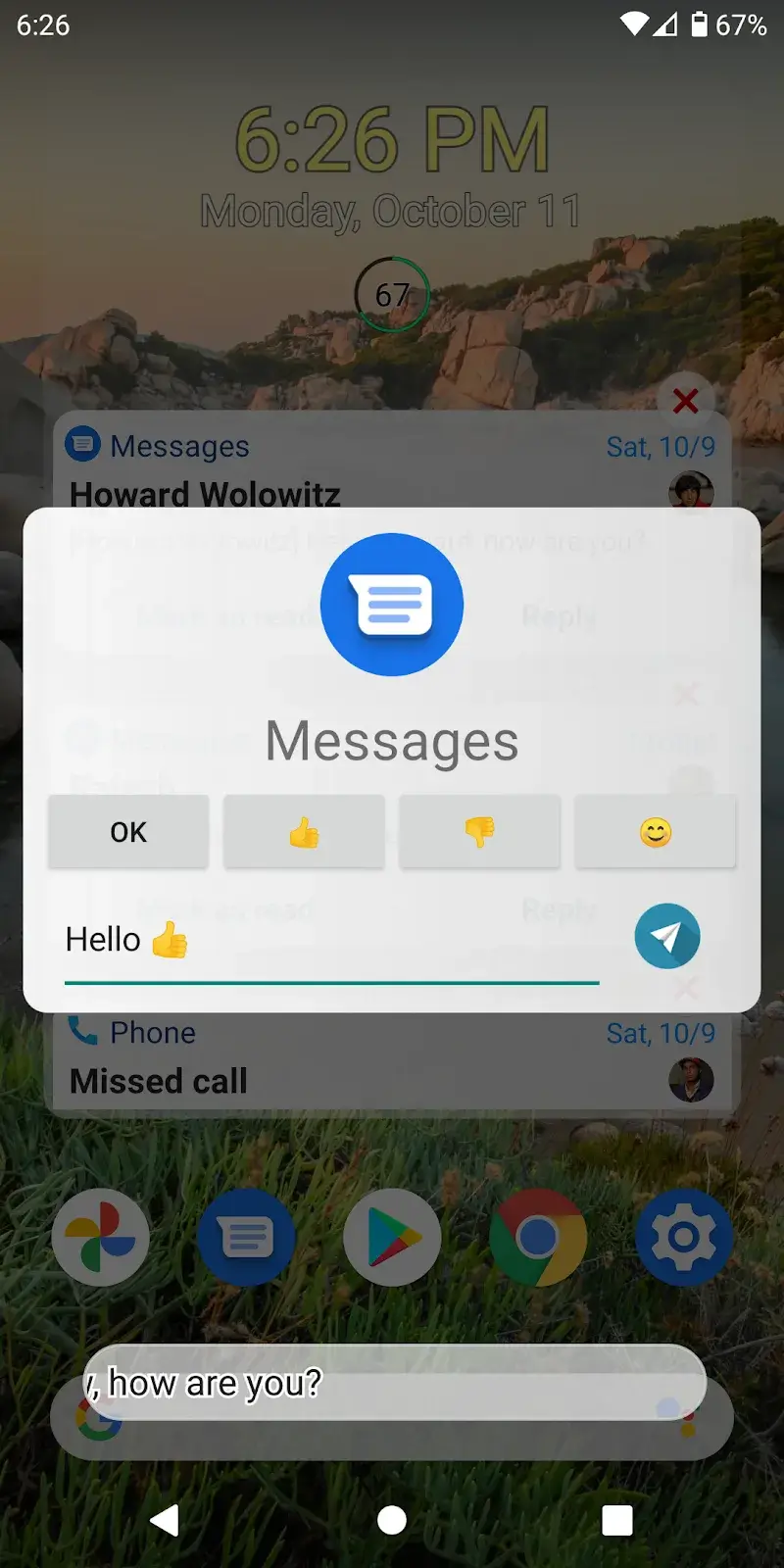
Notification Widget Mod is a utility app that creates a persistent widget on the home screen or lock screen. It displays a scrollable list of recent notifications and provides quick toggles for system settings like Wi-Fi, Bluetooth, and screen rotation. The app targets users who need faster access to notification history without pulling down the shade, or who want a customizable control panel.
What This Mod Unlocks
- Premium features unlocked, removing the trial period limit.
- All widget themes and color customization options are available.
- Advanced notification filtering and grouping features are enabled.
- The ability to place the widget on the lock screen is unlocked.
- Ads within the app's settings interface are disabled.
After installing the modded Notification Widget Mod, the premium features are active by default. No activation code or in-app purchase is required. The app launches directly into its full, unlocked state.
The app requires Android 8.0 or higher. It uses approximately 15-20 MB of storage after installation. Root access is not required for any functionality.
Installation Steps
- Download the Notification Widget Mod mod APK file.
- Enable installation from unknown sources in your Android settings.
- Open the downloaded file with a file manager and proceed with the installation.
- Launch Notification Widget Mod and configure your widget from the home screen widget selector.
Known Edge Cases
- On some custom Android 13/14 ROMs, the lock screen widget placement may not function correctly due to system-level restrictions.
- Clearing the app data will reset all custom widget configurations to default, but the premium status remains.
- The widget may occasionally fail to update notification history on devices with aggressive battery optimization; adding the app to the optimization whitelist resolves this.

