



 ACG
ACG
 Action
 Adventure
 Arcade
 BeautifulGirl
 Board
Board
 Card
Card
 Casual
 Chess
Chess
 Educational
 Horror
 Multiplayer
 Music
Music
 NSFW
NSFW
 Puzzle
 Racing
 Sports
 Strategy
 Survival
 Business
 Communication
 Education
 Entertainment
 Family
 News
News
 Photography
 Social
 SportsLive
 Tools
Tools
 Traffic
 Video&Music
 Weather
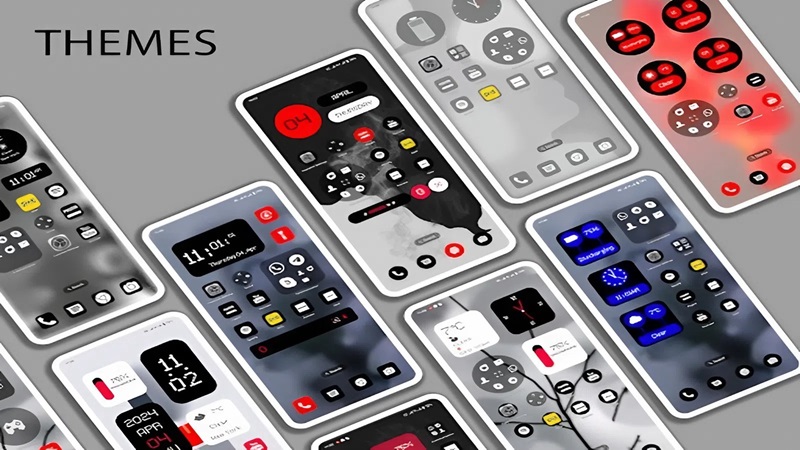


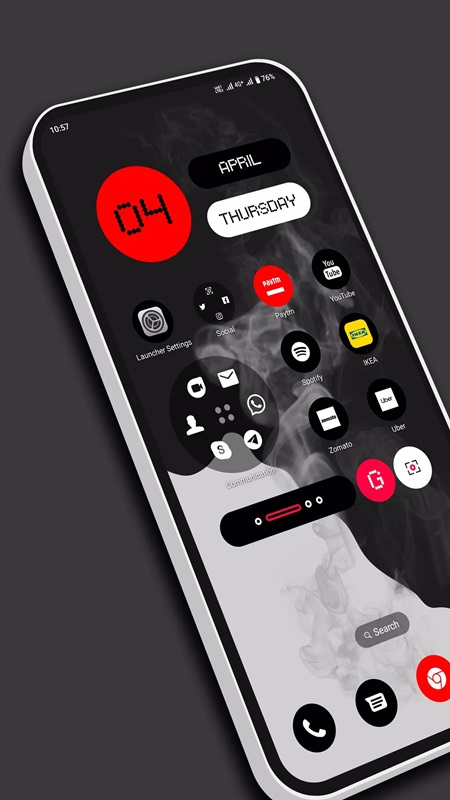
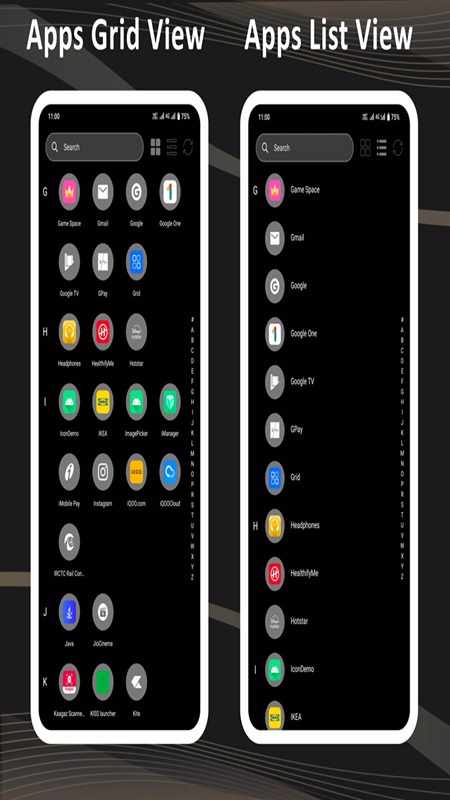
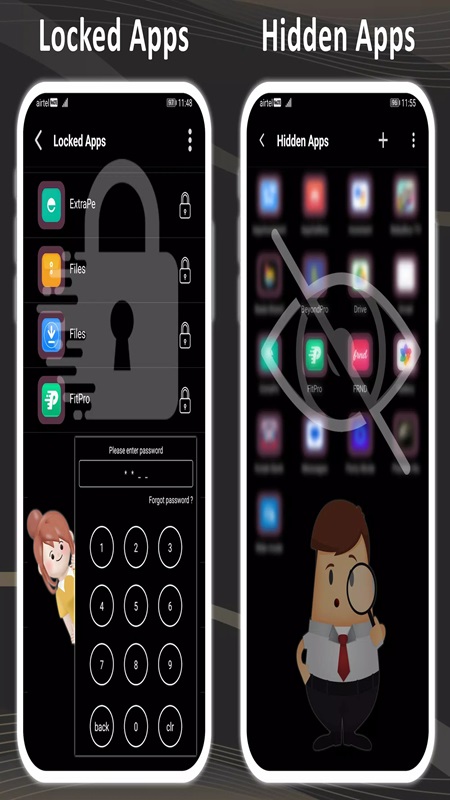
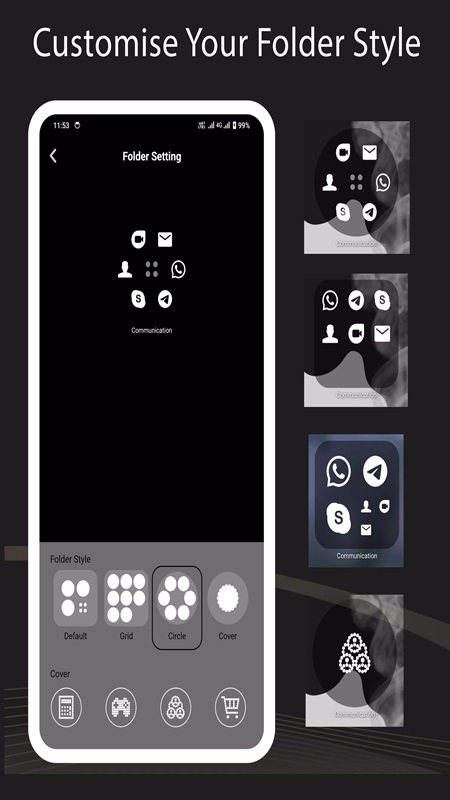
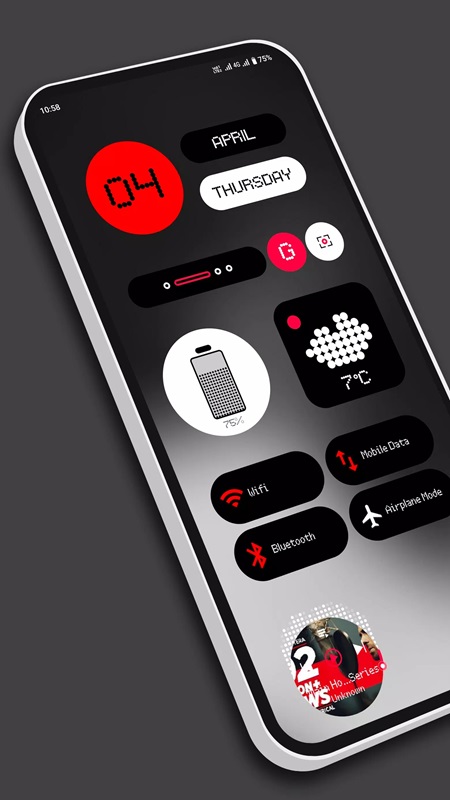
Nil Launcher Mod is a home screen replacement application for Android. It targets users seeking to modify their device's default interface with enhanced customization options for icons, wallpapers, and widgets. The app falls into the launcher and personalization tool category, offering granular control over visual elements and app management security features.
What This Mod Unlocks
- All premium themes and icon packs are unlocked and available without payment.
- The AppLock feature, which typically requires a premium subscription, is fully functional.
- All high-resolution vector wallpapers (over 150) are accessible without restrictions.
- Advanced utility widgets (clock, weather, music controls) are unlocked for use.
- Font customization and language selection options are fully enabled.
- Folder size adjustment and advanced icon shape settings are available.
The unlocked features are integrated directly into the app's interface. There is no separate mod menu. Accessing premium content, such as the full wallpaper gallery or theme store, requires no activation steps; the content is simply available where it would normally be locked or require a purchase prompt in the official version.
Nil Launcher Mod requires Android 8.0 or higher. Installation consumes approximately 7.5 MB of storage space. Root access is not required for any functionality of Nil Launcher Mod or this mod.
Installation follows standard sideloading procedure: download the APK file, enable installation from unknown sources in Android settings, locate the file with a file manager, and tap to install. Launch the app and set it as the default home screen when prompted.
Known edge cases include potential instability with certain third-party icon packs not bundled with Nil Launcher Mod. Clearing the app's data may reset custom theme selections to default, though unlocked content remains accessible. The HideApp feature's fingerprint authentication is dependent on the host device's hardware support.

