



 ACG
ACG
 Action
 Adventure
 Arcade
 BeautifulGirl
 Board
Board
 Card
Card
 Casual
 Chess
Chess
 Educational
 Horror
 Multiplayer
 Music
Music
 NSFW
NSFW
 Puzzle
 Racing
 Sports
 Strategy
 Survival
 Business
 Communication
 Education
 Entertainment
 Family
 News
News
 Photography
 Social
 SportsLive
 Tools
Tools
 Traffic
 Video&Music
 Weather
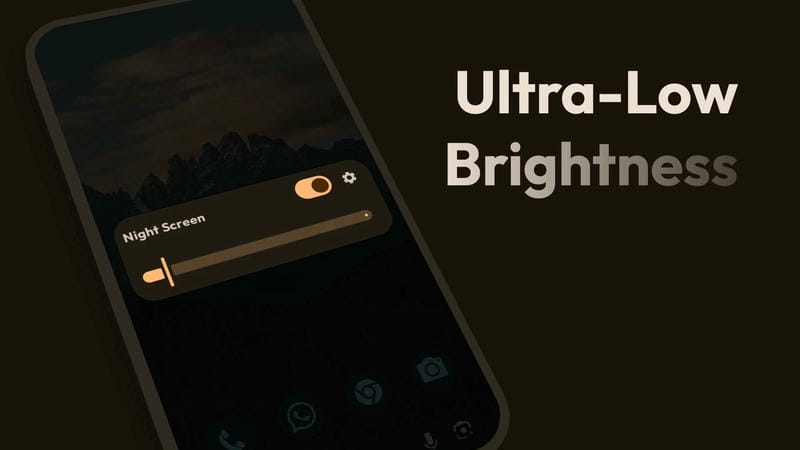


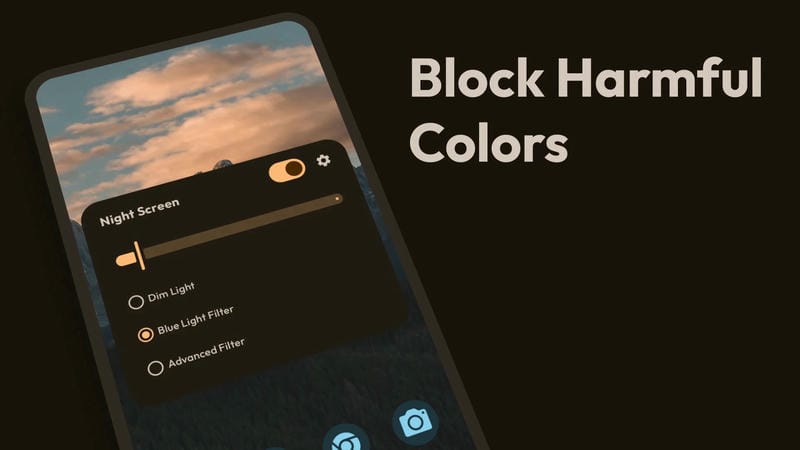
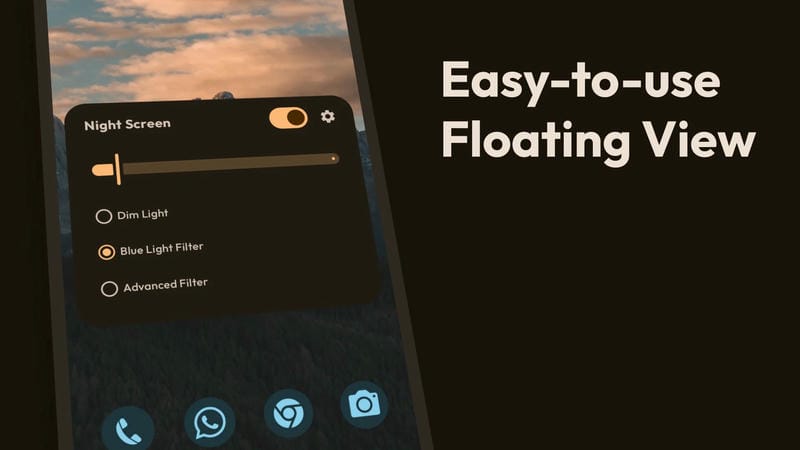
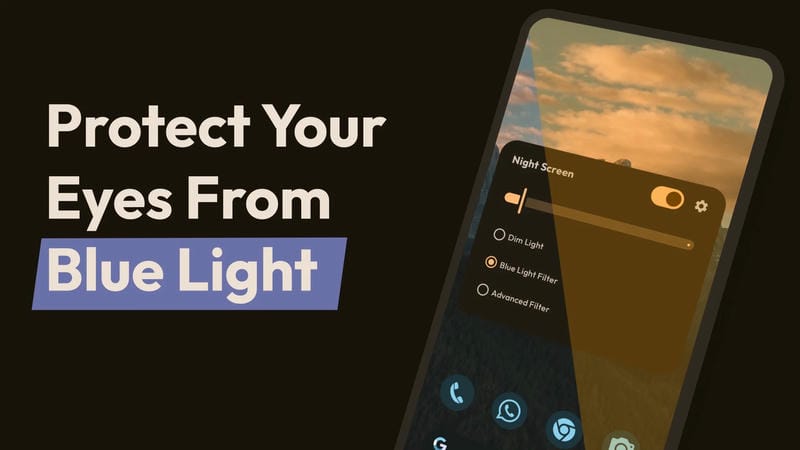
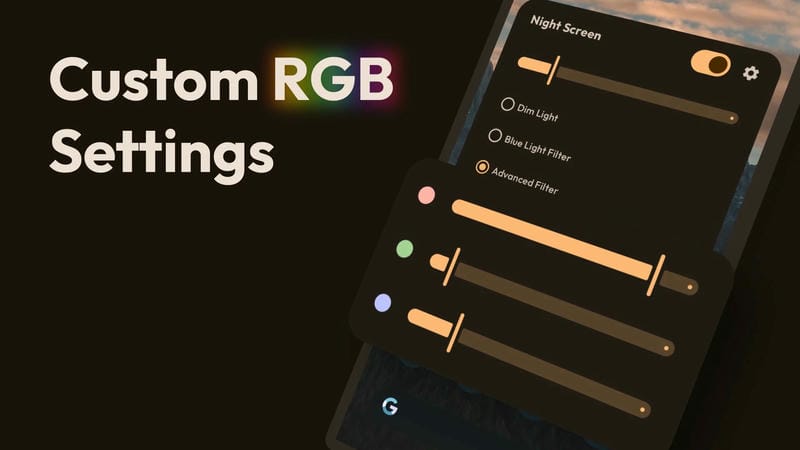
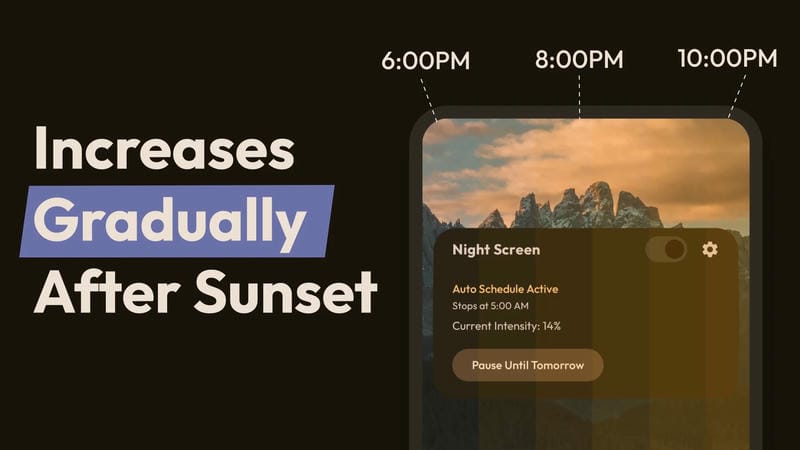

Night Screen Mod is a utility app designed to reduce screen brightness below the system minimum and apply color filters, primarily a blue light filter. It targets users who operate their devices in low-light environments and require additional eye strain protection beyond standard Android settings. The app functions by drawing a persistent overlay that dims and tints the display output.
What This Mod Unlocks
- Pro version features are unlocked, removing the requirement for an in-app purchase.
- The premium color filter customization options are fully accessible.
- The scheduling function for automatic filter activation is enabled.
- All advertisements within the app interface are disabled.
Activation of the mod features is immediate upon launch. The Pro status is applied automatically, and no mod menu or additional steps are required. The interface will reflect the unlocked state, granting access to all settings panels that were previously restricted.
Night Screen Mod requires Android 7.0 or higher. It does not require root access. The app uses approximately 8 MB of storage space after installation. The overlay permission must be granted upon first launch for the dimming and filtering functions to work.
Installation follows the standard sideload process for modified APK files. First, enable installation from unknown sources in the device security settings. Second, download the mod APK file. Third, locate the downloaded file using a file manager and tap to initiate installation. Fourth, grant the overlay permission when prompted after the first launch.
Known edge cases include potential conflicts with other apps that use the SYSTEM_ALERT_WINDOW permission. Some device manufacturers with aggressive battery optimization may kill the Night Screen Mod service, requiring the app to be added to a do-not-optimize list. The mod does not affect the core functionality of the blue light filter or dimming intensity.

