



 ACG
ACG
 Action
 Adventure
 Arcade
 BeautifulGirl
 Board
Board
 Card
Card
 Casual
 Chess
Chess
 Educational
 Horror
 Multiplayer
 Music
Music
 NSFW
NSFW
 Puzzle
 Racing
 Sports
 Strategy
 Survival
 Business
 Communication
 Education
 Entertainment
 Family
 News
News
 Photography
 Social
 SportsLive
 Tools
Tools
 Traffic
 Video&Music
 Weather



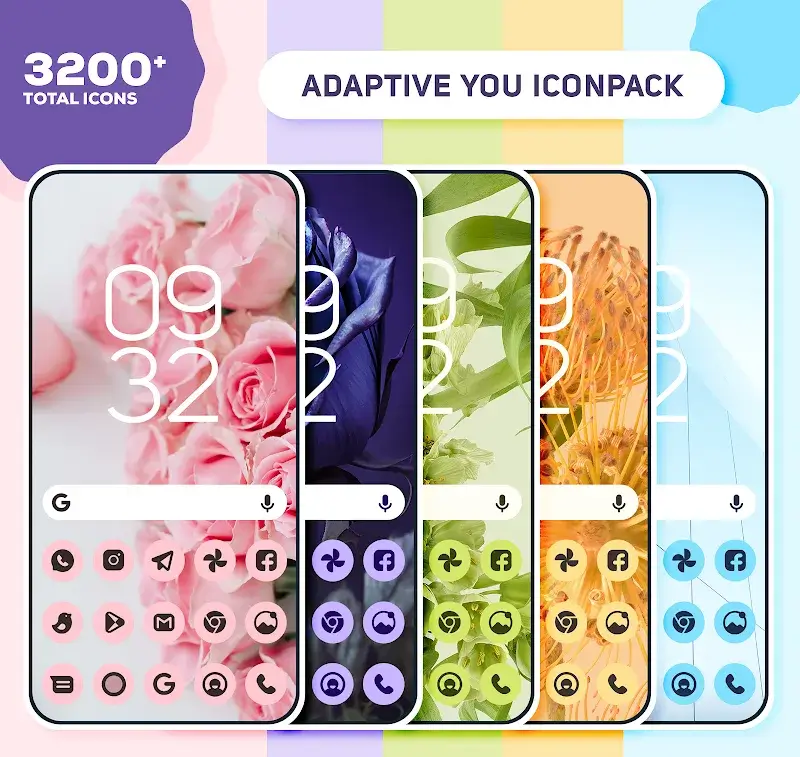
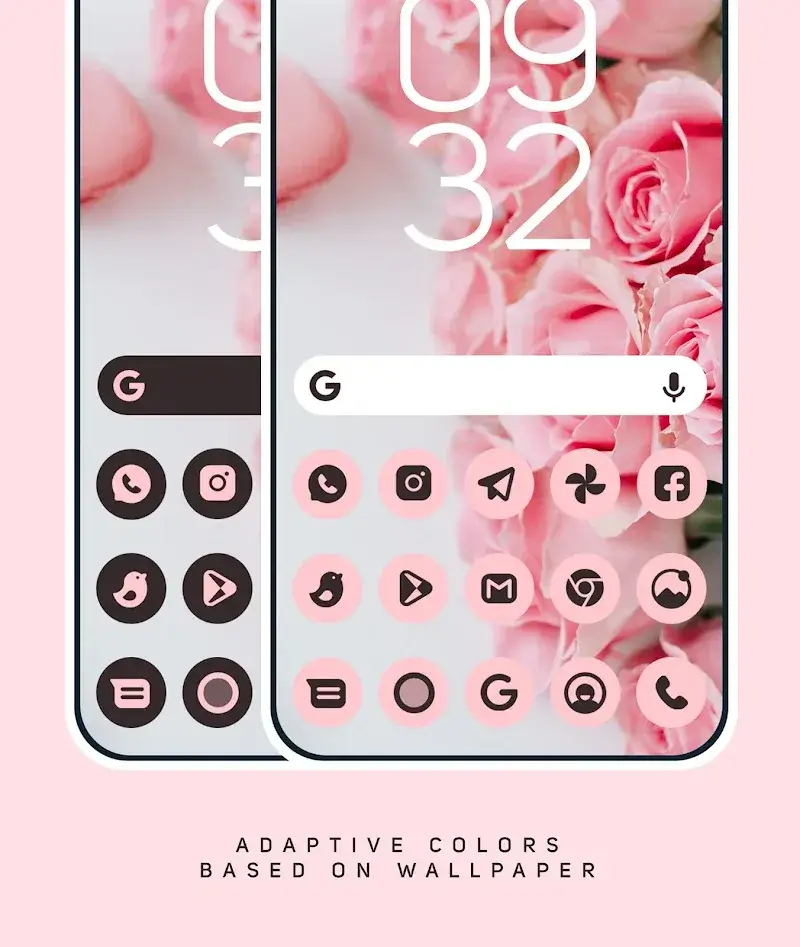
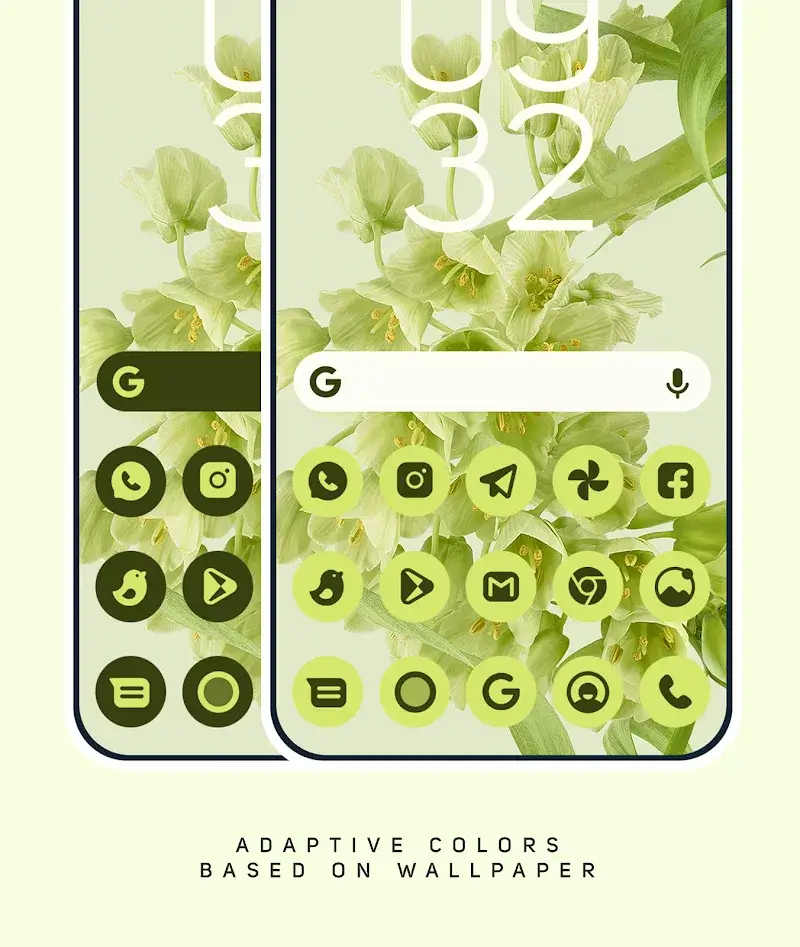
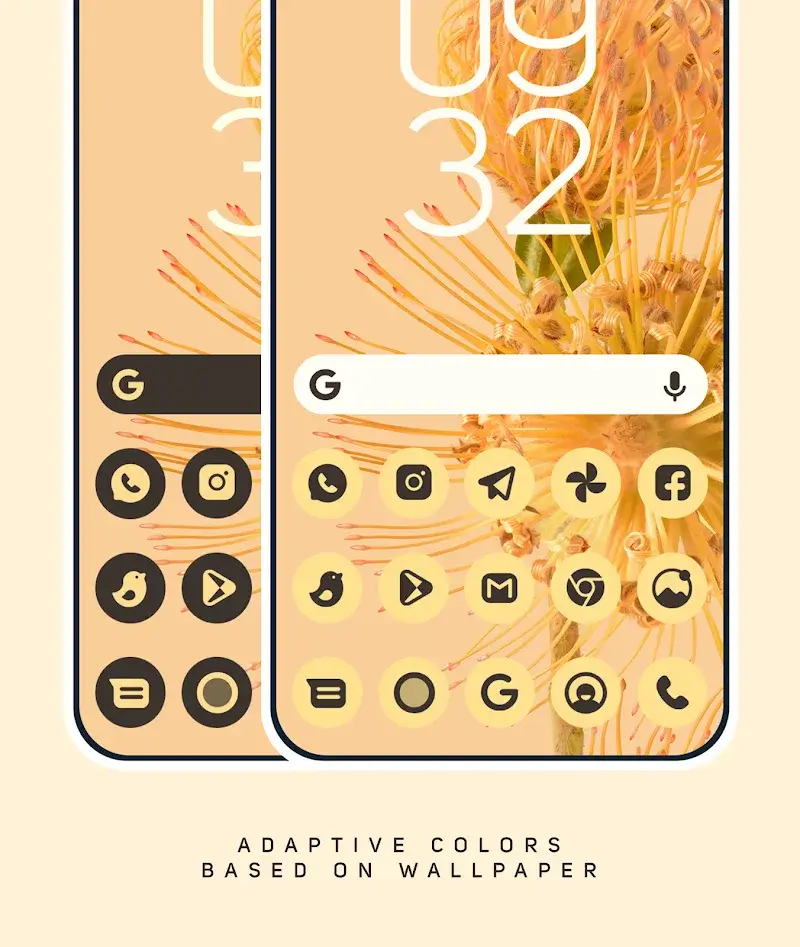
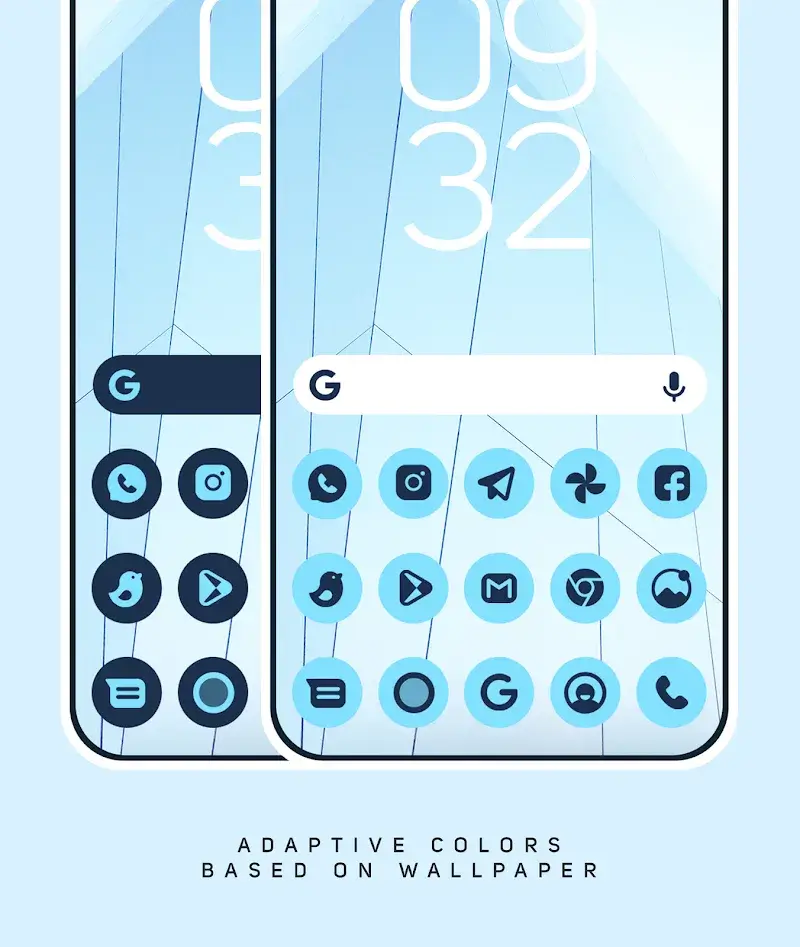
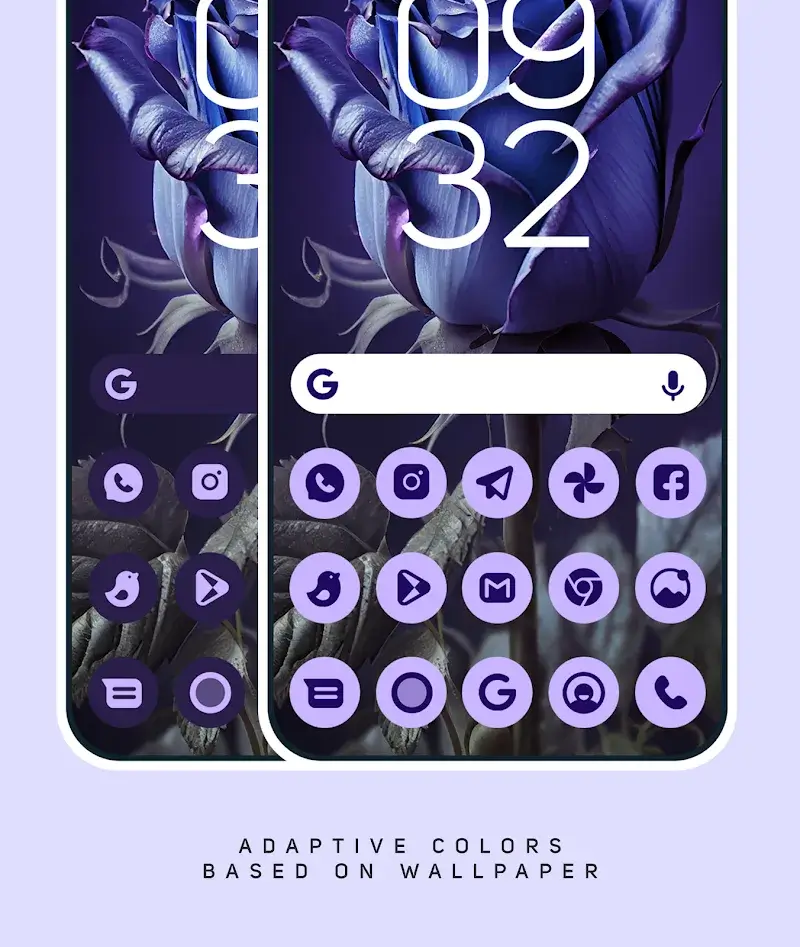
Neon Dots Iconpack Mod is a personalization tool for Android that replaces system app icons with a cohesive, neon-themed design. It targets users who customize their home screens with third-party launchers like Nova or Lawnchair. The app offers over 3200 icons, adaptive coloring based on wallpaper, and includes widgets.
What This Mod Unlocks
- All premium icons and wallpapers are unlocked without purchase.
- Advertisements within the app dashboard are completely disabled.
- Premium feature gates, such as icon request limits, are removed.
- The mod bypasses the license verification for the full icon pack.
The mod functions by patching the APK to grant permanent premium status. No server-side authentication is required for the core features, as icon data is stored locally.
Activation Note
Upon first launch of Neon Dots Iconpack Mod, the mod is automatically active. There is no mod menu or toggle. The Apply section will show the full catalog of icons and wallpapers as available, with no prompts for payment.
Requirements
Android 5.0 or higher is required. The app needs approximately 25 MB of storage. A supported third-party launcher is necessary to apply the icons; the stock Pixel Launcher requires the separate Shortcut Maker app. Root access is not required.
Install Steps
- Download the modified Neon Dots Iconpack Mod APK file.
- Enable installation from unknown sources in Android settings.
- Open the downloaded file and proceed with the standard installation.
- Launch Neon Dots Iconpack Mod and apply icons through your launcher's settings.
Known Edge Cases
The adaptive color feature, which changes icon tints based on wallpaper, only functions on Android 12 and later. Applying the icon pack from within the Neon Dots Iconpack Mod dashboard may not work with all launchers listed; some require manual application via the launcher's own theme settings. If the app data is cleared, the mod status persists as it is hard-coded into the patched APK. The mod does not affect the functionality of the separate Shortcut Maker app for Pixel devices.

