



 ACG
ACG
 Action
 Adventure
 Arcade
 BeautifulGirl
 Board
Board
 Card
Card
 Casual
 Chess
Chess
 Educational
 Horror
 Multiplayer
 Music
Music
 NSFW
NSFW
 Puzzle
 Racing
 Sports
 Strategy
 Survival
 Business
 Communication
 Education
 Entertainment
 Family
 News
News
 Photography
 Social
 SportsLive
 Tools
Tools
 Traffic
 Video&Music
 Weather
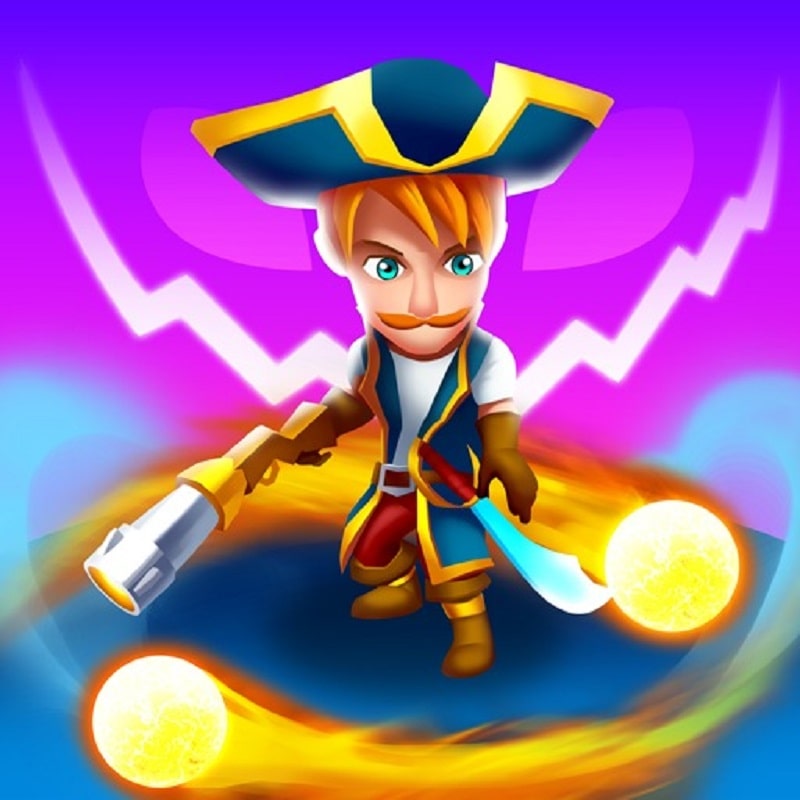



Monster Survival Mod is a top-down action survival game where players control a warrior besieged by waves of monsters. The core loop involves movement, skill activation, and strategic resource management to survive increasingly dense enemy attacks. The game targets players who enjoy fast-paced, skill-based combat with progression systems.
What This Mod Unlocks
- Mod Menu overlay with toggle switches is injected into the game's main interface.
- Unlimited Gems resource counter is fixed and does not decrease on purchase or upgrade.
- Unlimited Gold resource counter is fixed and does not decrease on any transaction.
- God Mode (invincibility) prevents all damage from enemy attacks and environmental hazards.
- All video and interstitial advertisements are disabled; reward ad prompts are removed.
The mod menu is accessed via a semi-transparent button that appears on the top-left corner of the screen after the main game loads. Tapping this button opens the mod panel. The most critical feature, God Mode, must be manually toggled ON from this menu at the start of each run; it is not enabled by default.
Monster Survival Mod mod requires Android 5.1 or higher. Installation requires approximately 90 MB of free storage. Root access is not required.
Installation steps: 1. Download the Monster Survival Mod mod APK file. 2. Enable installation from unknown sources in Android settings. 3. Open the downloaded file and follow the on-screen prompts. 4. Launch the game and confirm the mod menu appears.
Known edge cases: The mod menu may fail to render on some devices with custom ROMs that aggressively block overlays. God Mode must be re-enabled if the game application is fully closed and restarted. Using infinite resources for rapid, max-level upgrades in a single session can cause visual glitches in the upgrade UI, though functionality remains.

