



 ACG
ACG
 Action
 Adventure
 Arcade
 BeautifulGirl
 Board
Board
 Card
Card
 Casual
 Chess
Chess
 Educational
 Horror
 Multiplayer
 Music
Music
 NSFW
NSFW
 Puzzle
 Racing
 Sports
 Strategy
 Survival
 Business
 Communication
 Education
 Entertainment
 Family
 News
News
 Photography
 Social
 SportsLive
 Tools
Tools
 Traffic
 Video&Music
 Weather



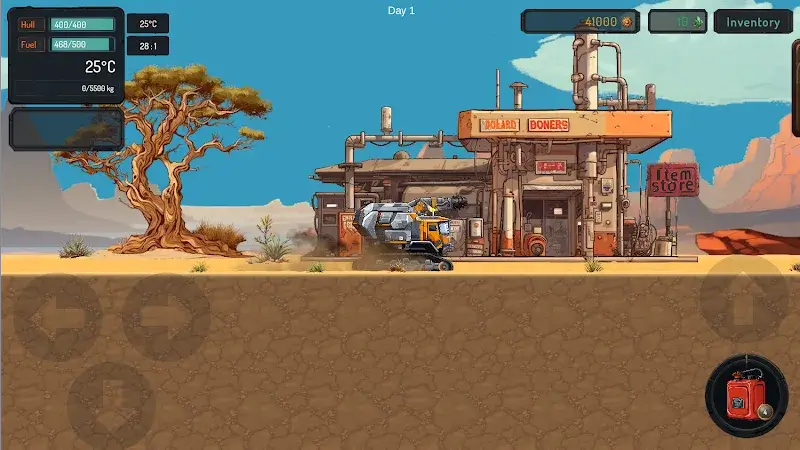
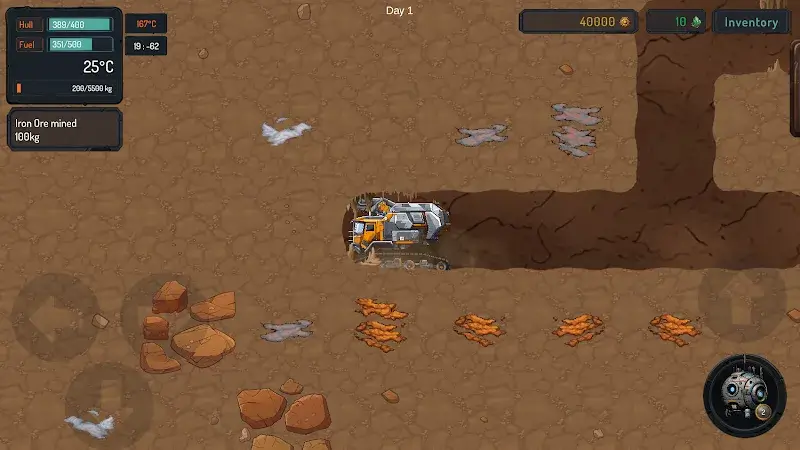
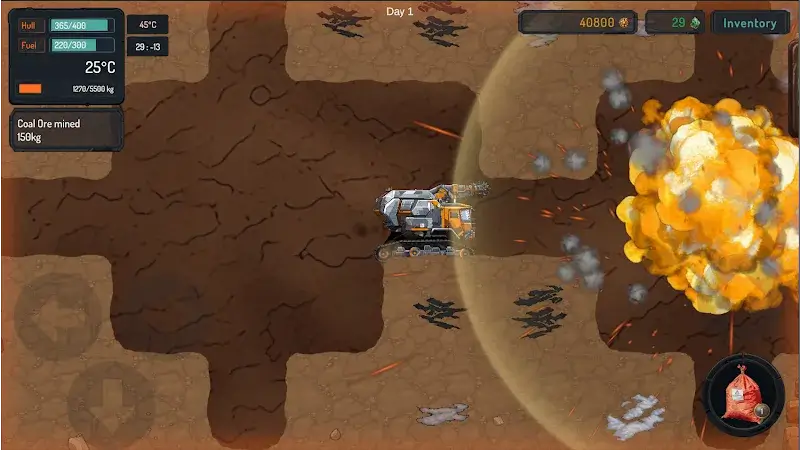
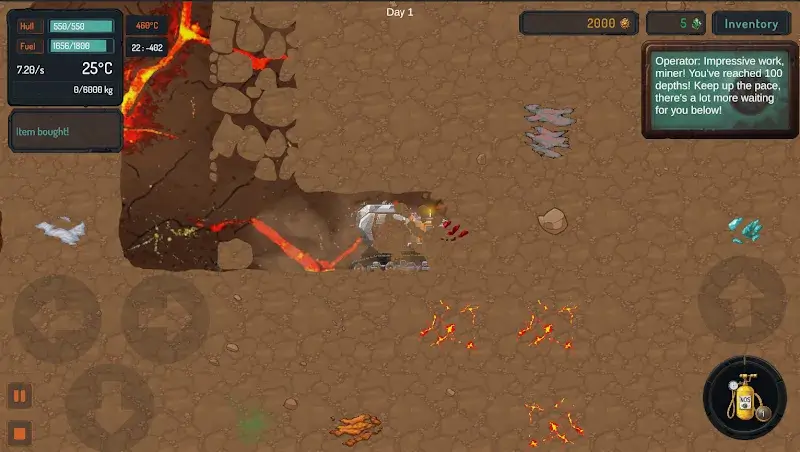
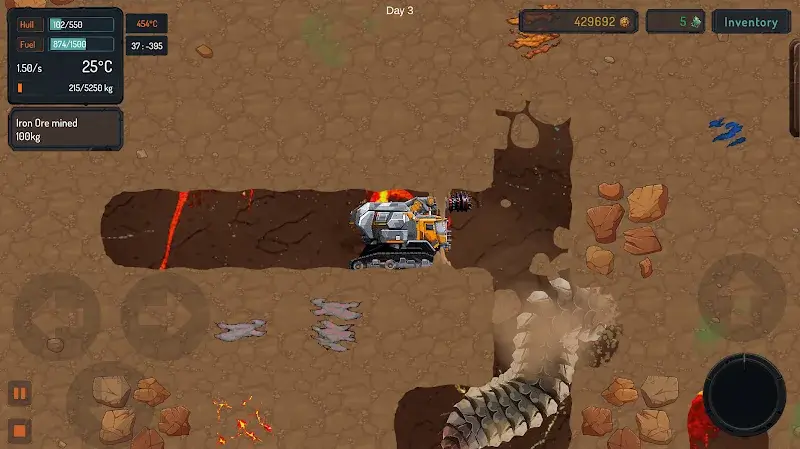
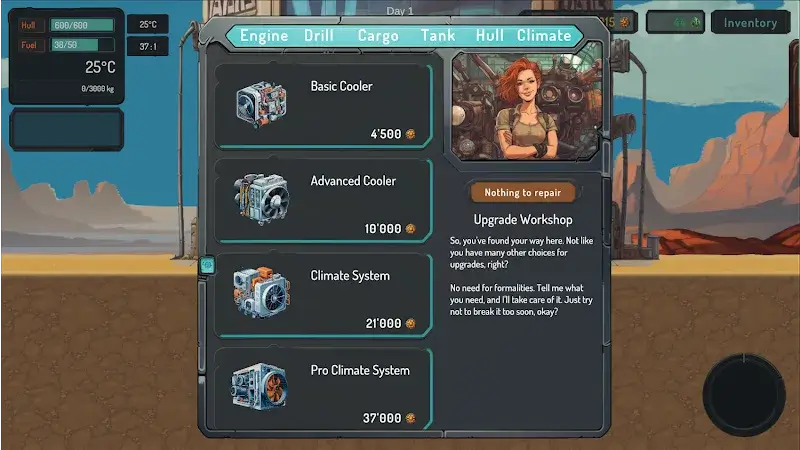
Miner Depths Mod is a resource extraction simulation game where players operate a deep-core drill to mine minerals from underground layers. It targets users interested in incremental progression mechanics and idle gameplay loops within a casual simulation framework. The core loop involves managing drill durability, fuel consumption, and navigating underground hazards to collect resources for upgrades.
What This Mod Unlocks
- Mod Menu: A toggle-based interface injected into the game's UI, accessible from the main gameplay screen.
- Emeralds Increase: The primary in-game currency increments upward instead of decreasing on expenditure. This is a persistent increase, not a one-time grant.
- Fuel Never Decreases: The fuel resource, which normally depletes during drilling operations, remains static at its current maximum value.
- Movement Speed 30x: The drill's traversal speed through the underground environment is multiplied by thirty, bypassing the default movement constraints.
The Mod Menu is the central control panel. It appears as a semi-transparent button overlay on the right side of the screen during gameplay. Tapping this button expands the menu to reveal individual toggles for each mod feature. Each toggle must be manually activated; the mod does not auto-enable all features on launch.
This mod APK for Miner Depths Mod requires Android 7.1 or higher. Installation consumes approximately 130 MB of storage. Root access is not required for functionality.
Installation Steps
- Download the Miner Depths Mod APK file.
- Enable installation from unknown sources in your Android device's security settings.
- Use a file manager to locate the downloaded APK and initiate the installation process.
- Launch Miner Depths Mod after installation completes. The mod menu overlay will be present in-game.
Known Edge Cases
- The movement speed multiplier can cause collision detection issues with environmental obstacles, potentially trapping the drill.
- Excessive use of the Emeralds increase feature in a single session may trigger a visual overflow in the currency display, though the functional value remains.
- Clearing the app's data or cache resets all mod toggles to an inactive state; they must be re-enabled manually.
- If the official game receives a post-v1.80 update, this mod version may experience compatibility errors or fail to load.

