



 ACG
ACG
 Action
 Adventure
 Arcade
 BeautifulGirl
 Board
Board
 Card
Card
 Casual
 Chess
Chess
 Educational
 Horror
 Multiplayer
 Music
Music
 NSFW
NSFW
 Puzzle
 Racing
 Sports
 Strategy
 Survival
 Business
 Communication
 Education
 Entertainment
 Family
 News
News
 Photography
 Social
 SportsLive
 Tools
Tools
 Traffic
 Video&Music
 Weather



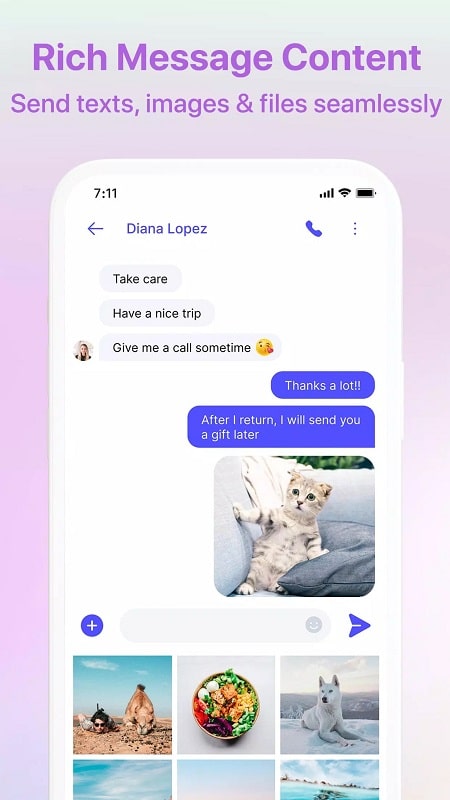
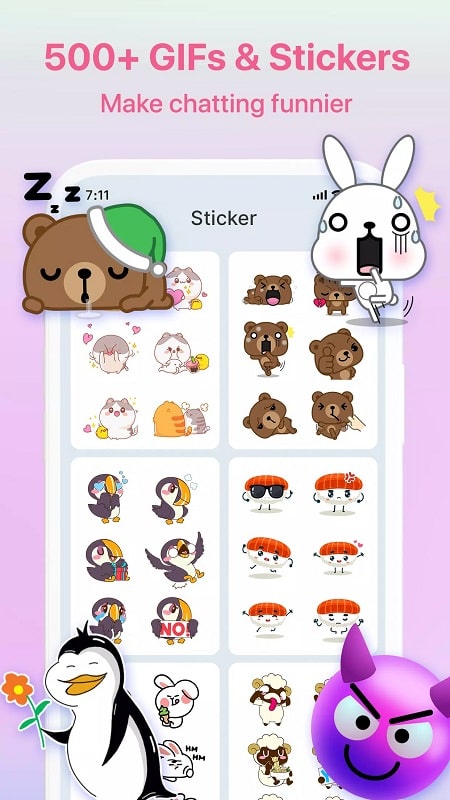
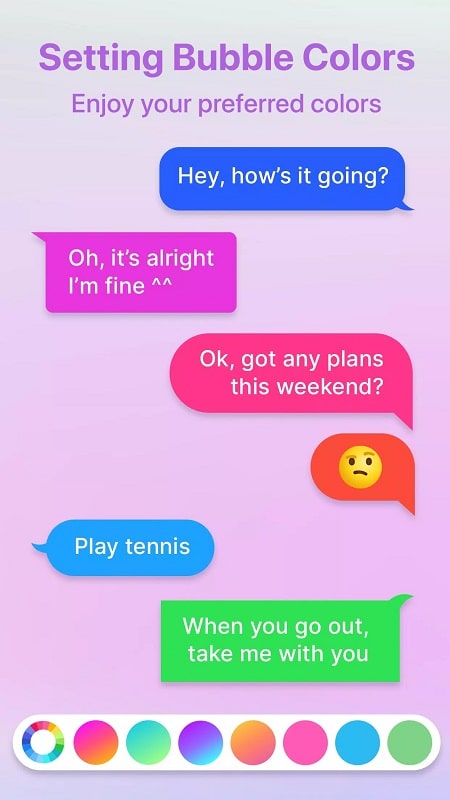

Messenger – Color SMS Mod is a third-party SMS/MMS client focused on visual customization and privacy features. It replaces the stock messaging app interface with themed live wallpapers, custom chat bubbles, and a library of fonts. The app targets users who want more control over the aesthetic of their text conversations and includes optional timed message deletion. It functions as a standard SMS/MMS application, requiring no server connection for core messaging.
What This Mod Unlocks
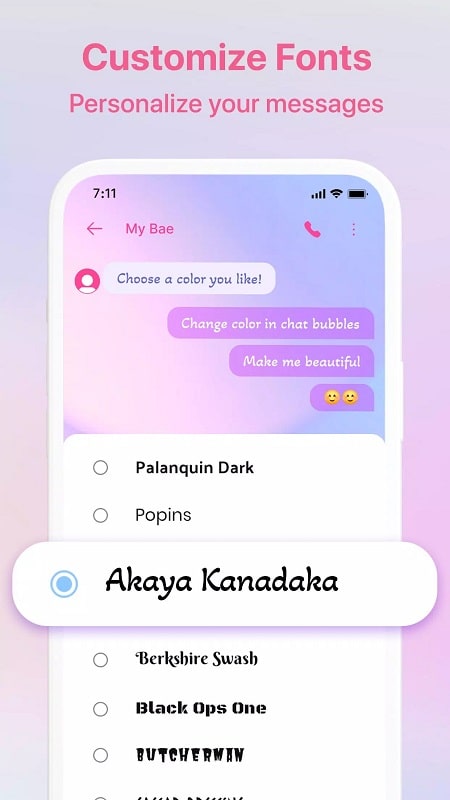
- Premium fonts, including Akaya Kanadaka, Palanquin Dark, BUTCHERMAN, and Black Ops One, are unlocked and available for use without payment.
- All premium live wallpapers and chat bubble themes are accessible without subscription.
- The mod removes all interstitial and banner advertisements present in the official version.
- Premium features like scheduled messaging and advanced spam filtering are fully enabled.
To activate the mod features, simply launch Messenger – Color SMS Mod. The unlocked premium content is integrated directly into the settings menus. Navigate to the Fonts or Themes section within the app's customization settings; all items will be marked as available without any 'Premium' lock icons or prompts for payment.
The mod requires Android 6.0 or higher. Installation consumes approximately 48 MB of storage. Root access is not required.
Installation Steps
- Download the mod APK file.
- Enable installation from unknown sources in your Android device settings.
- Open the downloaded file using a file manager and proceed with the installation.
- Launch Messenger – Color SMS Mod and grant standard SMS permissions when prompted.
Known Edge Cases
Clearing the app data for Messenger – Color SMS Mod will reset all user-applied customizations like selected fonts and wallpapers back to default, though the premium items remain unlocked. The mod does not bypass carrier SMS/MMS message limits or fees. On some devices with heavily customized Android skins, the live wallpaper feature within chat windows may not render correctly. The timed auto-delete function for messages operates locally on the device and does not affect messages on the recipient's phone.

