



 ACG
ACG
 Action
 Adventure
 Arcade
 BeautifulGirl
 Board
Board
 Card
Card
 Casual
 Chess
Chess
 Educational
 Horror
 Multiplayer
 Music
Music
 NSFW
NSFW
 Puzzle
 Racing
 Sports
 Strategy
 Survival
 Business
 Communication
 Education
 Entertainment
 Family
 News
News
 Photography
 Social
 SportsLive
 Tools
Tools
 Traffic
 Video&Music
 Weather
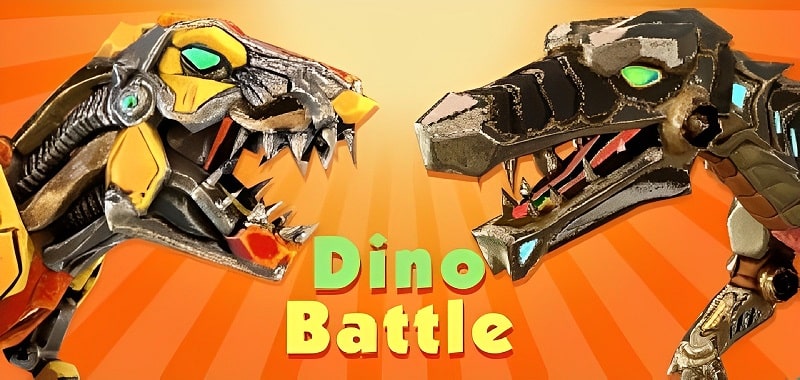



Merge Battle 3D Dinosaur Game Mod is an arcade strategy title where players merge dinosaur units to create stronger variants for 3D arena battles. The app targets users interested in idle progression mechanics combined with tactical unit management. The core loop involves merging, upgrading a dinosaur army, and deploying them in automated combat against opposing forces.
What This Mod Unlocks
- Mod Menu overlay with toggle switches is injected into the main game interface.
- God Mode function prevents player dinosaur units from taking damage during battles.
- Unlimited Gold resource is granted, allowing for infinite upgrades and purchases in the shop.
- Unlimited Gems premium currency is provided, bypassing all gem-gated content and speed-ups.
- All in-app purchases are unlocked without requiring a transaction.
- Ads are disabled across all game screens, including interstitial and reward video prompts.
The mod menu is accessed via a floating icon on the left or right edge of the screen after launching Merge Battle 3D Dinosaur Game Mod. Tapping this icon expands the menu to reveal the listed toggles. The most critical feature, God Mode, must be manually enabled by the user via its specific switch; it is not active by default.
The mod requires Android 5.1 or higher. No root access is necessary. Installation requires approximately 120 MB of free storage for the APK and subsequent game data.
Installation follows the standard sideload process. First, download the modified APK file. Second, enable installation from unknown sources in Android settings if not already permitted. Third, locate the downloaded file using a file manager and initiate the installation. Fourth, open the app after installation completes.
Several edge cases exist. The mod menu may not render correctly on some devices with custom navigation gesture overlays. Enabling God Mode in certain challenge modes can cause the level to not register as completed. If the app's data is cleared, unlocked progress via the mod may reset, though currency values often persist. Using unlimited resources in an online leaderboard context carries a high risk of account flagging.

