



 ACG
ACG
 Action
 Adventure
 Arcade
 BeautifulGirl
 Board
Board
 Card
Card
 Casual
 Chess
Chess
 Educational
 Horror
 Multiplayer
 Music
Music
 NSFW
NSFW
 Puzzle
 Racing
 Sports
 Strategy
 Survival
 Business
 Communication
 Education
 Entertainment
 Family
 News
News
 Photography
 Social
 SportsLive
 Tools
Tools
 Traffic
 Video&Music
 Weather



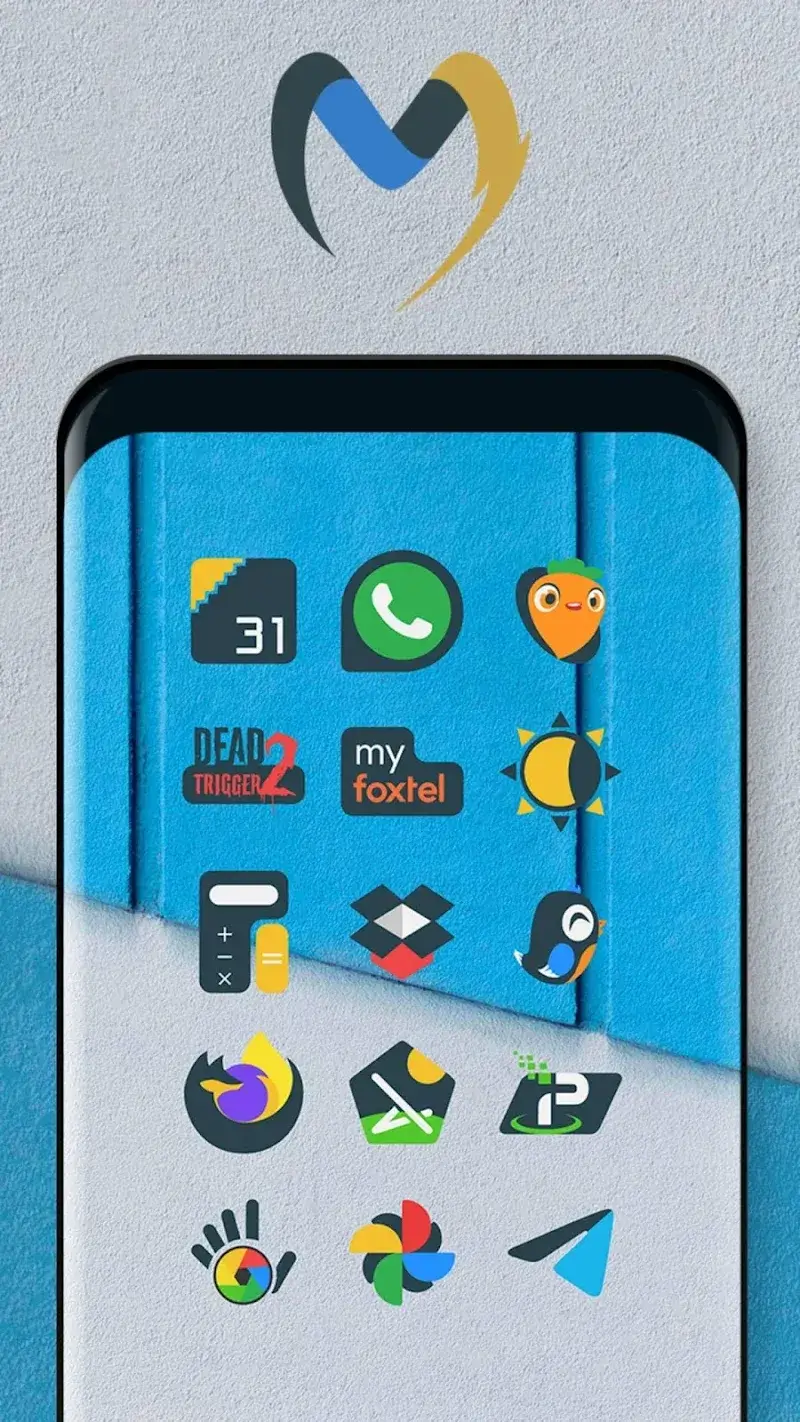
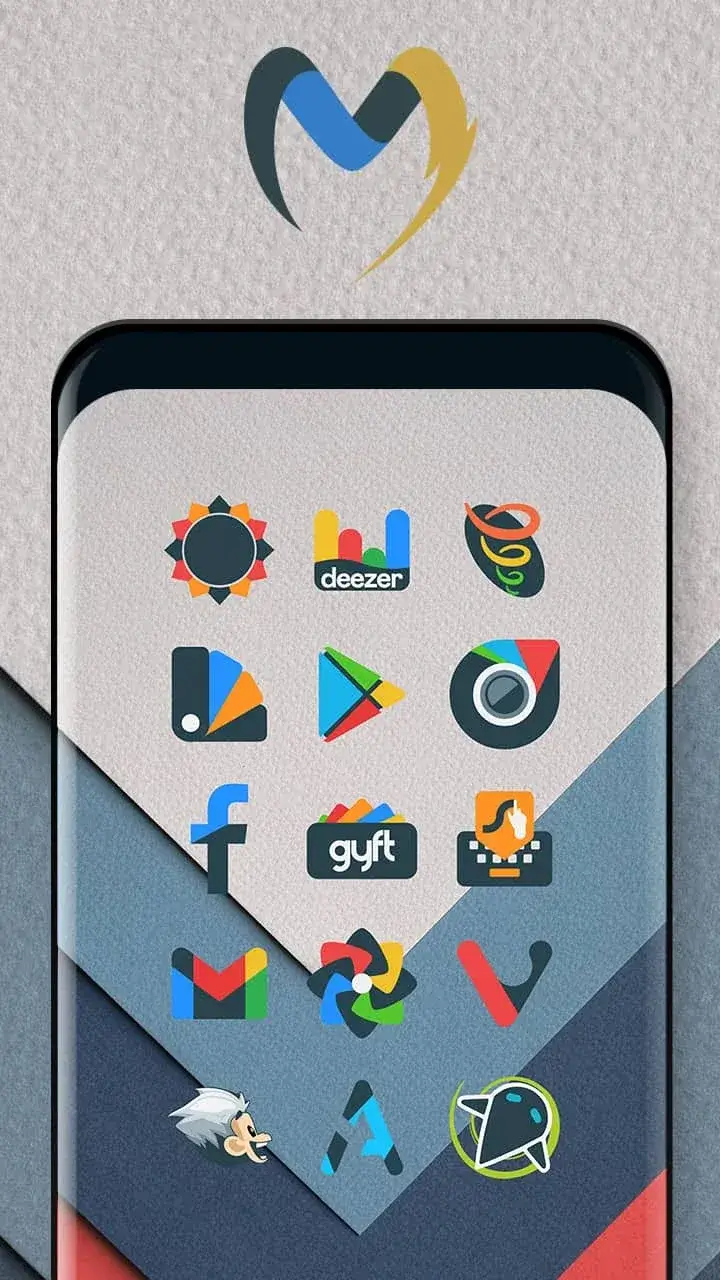
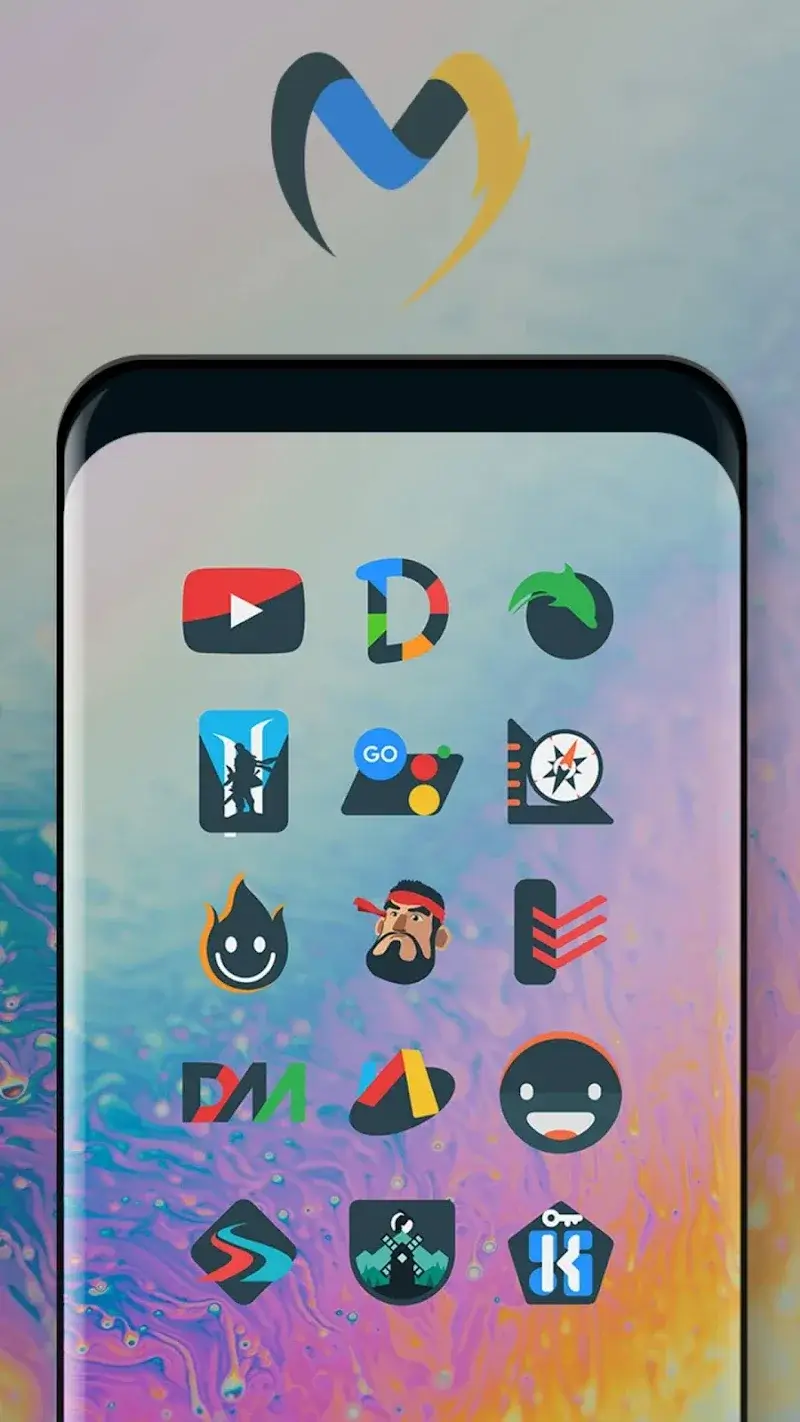
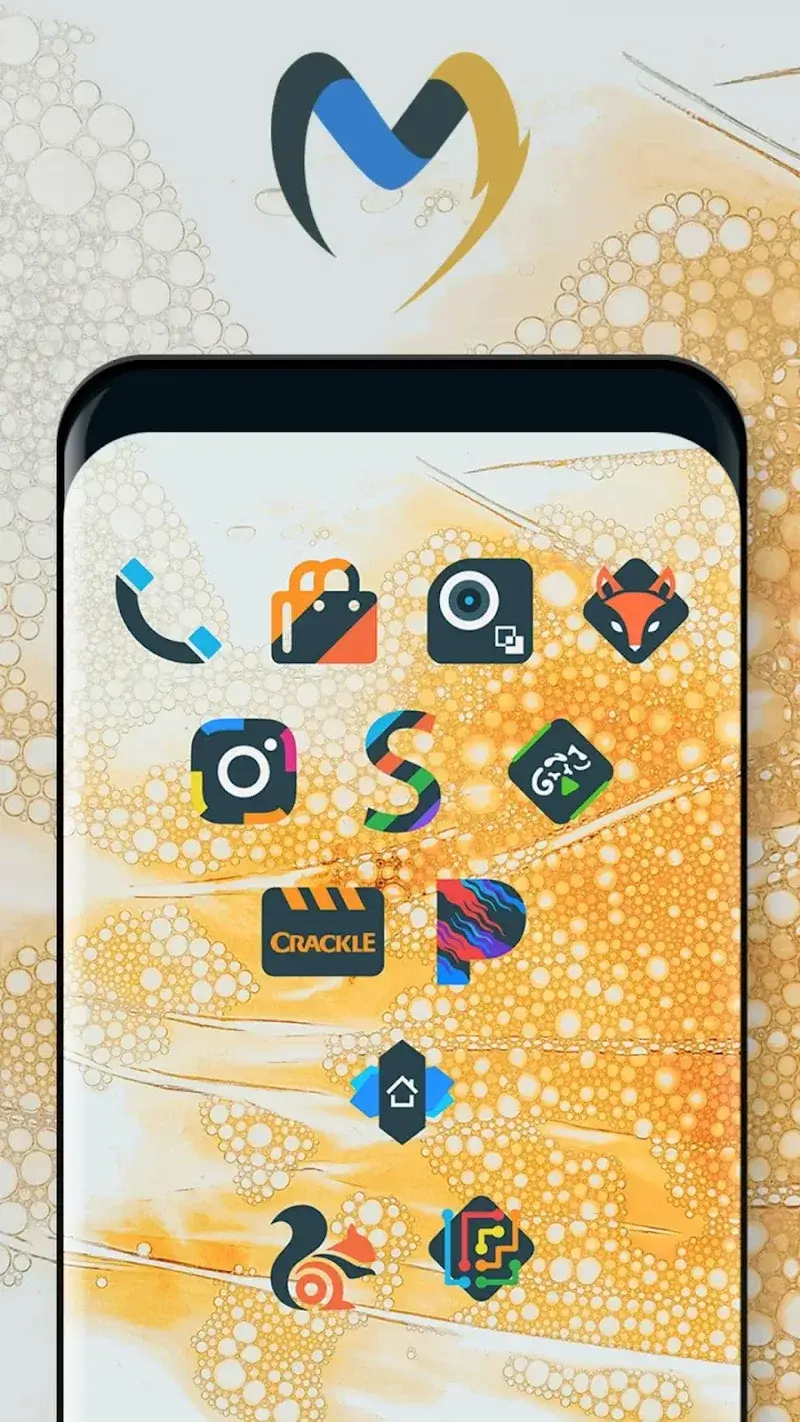
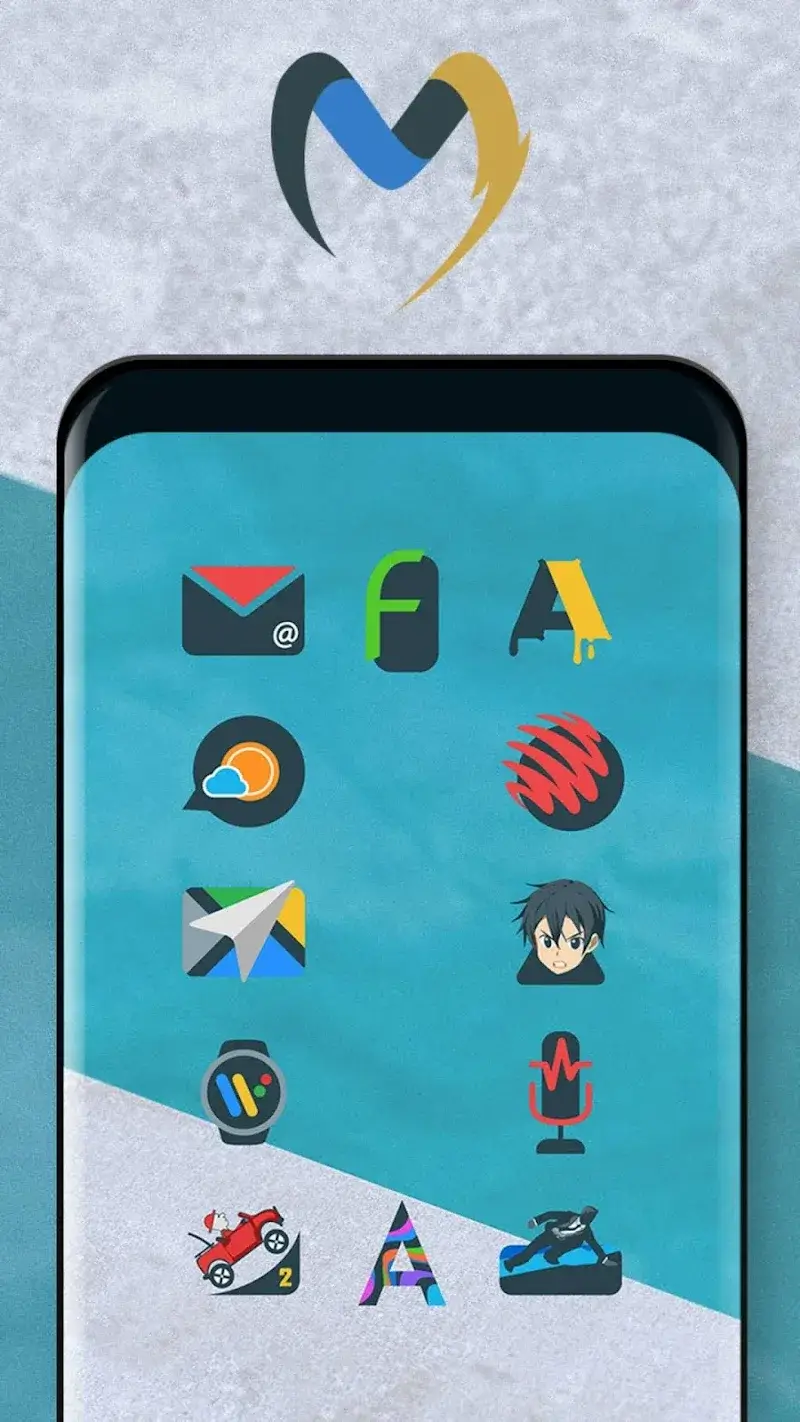
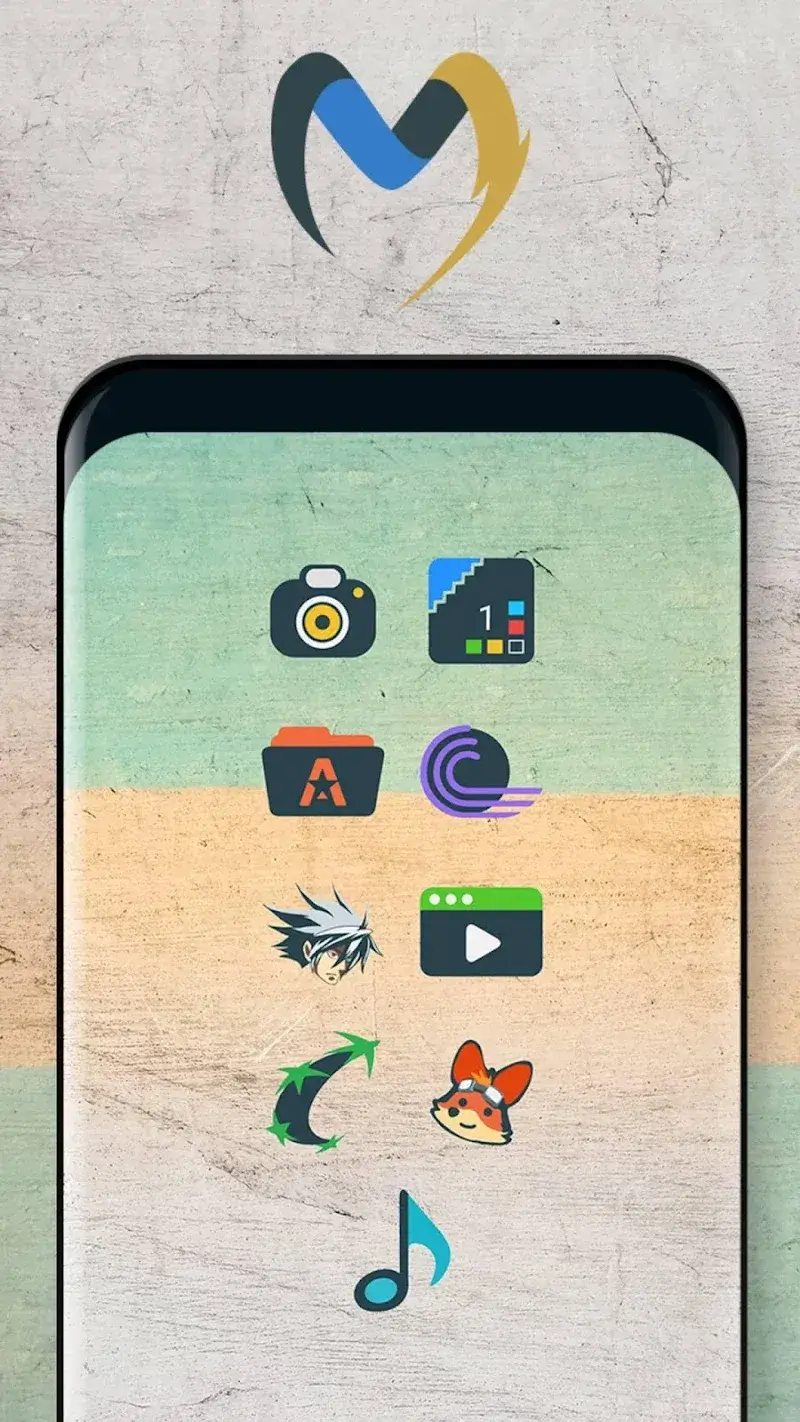
Material UI Dark Icon Pack Mod is a premium icon pack for Android launchers that replaces default app icons with custom-designed dark, flat, and shapeless material-style icons. It targets users who want a cohesive, minimalist aesthetic across their device's home screen and app drawer. The pack includes over 7000 icons at XXXHDPI resolution, alternative icon choices, dynamic calendar icons, and cloud-based wallpapers, supporting 26 popular launchers like Nova, Apex, and ADW.
What This Mod Unlocks
- Paid/Patched version features unlocked. The mod removes the payment requirement, granting full access to the premium icon pack.
- All 7000+ icons and alternative icon sets are available without purchase.
- Cloud wallpaper access and dynamic calendar icons are enabled.
- Icon request functionality is fully accessible.
- Future updates within the modded version are applied to the unlocked content.
After installing the modded APK, launch Material UI Dark Icon Pack Mod. The app will behave as the purchased premium version. Navigate to your device's launcher settings, select the icon pack theme, and apply Material UI Dark Icon Pack Mod. All icons will be available for selection without any prompts for payment or license verification.
Requirements are Android 5.0 or higher. Approximately 22 MB of storage is needed for the APK and icon data. Root access is not required.
Installation steps: 1. Download the modded Material UI Dark Icon Pack Mod APK file. 2. Enable "Install from Unknown Sources" in Android settings if not already allowed. 3. Open the downloaded APK file using a file manager. 4. Follow the on-screen prompts to install. 5. Open the app and apply via your launcher's personalization settings.
Known edge cases: Applying icons may require a supported launcher; some system launchers or less common ones may not be compatible. If the device's launcher is reset or changed, the icon pack must be reapplied. Clearing the app data for Material UI Dark Icon Pack Mod will not relock features, but custom icon mappings may reset. The mod is designed for the v1.60 version; future official updates may break compatibility until the mod is updated.

