



 ACG
ACG
 Action
 Adventure
 Arcade
 BeautifulGirl
 Board
Board
 Card
Card
 Casual
 Chess
Chess
 Educational
 Horror
 Multiplayer
 Music
Music
 NSFW
NSFW
 Puzzle
 Racing
 Sports
 Strategy
 Survival
 Business
 Communication
 Education
 Entertainment
 Family
 News
News
 Photography
 Social
 SportsLive
 Tools
Tools
 Traffic
 Video&Music
 Weather


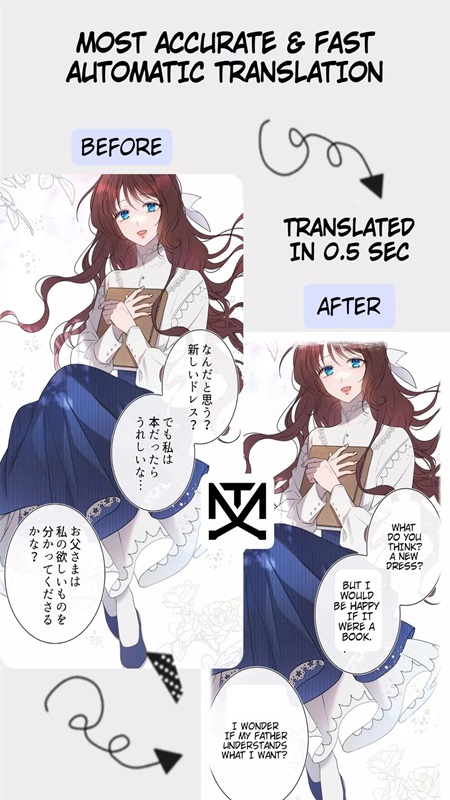
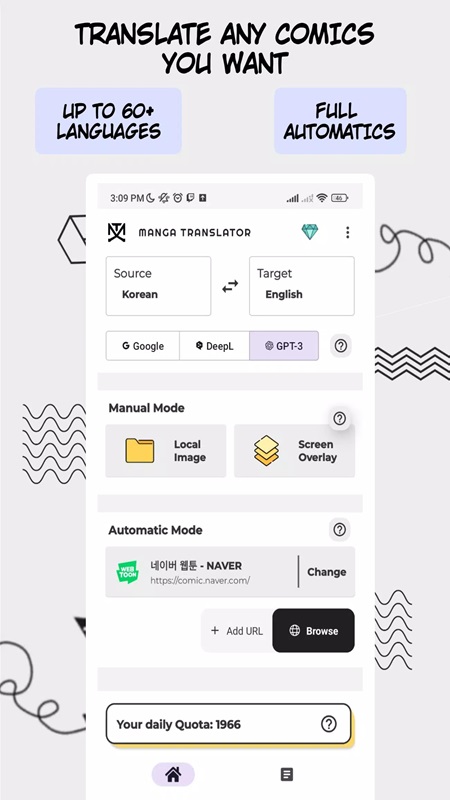
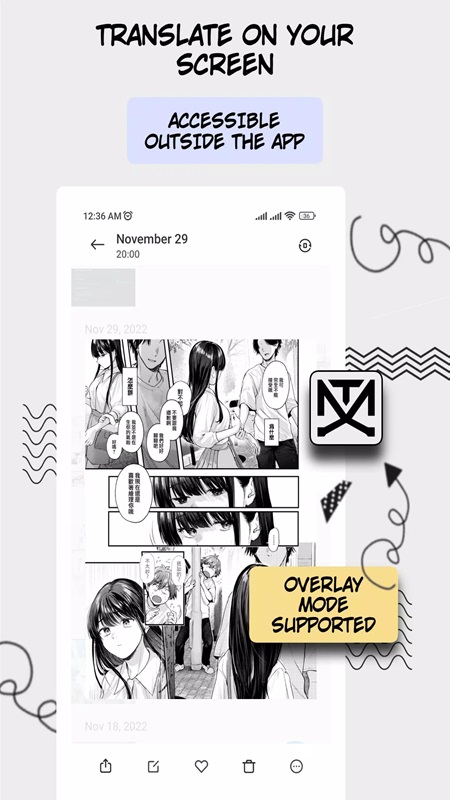
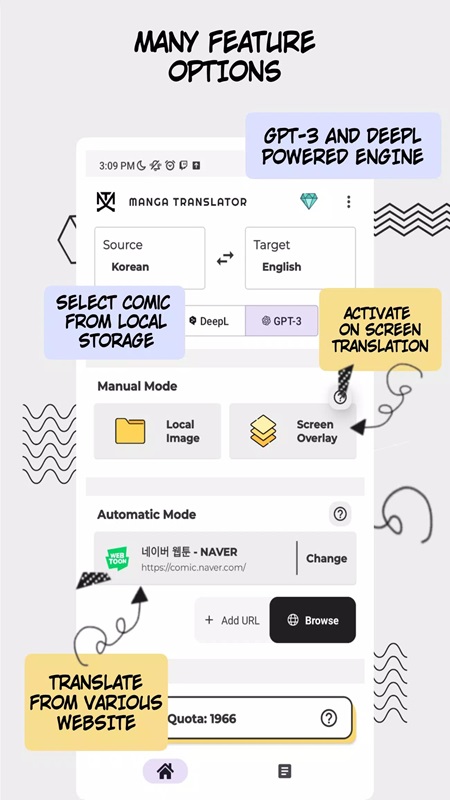
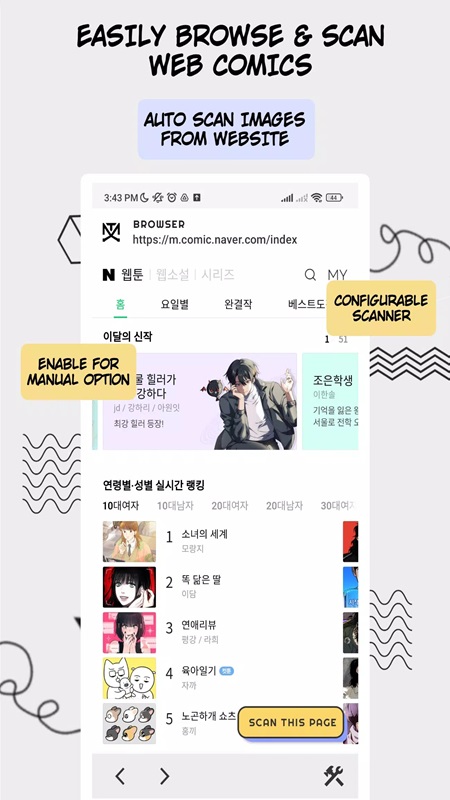

Manga Translator Mod is a utility app for converting text within comic or manga images from one language to another. It targets readers who encounter foreign-language comics and need on-device, automated translation without manual text entry. The app functions as an OCR-powered translation layer, processing both local image files and screen overlays.
What This Mod Unlocks
- Premium translation engines (DeepL, GPT-3) are unlocked, removing the 30-page-per-session limit imposed on them in the official version.
- The Google Translate integration's 50-page-per-session limit is removed.
- All pro features related to batch processing and translation history management are enabled.
- Advertisements are disabled throughout the application interface.
- Any in-app purchase prompts for premium features are bypassed.
The modded features are active upon launch. No activation menu or toggle is required. The premium translation engines appear as selectable options without restriction.
Manga Translator Mod requires Android 8.1 or higher. The APK file size is approximately 73 MB. Installation will require about 150-200 MB of free storage for processing caches and image files. Root access is not required.
Installation follows the standard sideload process for modified APKs. First, enable installation from unknown sources in the device security settings. Second, download the mod APK file. Third, locate the downloaded file using a file manager and tap to install. Fourth, open the Manga Translator Mod app after installation completes.
Known edge cases include potential failure of the screen overlay capture feature on certain custom Android ROMs. Translated projects saved to history may not sync if the app is uninstalled and reinstalled, as they are stored locally. The URL-based translation feature is dependent on the source website's structure and may not parse all comic hosting sites correctly. Using Manga Translator Mod with very high-resolution image files may cause slower processing times, unrelated to the mod.

