



 ACG
ACG
 Action
 Adventure
 Arcade
 BeautifulGirl
 Board
Board
 Card
Card
 Casual
 Chess
Chess
 Educational
 Horror
 Multiplayer
 Music
Music
 NSFW
NSFW
 Puzzle
 Racing
 Sports
 Strategy
 Survival
 Business
 Communication
 Education
 Entertainment
 Family
 News
News
 Photography
 Social
 SportsLive
 Tools
Tools
 Traffic
 Video&Music
 Weather


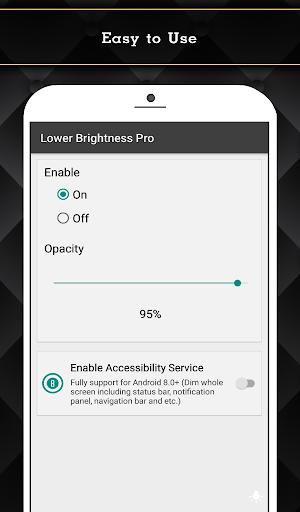
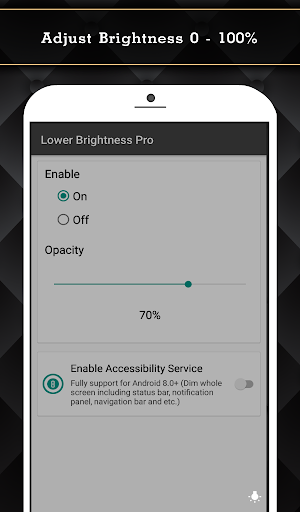
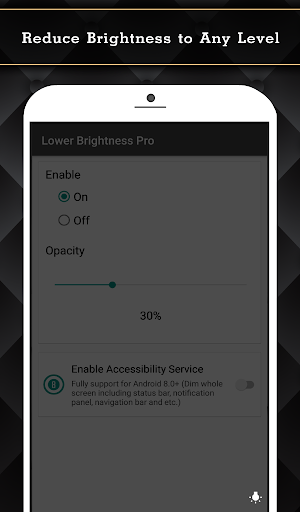
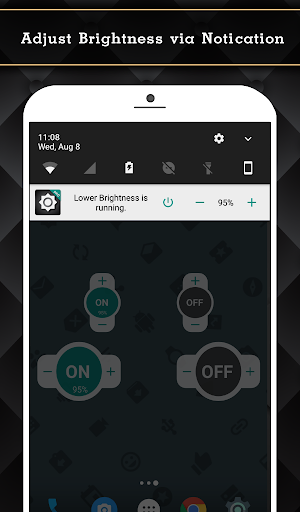
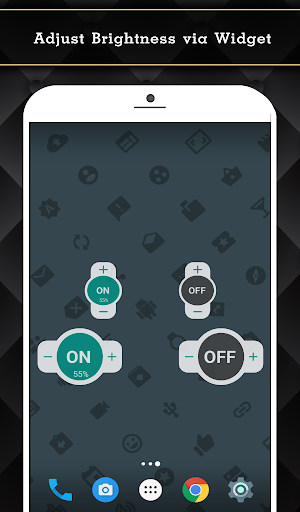
Lower Brightness Pro Mod is a utility application designed for Android users who require screen brightness levels lower than the minimum allowed by their device's operating system. It functions by overlaying a dimming filter across the entire display, including system UI elements like the status bar and navigation bar. The app targets users with light sensitivity, those reading in dark environments, or anyone seeking to extend battery life by reducing backlight intensity beyond standard settings.
What This Mod Unlocks
- All Pro features are unlocked without payment.
- The advertisement-free experience of the paid version is enabled.
- Brightness control via a persistent notification widget is available.
- Home screen widget functionality for quick brightness adjustment is active.
- Quick Setting Tile integration for Android 7.0+ is fully operational.
- Full-screen dimming support for Android 8.0+, covering the status bar and navigation bar, is functional.
Upon first launch after installation, Lower Brightness Pro Mod will request Accessibility Service permissions. This permission is mandatory for the core dimming functionality to work across all system interfaces. Granting it is the activation step for the mod's features.
The application requires Android 5.0 or higher. It occupies approximately 3.5 MB of storage space after installation. Root access is not required for any functionality.
Installation Steps
- Download the modded APK file.
- Enable installation from unknown sources in Android settings if prompted.
- Open the downloaded file to begin installation.
- Launch Lower Brightness Pro Mod and grant the requested Accessibility Service permission.
Known Edge Cases
- On some custom Android skins (e.g., MIUI, OxygenOS), the app may require additional manual permissions in device settings beyond the standard prompt.
- The dimming overlay may interfere with screen capture or recording on certain devices, resulting in a black or darkened recording.
- If the Accessibility Service permission is revoked, Lower Brightness Pro Mod will revert to basic, non-functional operation until the permission is re-granted.
- Using other screen-filtering apps simultaneously may cause conflicts and unpredictable dimming behavior.

