



 ACG
ACG
 Action
 Adventure
 Arcade
 BeautifulGirl
 Board
Board
 Card
Card
 Casual
 Chess
Chess
 Educational
 Horror
 Multiplayer
 Music
Music
 NSFW
NSFW
 Puzzle
 Racing
 Sports
 Strategy
 Survival
 Business
 Communication
 Education
 Entertainment
 Family
 News
News
 Photography
 Social
 SportsLive
 Tools
Tools
 Traffic
 Video&Music
 Weather


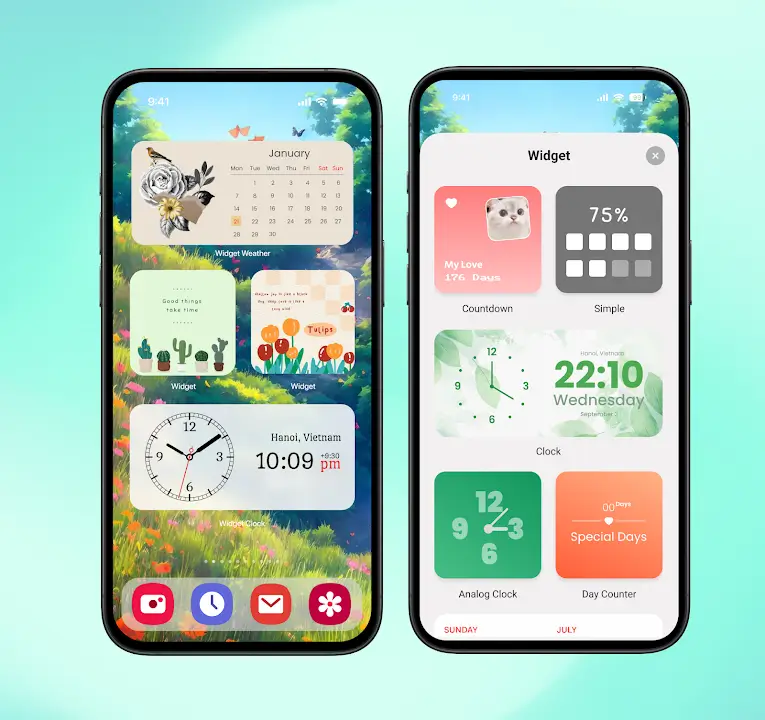
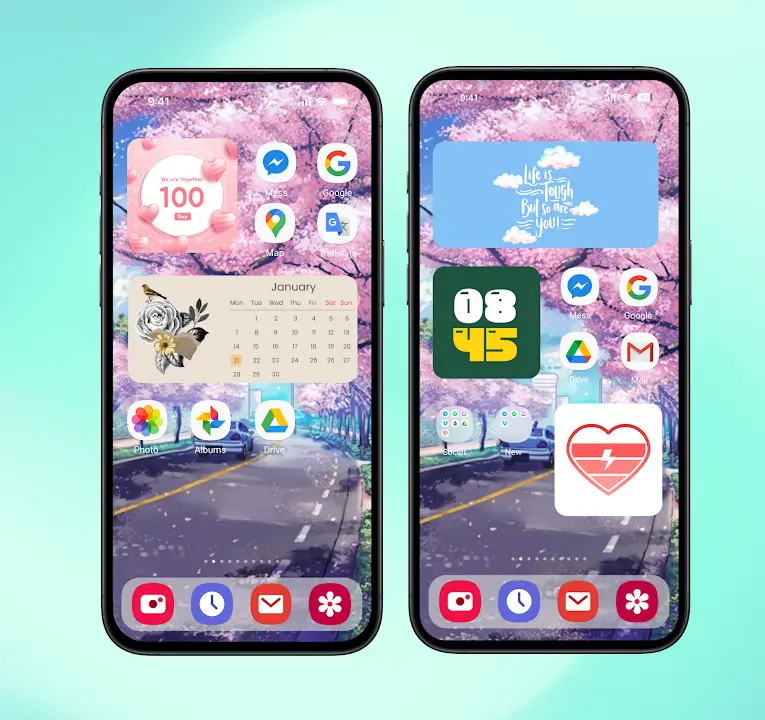
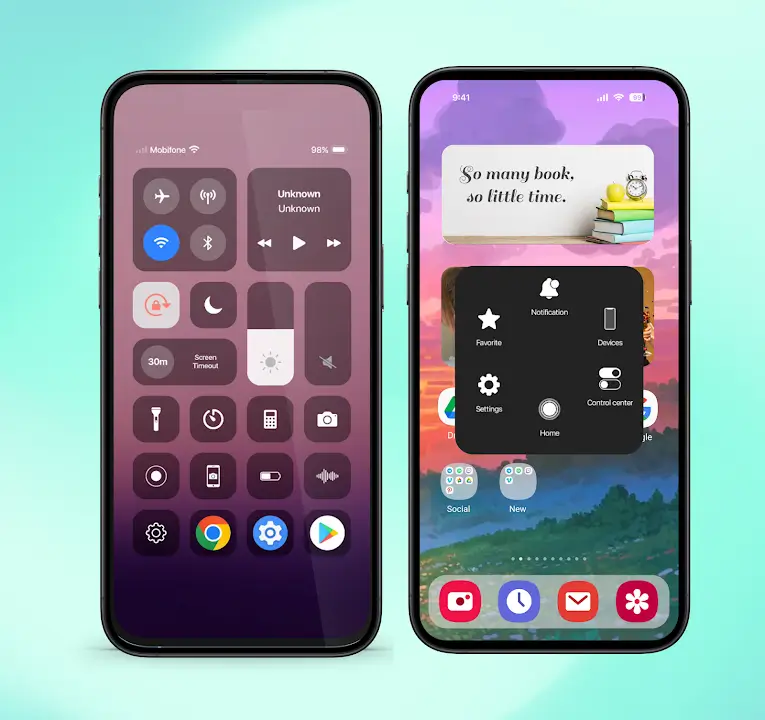
iLauncher Mod is a home screen replacement application that mimics the iOS 16 user interface on Android devices. It is designed for users who prefer the visual design and interaction patterns of Apple's iOS but are using Android hardware. The app replaces the default launcher, applying iOS-style icons, widgets, dock, and control center. It functions as a skin layer over the Android operating system, requiring no root access.
What This Mod Unlocks
- All premium themes and icon packs are unlocked.
- Advertisements within the launcher interface and theme store are disabled.
- Pro features, such as advanced widget customization and grid size options, are enabled.
- Lock screen customization tools are fully accessible.
The mod for iLauncher Mod version 2.1.6 directly patches the APK to grant access to paid content. It does not add external menus or overlays.
Activation Note
No activation is required. Upon launching iLauncher Mod and setting it as the default home app, all premium content will be available. The theme store will show all items as owned.
Android 7.0 or higher is required. The application uses approximately 35 MB of storage after installation. Root access is not required.
Installation Steps
- Download the modified iLauncher Mod APK file.
- Enable "Install from Unknown Sources" in Android settings if prompted.
- Open the downloaded file and proceed with the installation.
- After installation, press the home button. Select iLauncher Mod from the list and tap "Always."
Known Edge Cases
Clearing the app data will reset customizations but will not relock premium themes. Some widget animations may stutter on devices with less than 3GB of RAM. The mod does not affect system-level app icons outside of iLauncher Mod's scope. Using iLauncher Mod with certain manufacturer skins (e.g., MIUI, EMUI) may require additional permissions for default launcher setting.

