



 ACG
ACG
 Action
 Adventure
 Arcade
 BeautifulGirl
 Board
Board
 Card
Card
 Casual
 Chess
Chess
 Educational
 Horror
 Multiplayer
 Music
Music
 NSFW
NSFW
 Puzzle
 Racing
 Sports
 Strategy
 Survival
 Business
 Communication
 Education
 Entertainment
 Family
 News
News
 Photography
 Social
 SportsLive
 Tools
Tools
 Traffic
 Video&Music
 Weather
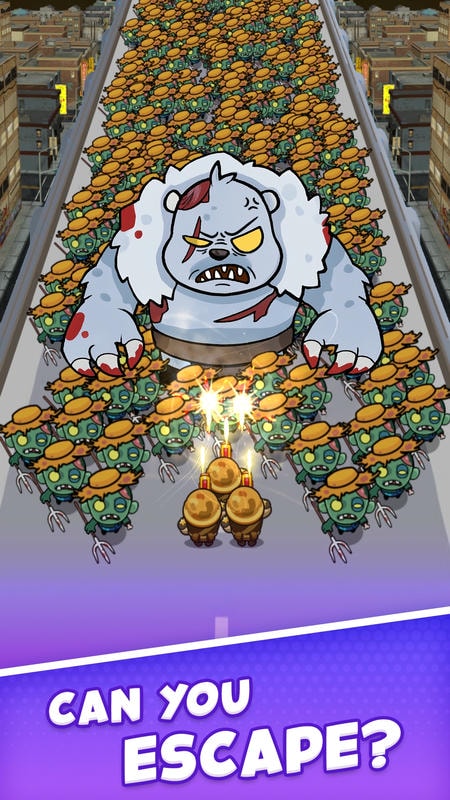


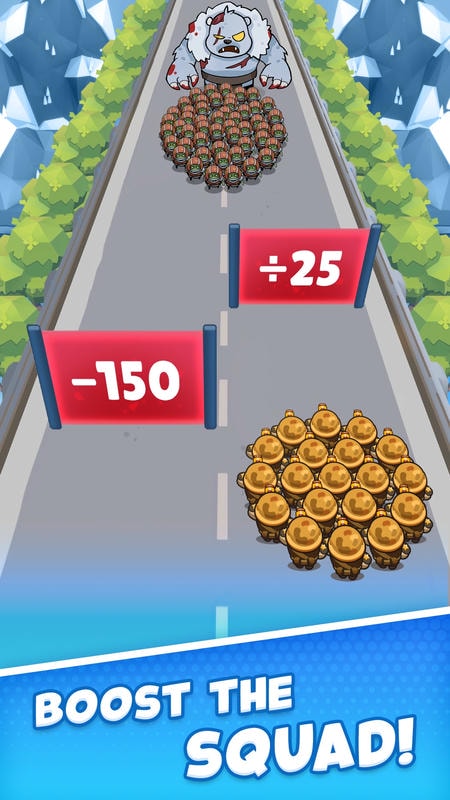
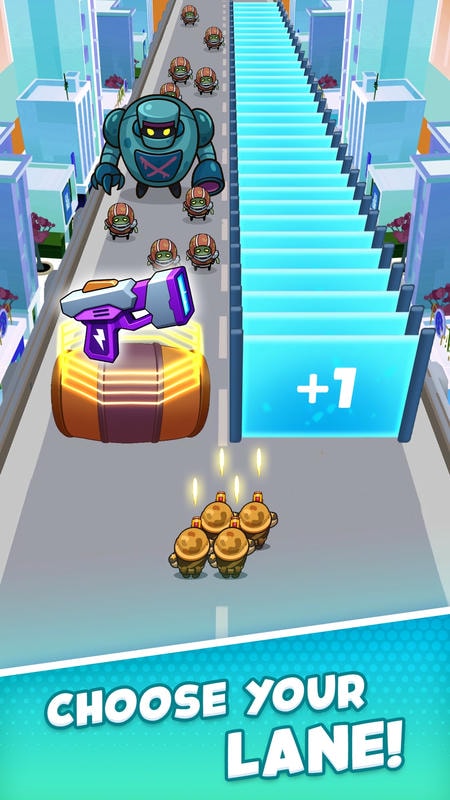
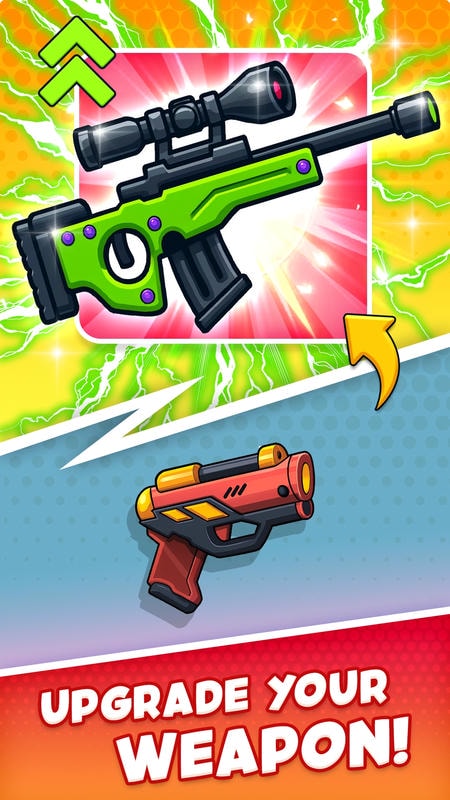
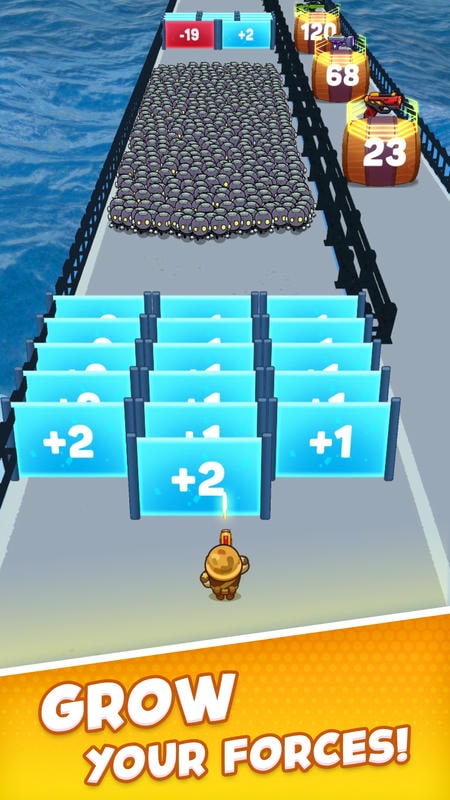
Last Survival Zombie Battle Mod is a base defense and resource management simulation set in a zombie apocalypse. Players build and upgrade a shelter, scavenge for materials, craft weapons, and defend against waves of infected. The target user is someone who enjoys incremental progression and tower defense mechanics within a survival horror framework.
What This Mod Unlocks
- Mod Menu overlay providing direct access to free in-app purchases.
- Unlimited premium currency (gems/gold) for instant building upgrades and item purchases.
- All resource packs (wood, metal, food, medicine) available at zero cost.
- Character skill upgrades and weapon blueprints unlocked without grinding.
- All cosmetic survivor skins and base decorations unlocked.
- Ad removal for uninterrupted gameplay sessions.
The mod menu is activated by tapping a floating icon on the left edge of the screen after the main game loads. This icon is semi-transparent and persists across menus. Tapping it opens a panel with toggle switches for each purchasable item category.
Last Survival Zombie Battle Mod requires Android 7.1 or higher. The APK file size is approximately 157 MB. Installation requires an additional 300-400 MB for game assets and cache. Root access is not required.
Installation follows the standard sideload process. Download the APK file. Enable installation from unknown sources in your device settings. Navigate to the downloaded file using a file manager and tap to install. Launch the game and grant necessary permissions. The mod menu icon will appear on the main game screen.
Several edge cases exist. The mod functions primarily in offline/single-player modes. Attempting to use unlocked premium items in ranked events or leaderboard challenges may trigger inconsistency flags. Progress saved locally is tied to the device; clearing app data resets all unlocked mod benefits, requiring a re-application of the menu toggles. On some Android 12+ devices, the overlay icon may require explicit "Draw over other apps" permission to be manually enabled in system settings.

