



 ACG
ACG
 Action
 Adventure
 Arcade
 BeautifulGirl
 Board
Board
 Card
Card
 Casual
 Chess
Chess
 Educational
 Horror
 Multiplayer
 Music
Music
 NSFW
NSFW
 Puzzle
 Racing
 Sports
 Strategy
 Survival
 Business
 Communication
 Education
 Entertainment
 Family
 News
News
 Photography
 Social
 SportsLive
 Tools
Tools
 Traffic
 Video&Music
 Weather
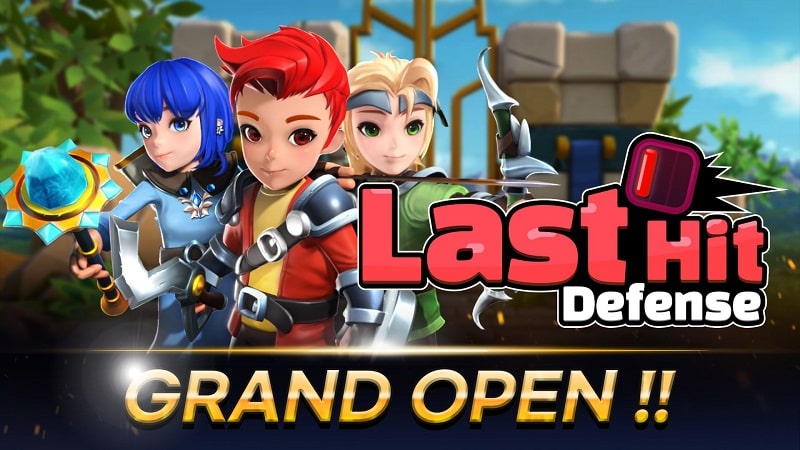


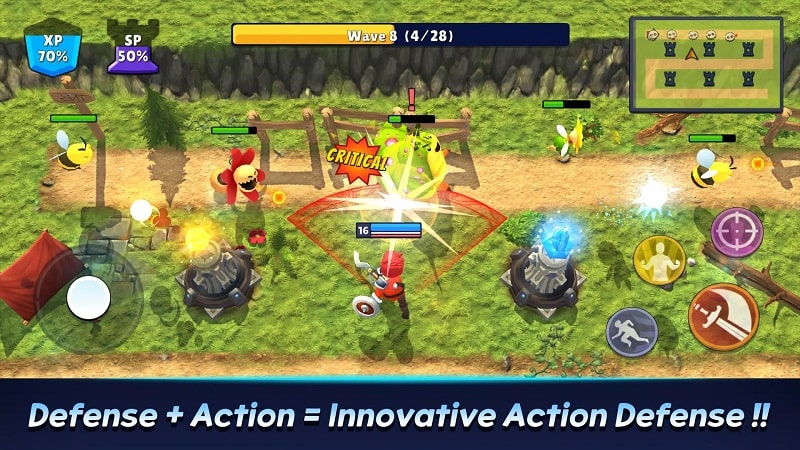
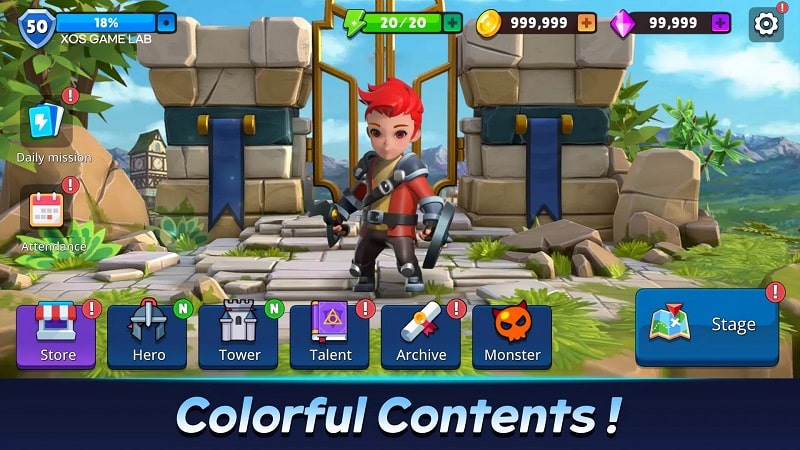
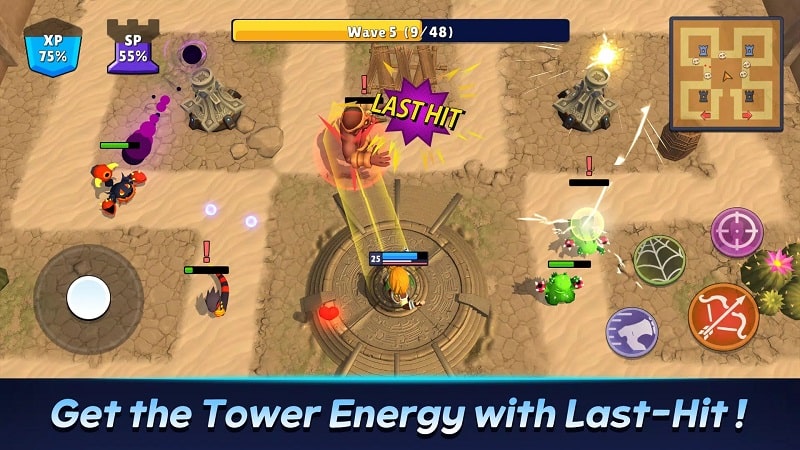
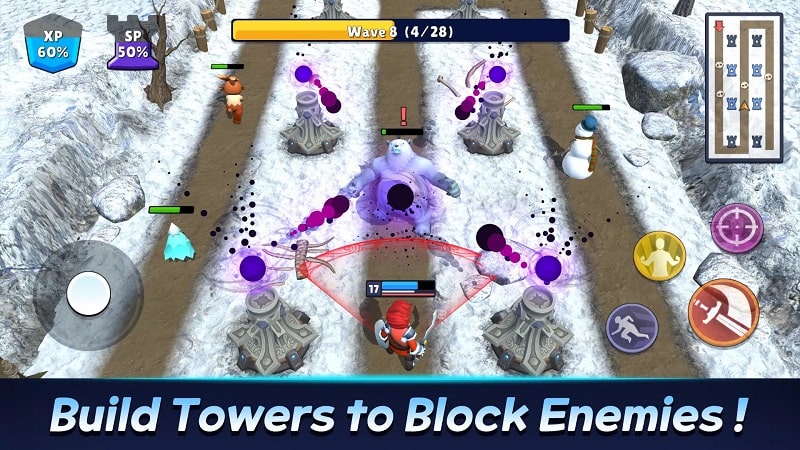
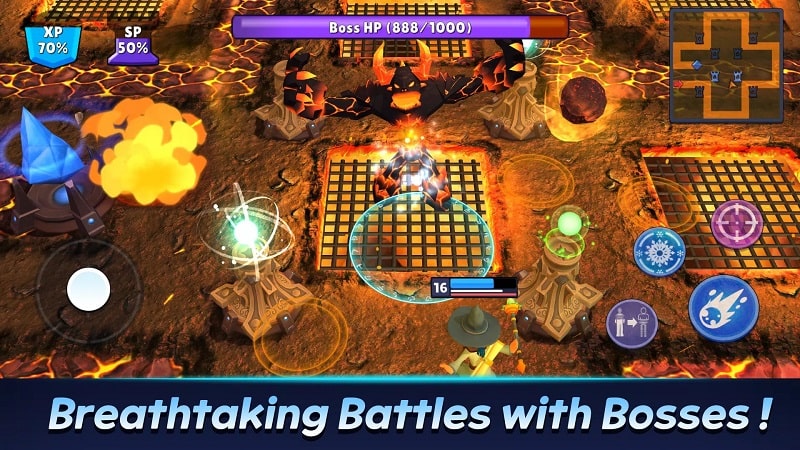
Last-Hit Defense Mod is a casual tower defense game where players deploy heroes onto defensive towers to stop waves of advancing monsters. The core loop involves strategic placement, upgrading hero stats, and managing cooldowns to survive increasingly difficult waves. This mod APK targets players seeking to bypass the incremental progression grind for a more sandbox-like experience.
What This Mod Unlocks
- A floating mod menu is injected into the game's main interface.
- The menu provides three primary sliders: Damage Multiplier, Defense Multiplier, and Cooldown Reduction.
- Damage Multiplier increases the attack power of all deployed heroes.
- Defense Multiplier reduces damage taken by heroes and towers from monster attacks.
- Cooldown Reduction can be set to zero, allowing hero abilities to be used without any delay.
- All modifications are applied in real-time via the menu sliders; no restart is required.
The mod menu appears as a semi-transparent button on the left or right edge of the screen during gameplay. Tapping this button expands the control panel. Adjustments made with the sliders take effect immediately for all active and newly deployed heroes.
Last-Hit Defense Mod mod APK requires Android 7.0 or higher. Installation requires approximately 400 MB of free storage. Root access is not required.
Installation follows the standard sideload process for modified APK files. First, enable installation from unknown sources in your device's security settings. Second, download the provided APK file. Third, locate the downloaded file using a file manager and tap to install. Fourth, launch the game from your home screen; the mod menu should be present.
Known edge cases include potential instability if sliders are set to extreme values, which may cause the game to freeze. The mod menu is absent during initial tutorial sequences. Progress made with modded stats is saved locally; clearing app data will reset all progress. Using the mod in any potential online or ranking modes is not advised.

