



 ACG
ACG
 Action
 Adventure
 Arcade
 BeautifulGirl
 Board
Board
 Card
Card
 Casual
 Chess
Chess
 Educational
 Horror
 Multiplayer
 Music
Music
 NSFW
NSFW
 Puzzle
 Racing
 Sports
 Strategy
 Survival
 Business
 Communication
 Education
 Entertainment
 Family
 News
News
 Photography
 Social
 SportsLive
 Tools
Tools
 Traffic
 Video&Music
 Weather



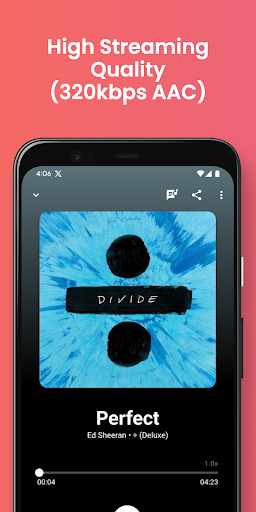
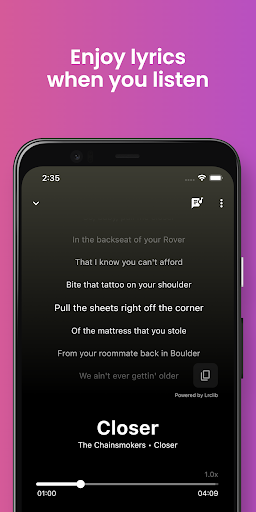
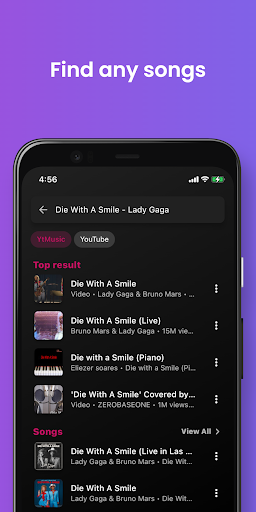
Joytify Mod is an online music streaming application for Android. It functions as a client for accessing and playing music from online sources, featuring a recommendation system, playlist management, and integrated lyrics. The app targets users seeking a free alternative for streaming music with a focus on personalization and audio quality.
What This Mod Unlocks
- Premium subscription status is unlocked, removing all paywalls.
- All advertisements are disabled within the application.
- High-quality audio streaming, including 320kbps AAC format, is enabled without restriction.
- Background playback functionality is fully accessible.
- The smart equalizer and audio enhancement features are unlocked.
- Night mode and built-in noise filters are available.
- Playlist creation and management tools operate without limitation.
The mod does not inject new servers or content; it modifies the local client to grant access to features typically locked behind a subscription. The music library and streaming sources remain identical to the official Joytify Mod app.
Activation Note
The mod features are applied automatically upon launch. No manual activation, mod menu, or special taps are required. The app will present itself as the premium version immediately after the initial loading screen.
Requirements
Android 7.0 or higher is required. The installation requires approximately 32 MB of storage space. Root access is not necessary.
Install Steps
- Download the Joytify Mod mod APK file.
- Enable installation from unknown sources in Android settings.
- Open the downloaded file and proceed with the installation.
- Launch Joytify Mod. The premium features will be active.
Known Edge Cases
Since Joytify Mod streams music from online servers, the availability of specific songs or albums depends on the licensing agreements of the source platform, not the mod. The background playback feature may behave inconsistently on some custom Android skins that aggressively manage background processes. Clearing the app's data will reset user preferences and playlists but will not revert the premium unlock. The mod is designed for version 1.5.7; future official updates may break functionality until the mod is updated.

