



 ACG
ACG
 Action
 Adventure
 Arcade
 BeautifulGirl
 Board
Board
 Card
Card
 Casual
 Chess
Chess
 Educational
 Horror
 Multiplayer
 Music
Music
 NSFW
NSFW
 Puzzle
 Racing
 Sports
 Strategy
 Survival
 Business
 Communication
 Education
 Entertainment
 Family
 News
News
 Photography
 Social
 SportsLive
 Tools
Tools
 Traffic
 Video&Music
 Weather
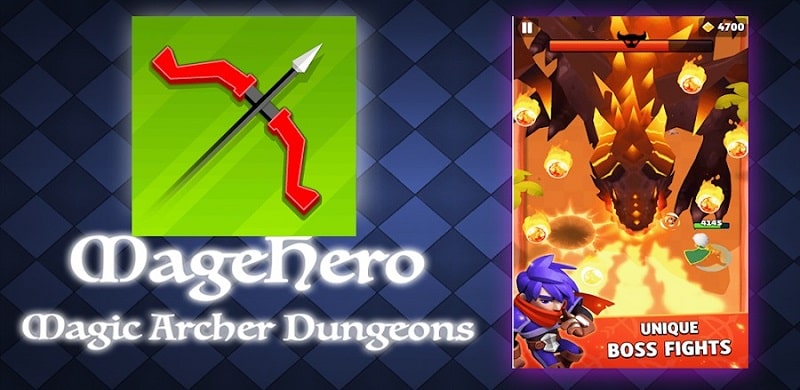



Journey Of Archer Mod is a side-scrolling archery action game where the player controls an archer progressing through levels, defeating enemies and bosses, and upgrading weapons. The core loop involves precise aiming, skill selection upon leveling up, and resource management for character progression. It targets players seeking a straightforward action-adventure experience with incremental power growth and boss encounters.
What This Mod Unlocks
- Mod Menu overlay with toggle switches for all features.
- Unlimited Diamonds: The premium in-game currency does not decrease on purchase or use.
- Shooting Through Walls: Arrows penetrate all environmental obstacles and hit targets behind them.
- All in-app purchases are unlocked and free.
- Advertisements are disabled.
The mod menu is activated from a persistent floating icon on the game's main screen or during gameplay. Tapping this icon opens the configuration panel.
Journey Of Archer Mod requires Android 4.4 or higher and approximately 110 MB of free storage for installation and data. Root access is not required.
Installation Steps
- Download the Journey Of Archer Mod mod APK file.
- Enable installation from unknown sources in Android settings.
- Open the downloaded file and proceed with the installation.
- Launch the game and tap the mod menu icon to enable features.
Known Edge Cases
- In online PvP modes, using the wall-penetration feature may be visually obvious to other players and could lead to reports.
- Unlimited diamonds are client-side; any server-synced purchases may not persist.
- Clearing the app data resets all progress, but mod features remain functional upon re-enabling.
- On some Android 12+ devices, the overlay permission must be manually granted for the mod menu to appear.

