



 ACG
ACG
 Action
 Adventure
 Arcade
 BeautifulGirl
 Board
Board
 Card
Card
 Casual
 Chess
Chess
 Educational
 Horror
 Multiplayer
 Music
Music
 NSFW
NSFW
 Puzzle
 Racing
 Sports
 Strategy
 Survival
 Business
 Communication
 Education
 Entertainment
 Family
 News
News
 Photography
 Social
 SportsLive
 Tools
Tools
 Traffic
 Video&Music
 Weather



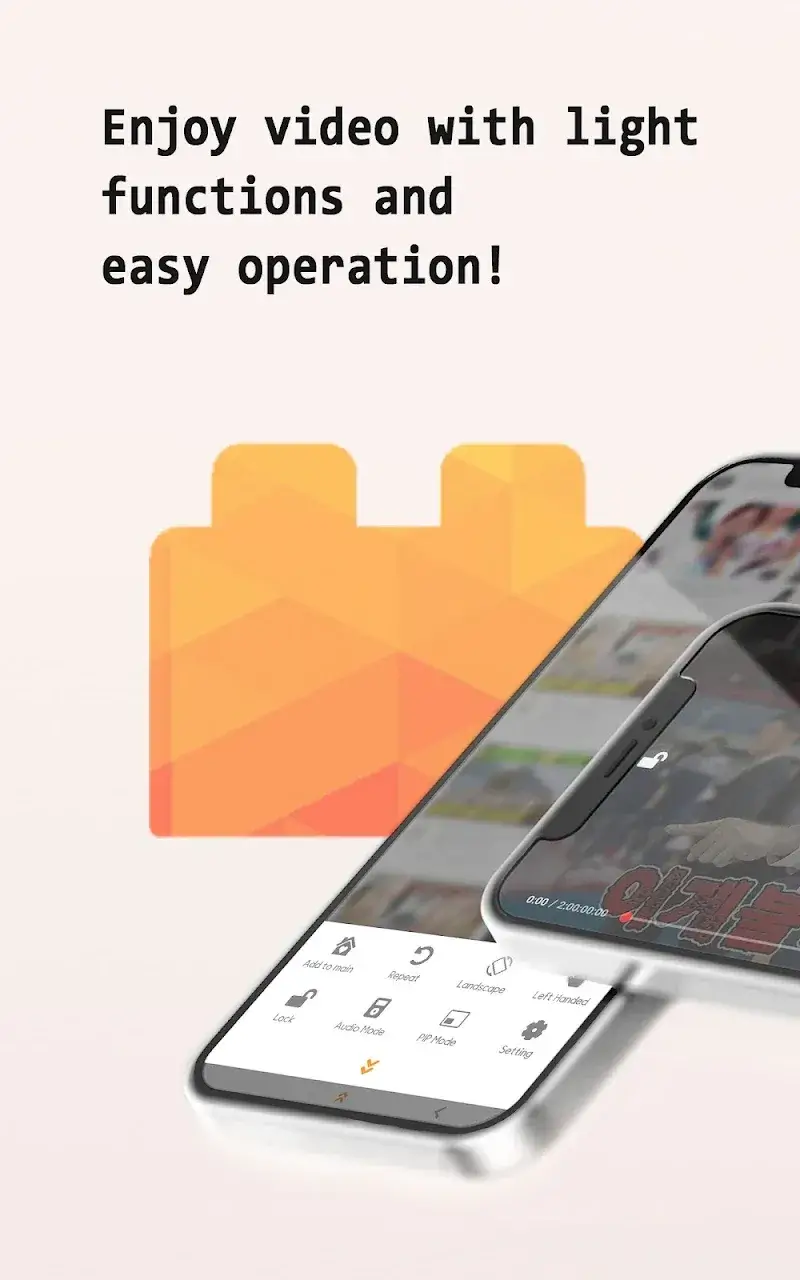
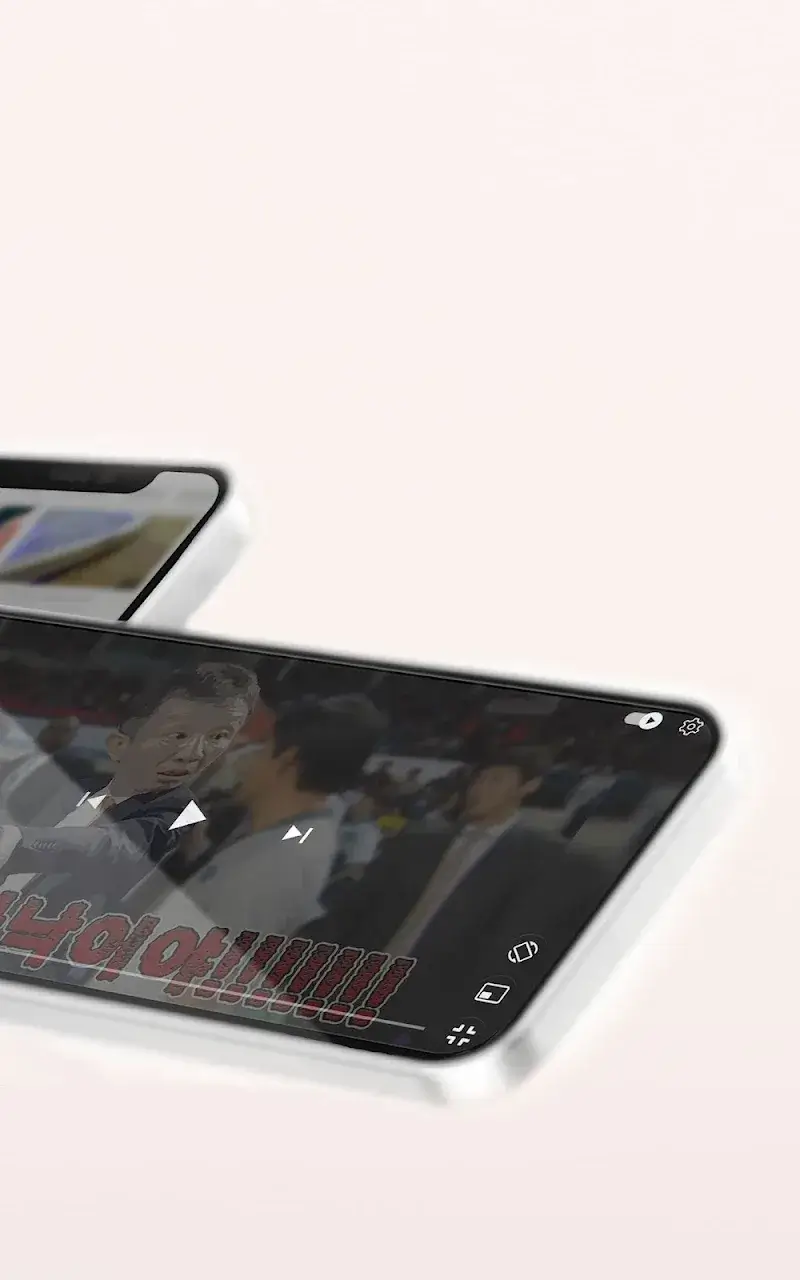
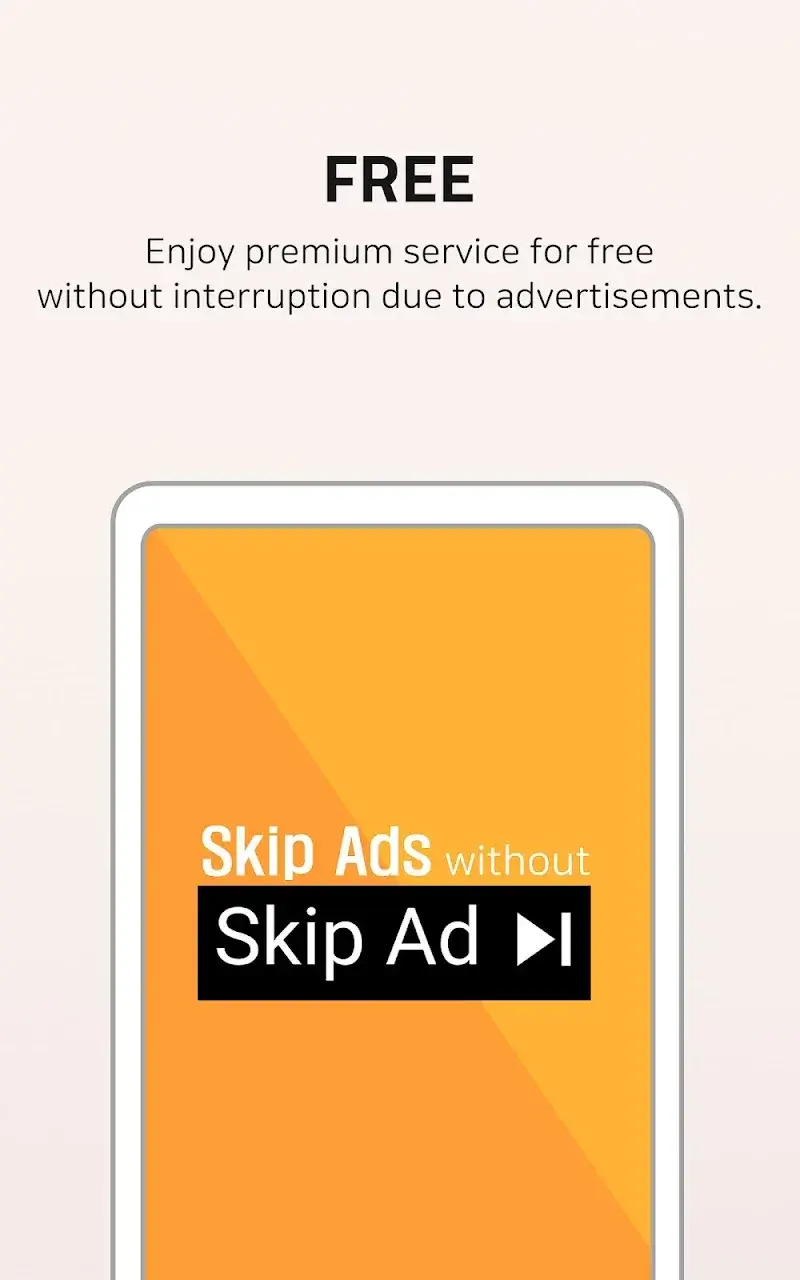
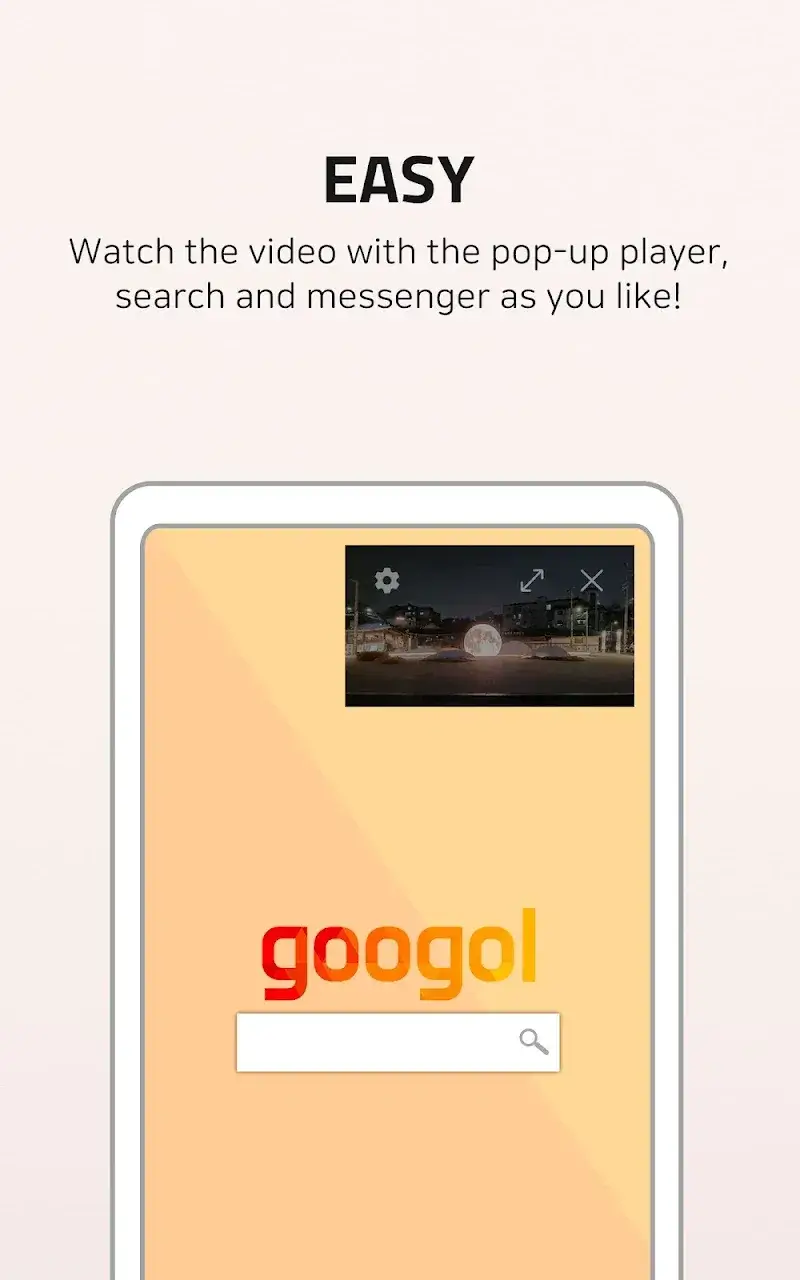
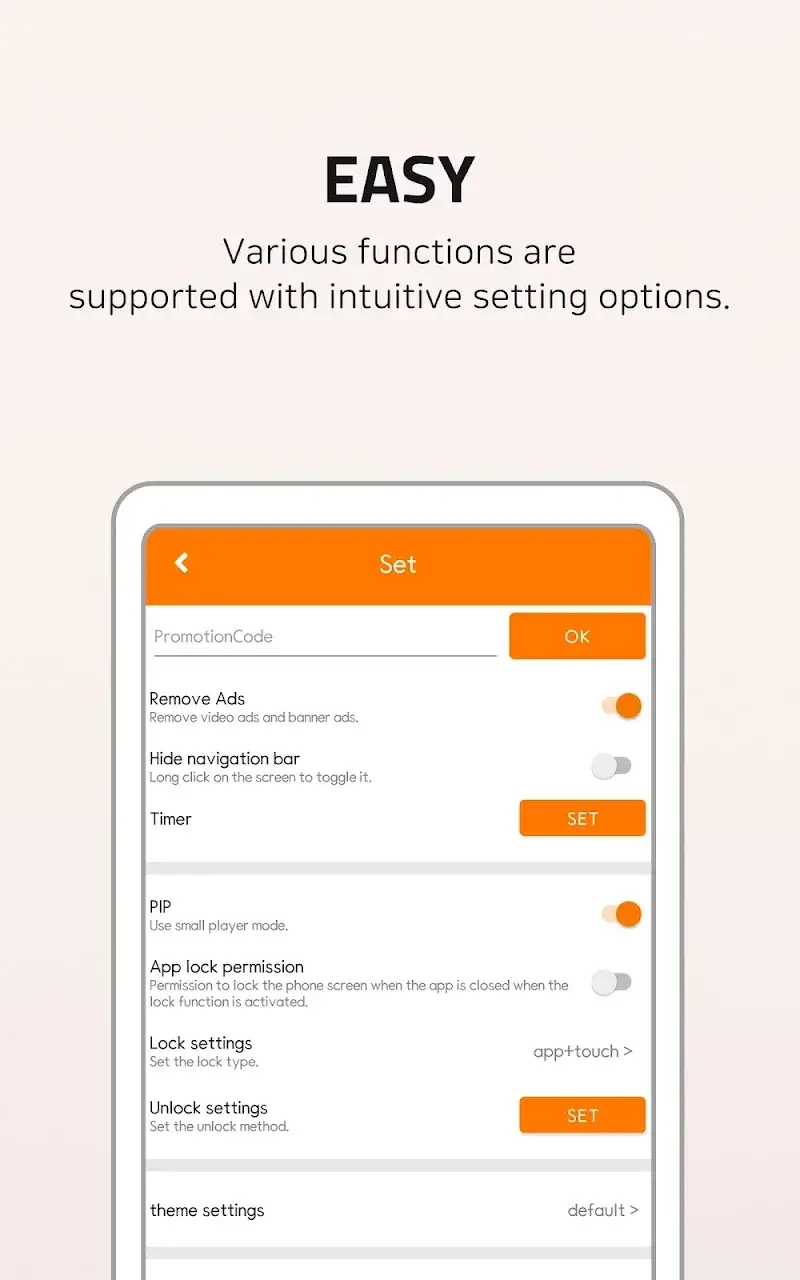
IgeBlock Mod is a utility app designed for YouTube users who want to remove video ads and enable background or floating window playback. It functions as an overlay service that intercepts and skips ad segments within the official YouTube app. The target user is someone seeking a no-frills ad-blocking solution specifically for YouTube, without switching to a modified client.
What This Mod Unlocks
- Premium subscription features unlocked permanently.
- Ad-skipping and blocking functionality enabled without subscription.
- Background audio playback mode activated.
- Floating window (Picture-in-Picture) mode unlocked.
- Screen dimming and sleep timer features are fully accessible.
- All lock screen and gesture control options are available.
The mod is applied directly to the APK. No activation sequence or mod menu is required. All premium features are available immediately upon launch of IgeBlock Mod version 2.0.12.
The application requires Android 8.0 or higher. It does not require root access. Estimated storage usage is 25-30 MB for the app, plus cache for overlay operations. The modded APK retains the same permission set as the original app, primarily the "Draw over other apps" permission for the floating window.
Installation Steps
- Download the modded IgeBlock Mod APK file.
- Enable "Install from Unknown Sources" for your file manager or browser in Android settings.
- Open the downloaded APK file and proceed with the installation prompts.
- After installation, open IgeBlock Mod and grant the necessary overlay permission.
- Start the YouTube app; IgeBlock Mod will run as a background service.
Known Edge Cases
IgeBlock Mod's ad-blocking may fail if YouTube pushes a major server-side update to its ad delivery system. The floating window feature depends on the native Android Picture-in-Picture support and may not work on heavily customized OEM skins. Clearing the app data for IgeBlock Mod will reset its settings but does not revoke the unlocked premium status. Using IgeBlock Mod with a YouTube Premium subscription is redundant and may cause conflicts. The mod is designed for the standard YouTube app; behavior with YouTube Vanced or other mods is untested.

