



 ACG
ACG
 Action
 Adventure
 Arcade
 BeautifulGirl
 Board
Board
 Card
Card
 Casual
 Chess
Chess
 Educational
 Horror
 Multiplayer
 Music
Music
 NSFW
NSFW
 Puzzle
 Racing
 Sports
 Strategy
 Survival
 Business
 Communication
 Education
 Entertainment
 Family
 News
News
 Photography
 Social
 SportsLive
 Tools
Tools
 Traffic
 Video&Music
 Weather



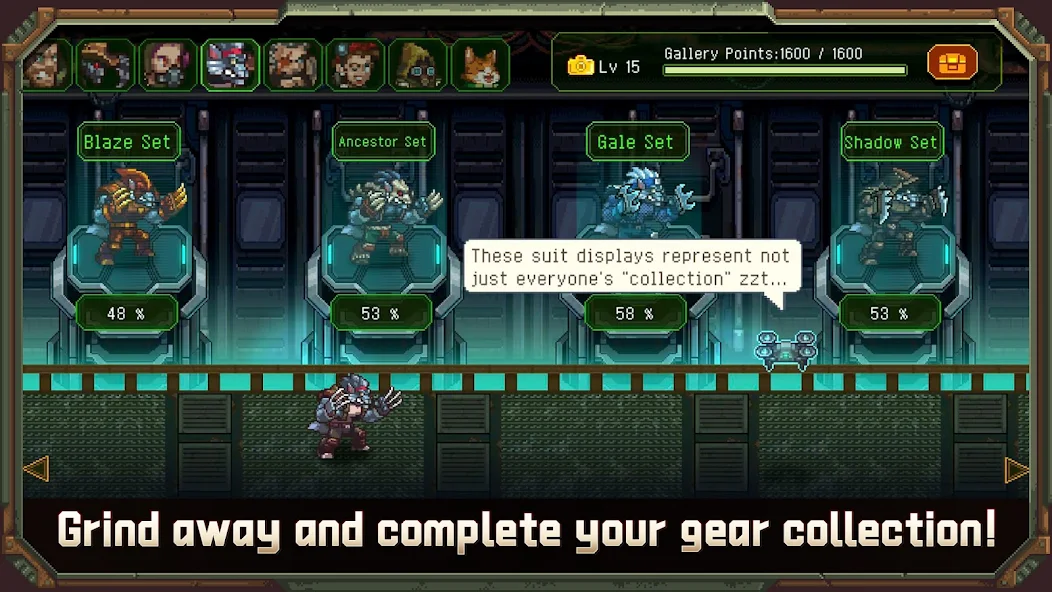
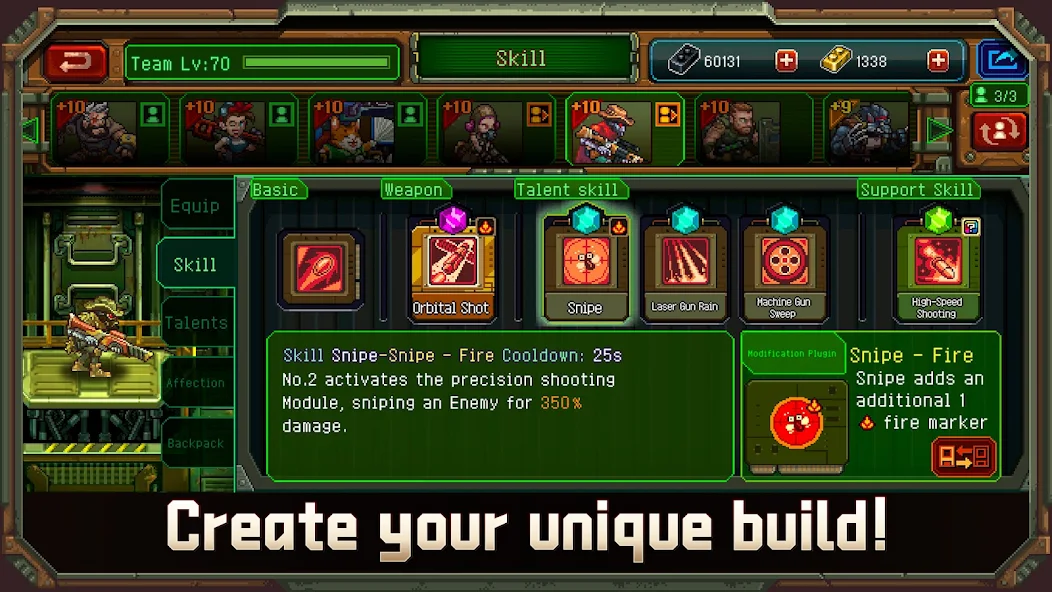
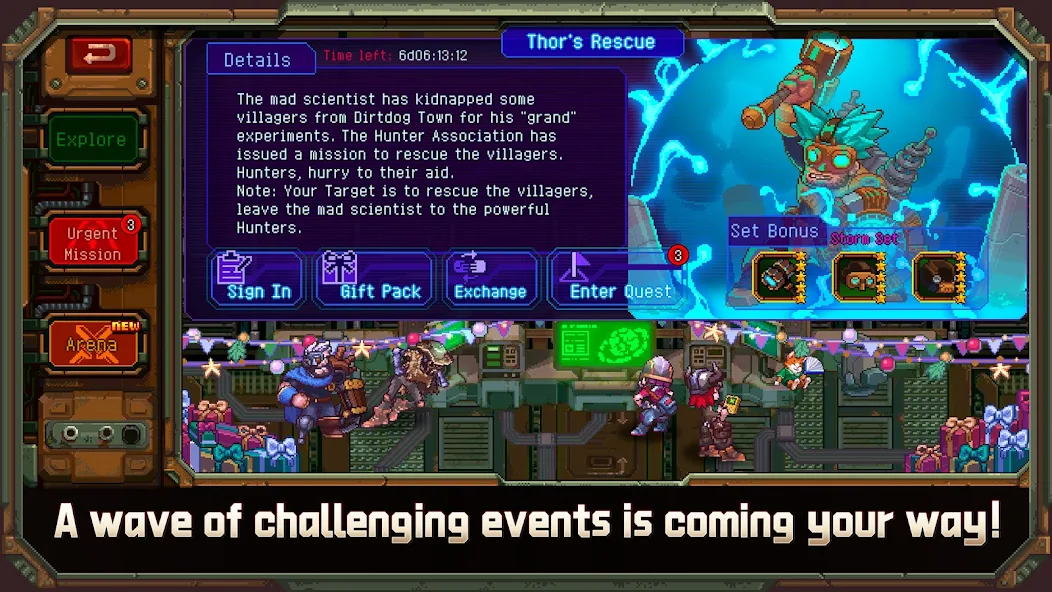
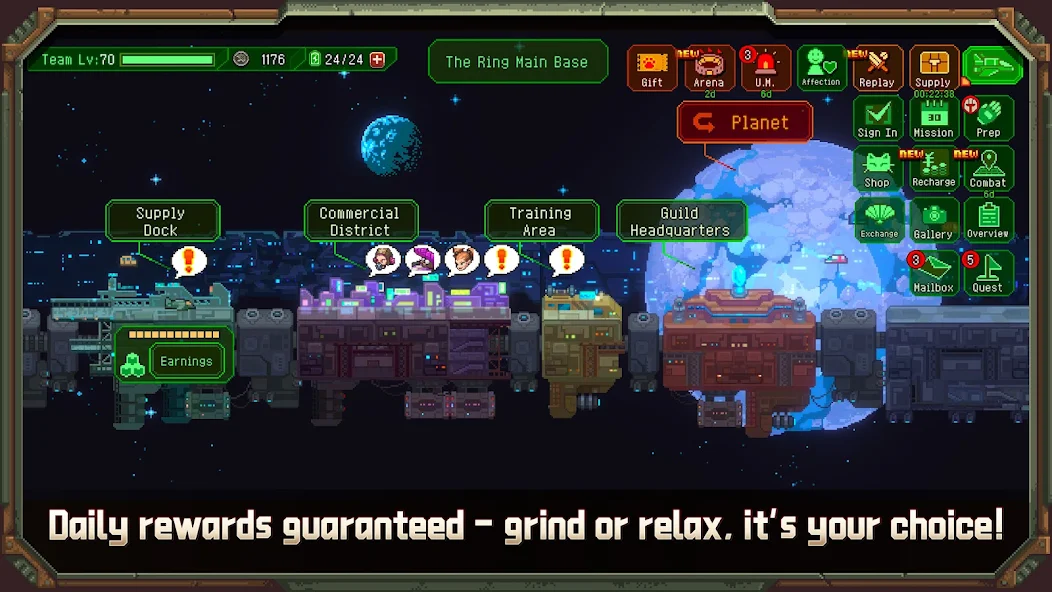
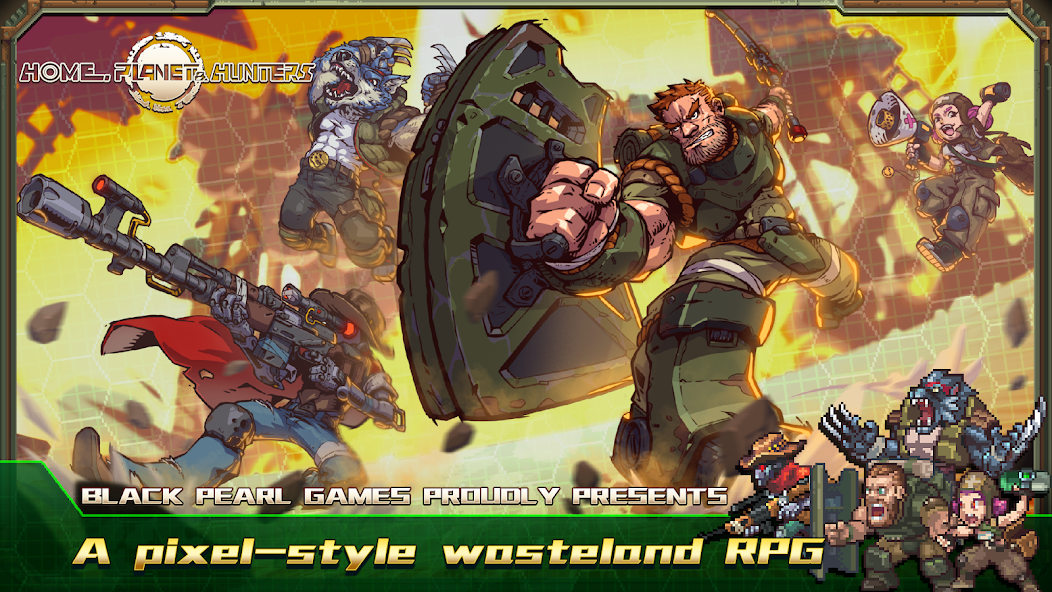
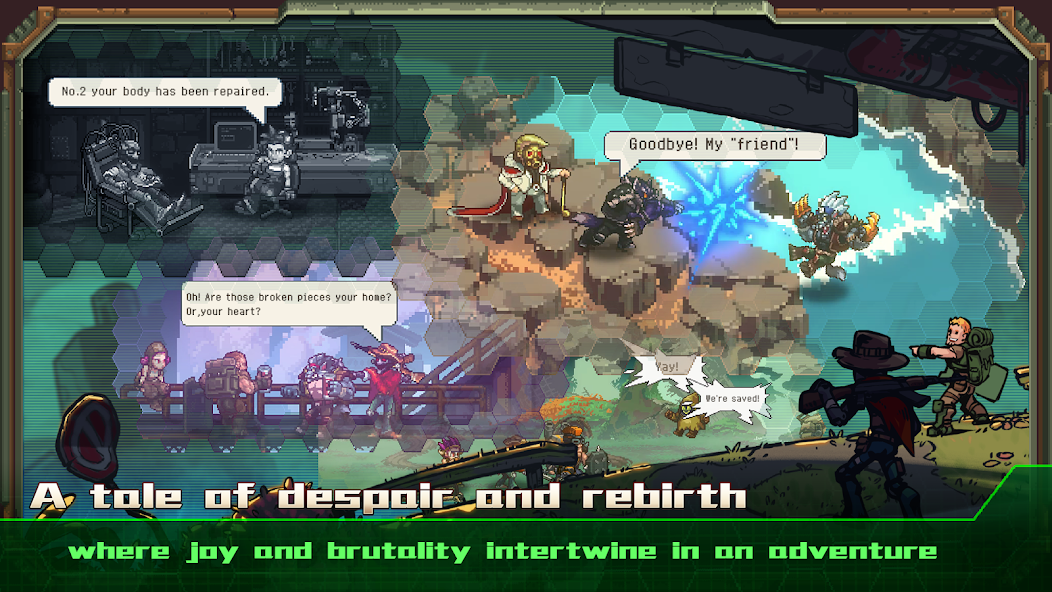
Home, Planet & Hunters Mod is a squad-based action RPG where players control a team of three hunters exploring planets and engaging in real-time combat. The game focuses on elemental combo attacks, resource gathering, and character progression within a sci-fi setting. This mod APK is for players seeking to accelerate the game's grind and bypass its designed progression gates.
What This Mod Unlocks
- Mod Menu with adjustable game speed multiplier.
- Energy system limitations are removed, allowing unlimited play sessions.
- Resource gathering restrictions are bypassed, enabling unlimited collection.
The primary modification is the injection of a floating mod menu interface. This menu provides a single functional toggle: a game speed multiplier. Activating this multiplier accelerates all in-game animations, character movement, and combat sequences. The advertised removal of energy limitations and resource caps is a secondary, passive modification applied to the game's core logic.
Activation Note
The mod menu appears as a small, semi-transparent button on the left edge of the screen shortly after the Home, Planet & Hunters Mod title screen loads. Tapping this button opens the menu panel. The speed multiplier slider is the only available control. Changes are applied immediately.
Requirements
This mod requires Android 7.0 or higher. It does not require root access. Installation requires approximately 650 MB of free storage for the APK and subsequent game data download.
Install Steps
- Download the Home, Planet & Hunters Mod mod APK file.
- Enable installation from unknown sources in Android settings.
- Open the downloaded file and proceed with installation.
- Launch the game and grant requested permissions.
- The mod menu icon will appear on the left screen edge.
Known Edge Cases
- Using high speed multipliers in Home, Planet & Hunters Mod may cause physics glitches or character pathfinding errors during complex platforming sections.
- If the game is updated via the Play Store, the mod will be overwritten and all modifications will be lost.
- Clearing the app's data resets all game progress but does not disable the mod menu functionality.
- The unlimited resources feature may not apply to time-gated event currencies, only to standard crafting materials.

