



 ACG
ACG
 Action
 Adventure
 Arcade
 BeautifulGirl
 Board
Board
 Card
Card
 Casual
 Chess
Chess
 Educational
 Horror
 Multiplayer
 Music
Music
 NSFW
NSFW
 Puzzle
 Racing
 Sports
 Strategy
 Survival
 Business
 Communication
 Education
 Entertainment
 Family
 News
News
 Photography
 Social
 SportsLive
 Tools
Tools
 Traffic
 Video&Music
 Weather
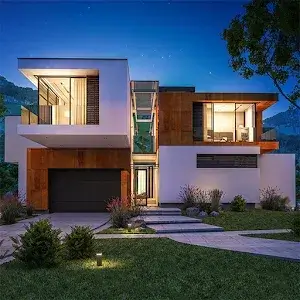


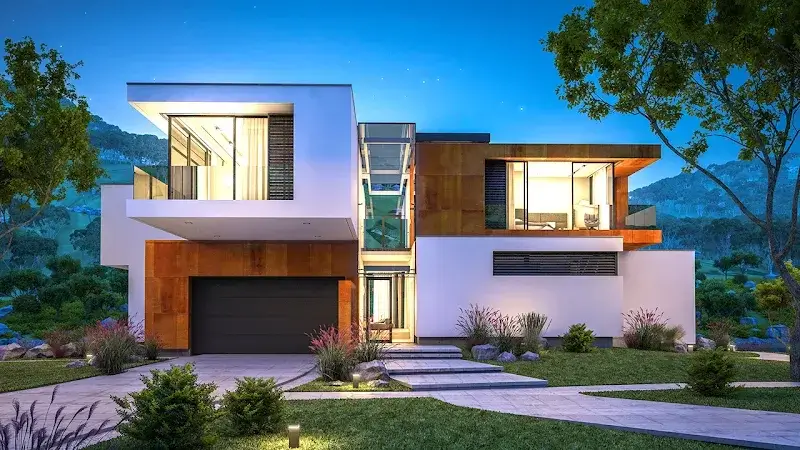
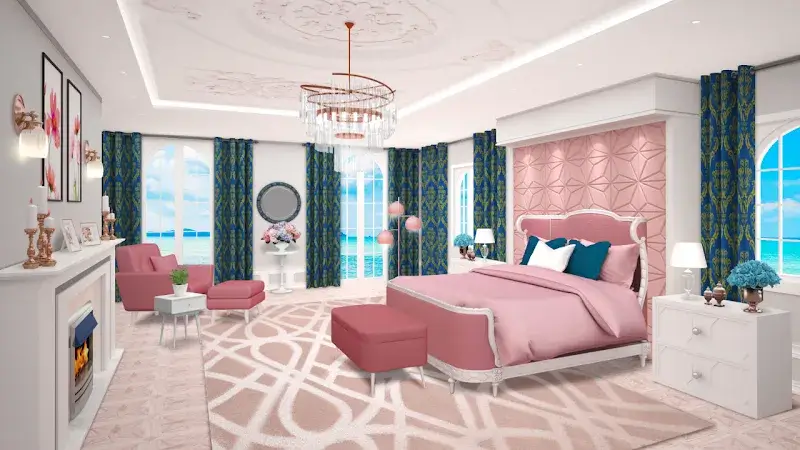
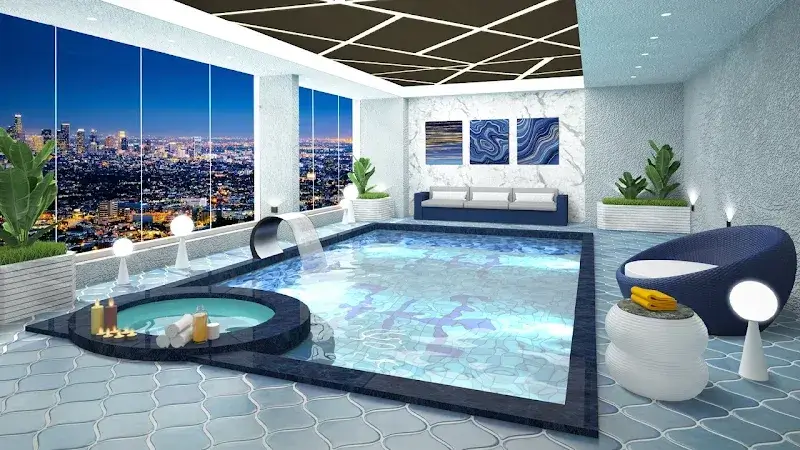
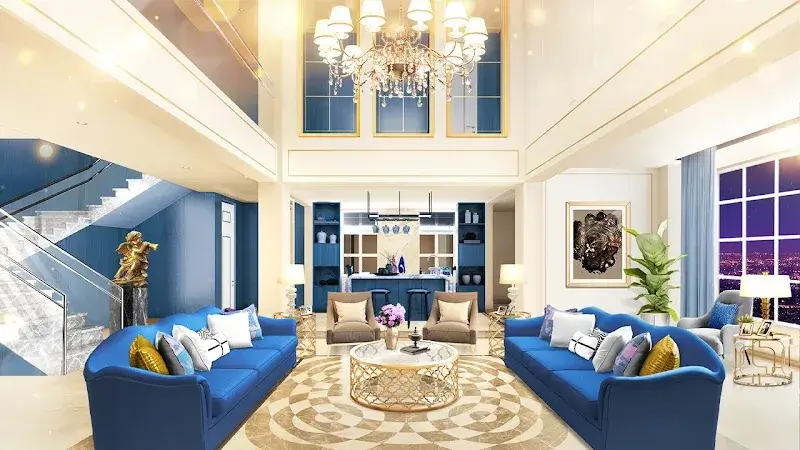
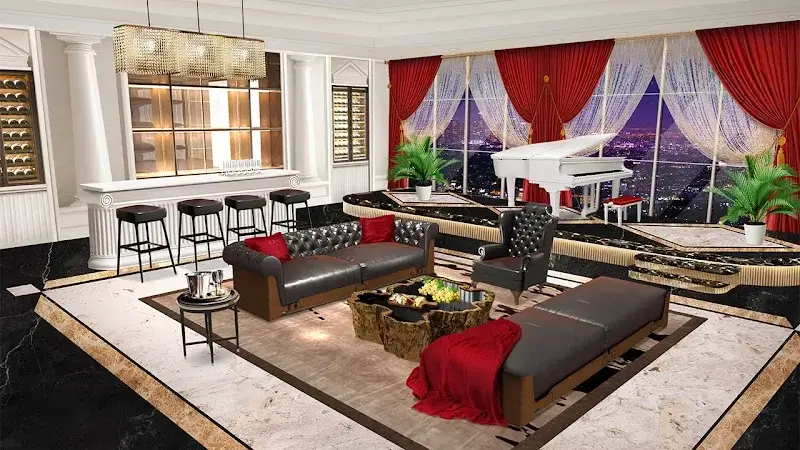
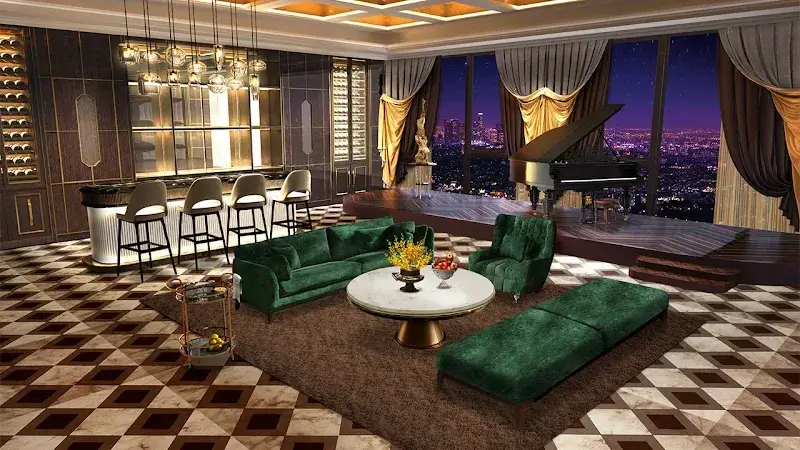
Home Design - Luxury Interiors Mod is a hybrid puzzle and interior design game. It combines match-3 puzzle mechanics with a home decoration meta-game. Players solve puzzles to earn currency, which is then spent on furniture and decor items to design luxury rooms. The target audience is casual puzzle players with an interest in interior design simulation.
What This Mod Unlocks
- Unlimited Coins: The primary in-game currency does not decrease when spent on furniture, decor, or puzzle power-ups.
- Unlimited Jewels: The premium currency remains at a high, static value and does not deplete with purchases.
- Unlimited Lives: The energy system for playing match-3 levels is removed; players can attempt puzzles without waiting for lives to regenerate.
The mod is delivered via an integrated menu. The menu icon is typically located in a corner of the main screen or level selection screen. Tapping it reveals toggle switches for each unlimited resource.
Home Design - Luxury Interiors Mod requires Android 5.1 or higher. Installation requires approximately 130 MB of free storage. Root access is not required.
Installation follows standard sideloading procedure. First, enable installation from unknown sources in Android settings. Second, download the mod APK file. Third, locate the file using a file manager and tap to install. Fourth, launch the game and confirm the mod menu is present.
Several edge cases exist. The unlimited resources are client-side only; any server-synced events or leaderboards may not reflect modded currency counts. Progress is saved locally; clearing app data will reset all game progress, though the mod features will remain functional upon re-progression. The mod menu may not be visible during initial tutorial sequences; it is advisable to complete the introductory tutorial before activating mod features.

