



 ACG
ACG
 Action
 Adventure
 Arcade
 BeautifulGirl
 Board
Board
 Card
Card
 Casual
 Chess
Chess
 Educational
 Horror
 Multiplayer
 Music
Music
 NSFW
NSFW
 Puzzle
 Racing
 Sports
 Strategy
 Survival
 Business
 Communication
 Education
 Entertainment
 Family
 News
News
 Photography
 Social
 SportsLive
 Tools
Tools
 Traffic
 Video&Music
 Weather



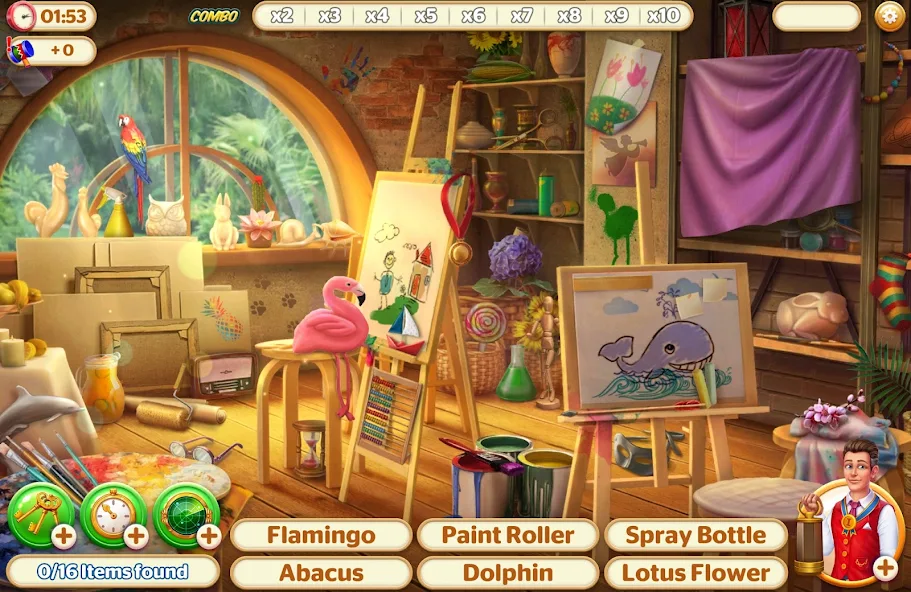
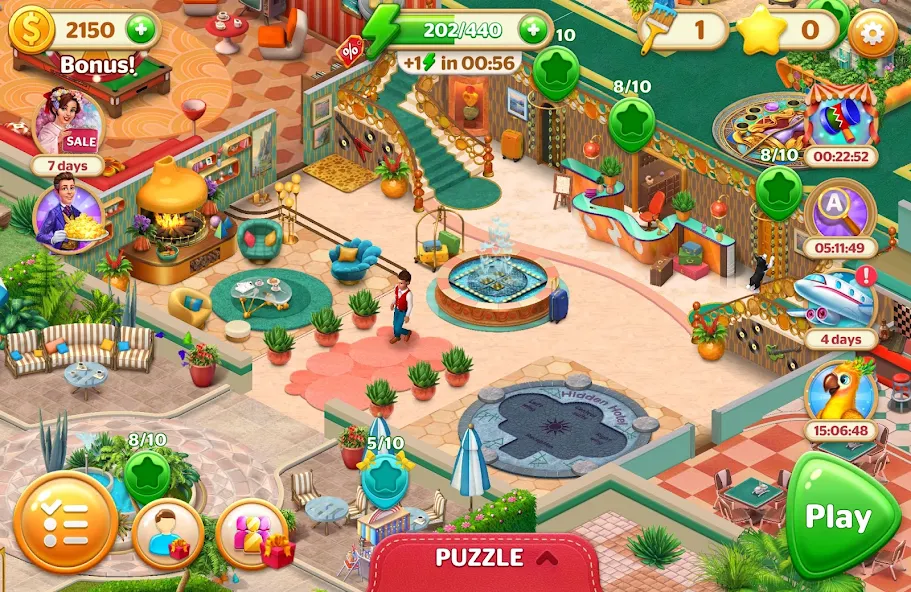
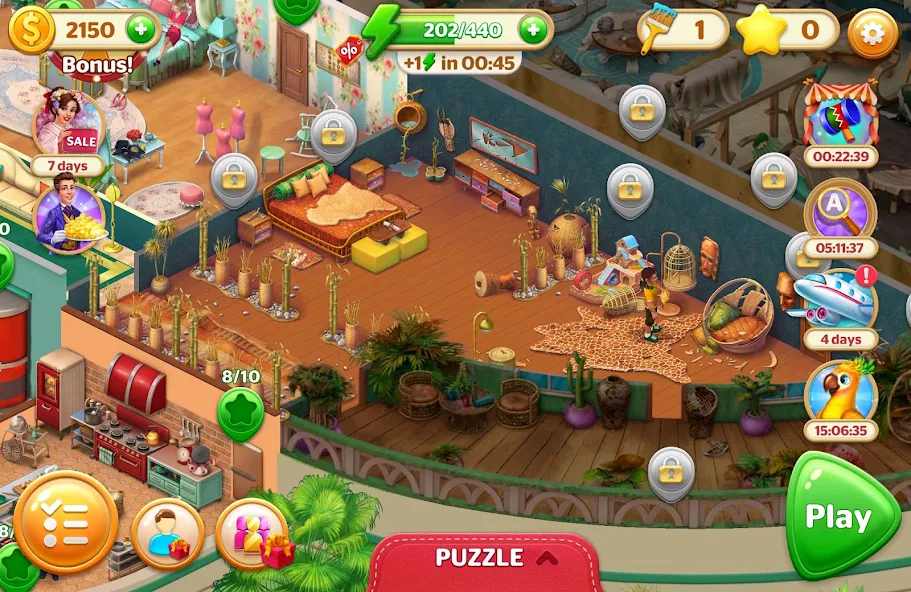
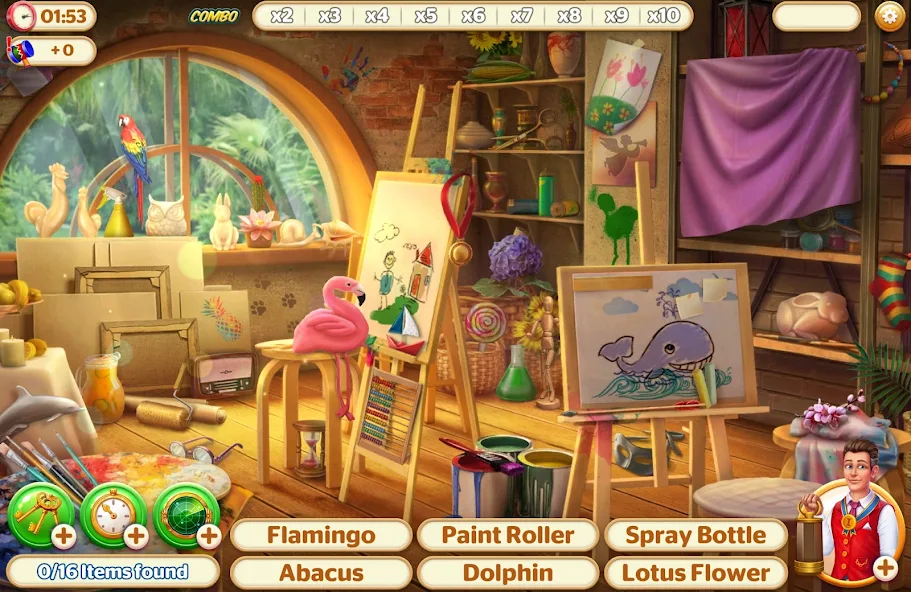

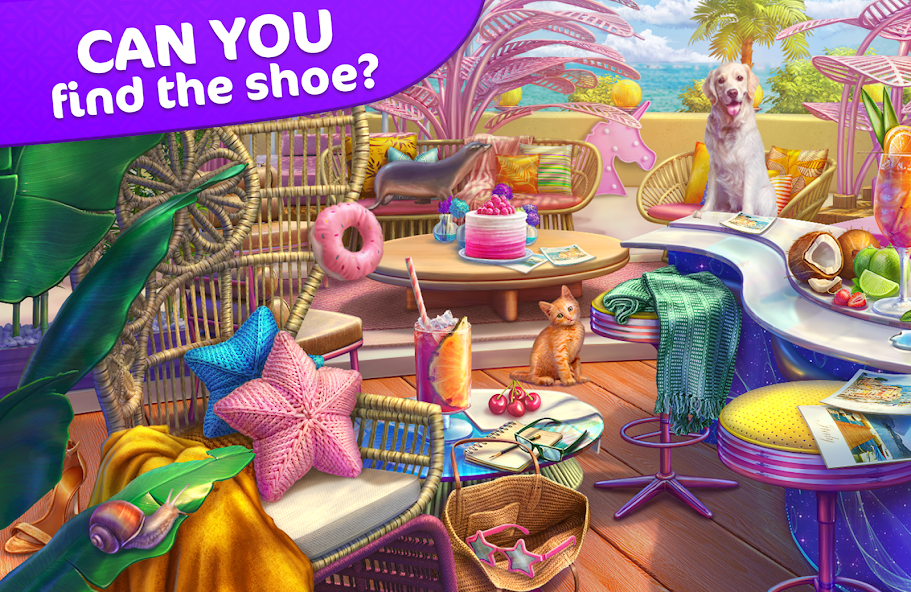
Hidden Hotel: Miami Mystery Mod is a narrative-driven hidden object and hotel management simulation game. Players inherit a dilapidated Miami hotel and must restore it by finding items, solving puzzles, and decorating rooms. The game blends adventure storytelling with casual resource management mechanics. It targets players who enjoy gradual progression intertwined with a mystery plot.
What This Mod Unlocks
- Mod Menu with on/off toggles for all features.
- Unlimited Money (Coins).
- Unlimited Gems (Premium Currency).
- All in-app purchases are free.
- Ads are disabled.
The mod injects a floating menu interface into Hidden Hotel: Miami Mystery Mod. This menu provides direct control over the game's primary resources. Activating the mod features does not require a restart of the current session.
The most critical mod feature is accessed via a semi-transparent button that appears on the game's main screen after launch. Tapping this button opens the Mod Menu. From there, you toggle "Unlimited Coins" and "Unlimited Gems" to ON. The resources will reflect the change immediately in your hotel's balance.
This version of Hidden Hotel: Miami Mystery Mod mod requires Android 8.0 or higher. It does not require root access. The installation file is approximately 195 MB, with additional data downloads likely upon first launch. Ensure you have sufficient storage.
Installation Steps
- Download the Hidden Hotel: Miami Mystery Mod mod APK file.
- Enable installation from unknown sources in your Android settings.
- Locate the downloaded file using a file manager and tap to install.
- Open the game and look for the mod menu button on the screen.
Known Edge Cases
- The mod menu button may be obscured on certain device resolutions; it can usually be dragged to a new position.
- Progress made with modded resources is client-side only. Cloud save synchronization may revert balances to official server values.
- Clearing the app's data or cache will reset all progress, including modded currency, requiring a fresh start.
- Some time-gated events or server-verified purchases may not function correctly with the mod active.

